Steps to reproduce
Using Obisidan on iOS 1.11.5 (279),
- Open a note
- Swipe right
- Click on Files popup.
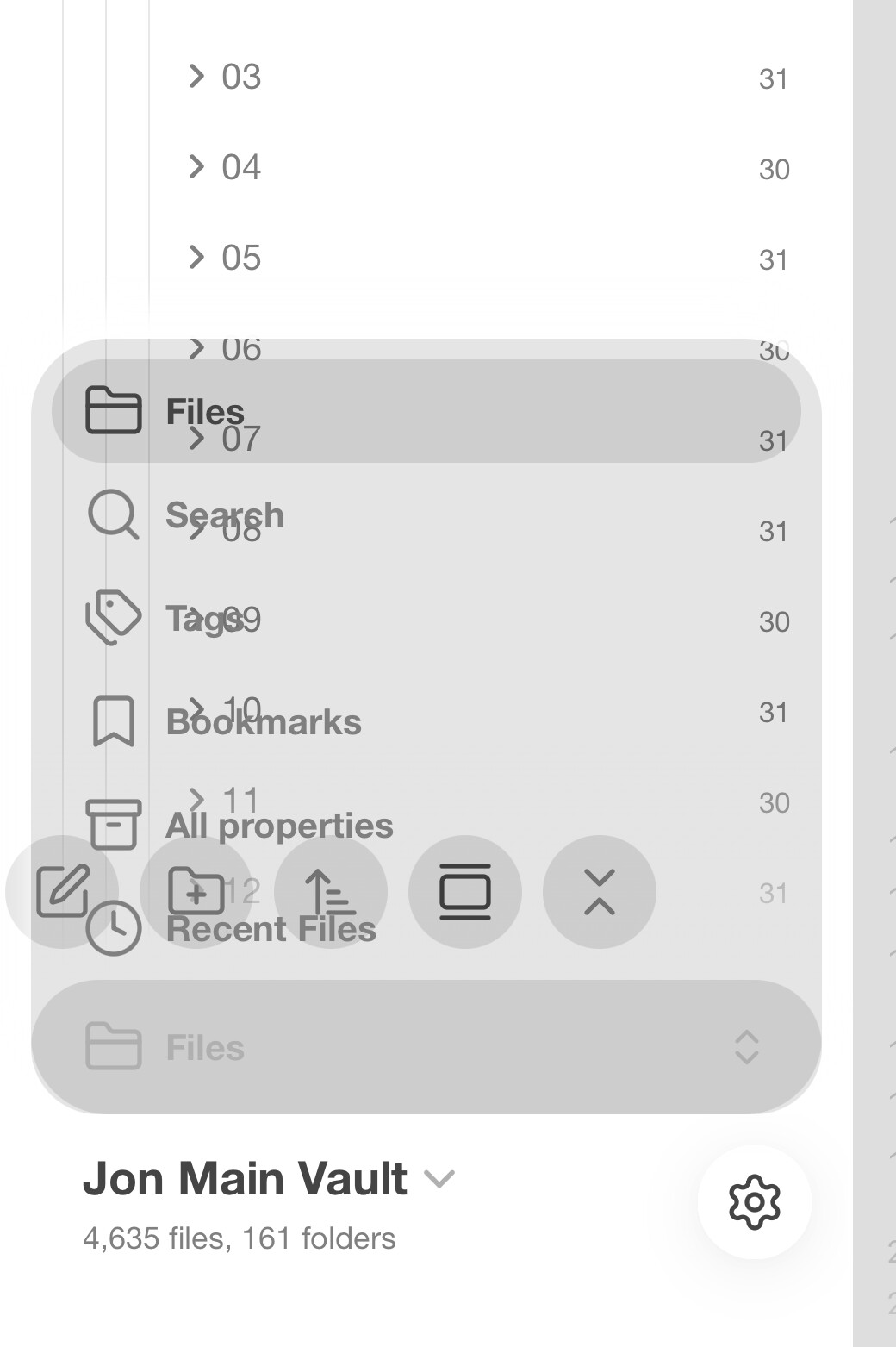
Popup options appear over File Finder text and becomes unreadable.
Did you follow the troubleshooting guide? [Y/N]
I don’t see any troubleshooting for this.
Expected result
Pop up window should be readable, not transparent text over text.
Actual result
Unreadable text.
Environment
Operating system: ios 26.2 (Apple iPhone16,1)
Obsidian version: 1.11.5 (279)
API version: v1.11.5
Login status: logged in
Language: en
Catalyst license: none
Live preview: on
Base theme: light
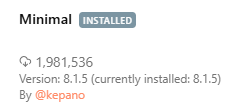
Community theme: Minimal v7.7.18
Snippets enabled: 4
Restricted mode: off
Plugins installed: 34
Plugins enabled: 31
	1: Recent Files v1.7.6
	2: Advanced Tables v0.22.1
	3: Advanced URI v1.46.0
	4: Better Word Count v0.10.1
	5: Checklist Reset v1.3.1
	6: Copy as HTML v1.1.3
	7: Daily note creator v1.0.0
	8: Dangling links v0.3.0
	9: Dataview v0.5.68
	10: Excel to Markdown Table v0.4.0
	11: Extract url content v0.12.1
	12: File Explorer Note Count v1.2.4
	13: Find orphaned files and broken links v1.10.1
	14: Heatmap Calendar v0.7.1
	15: Importer v1.8.3
	16: Multi Properties v1.3.0
	17: Note Refactor v1.8.2
	18: Omnisearch v1.28.0
	19: Outliner v4.9.0
	20: Rollover Daily Todos v1.2.0
	21: Tag Wrangler v0.6.4
	22: TagFolder v0.18.13
	23: Templater v2.16.4
	24: Uncheck All v1.0.2
	25: Vault Statistics v0.1.3
	26: MetaEdit v1.8.2
	27: Instapaper v1.1.5
	28: Filename Heading Sync v1.10.3
	29: Minimal Theme Settings v8.1.1
	30: Style Settings v1.0.9
	31: Regex Find/Replace v1.2.0
Additional information
Here’s what it looks like: