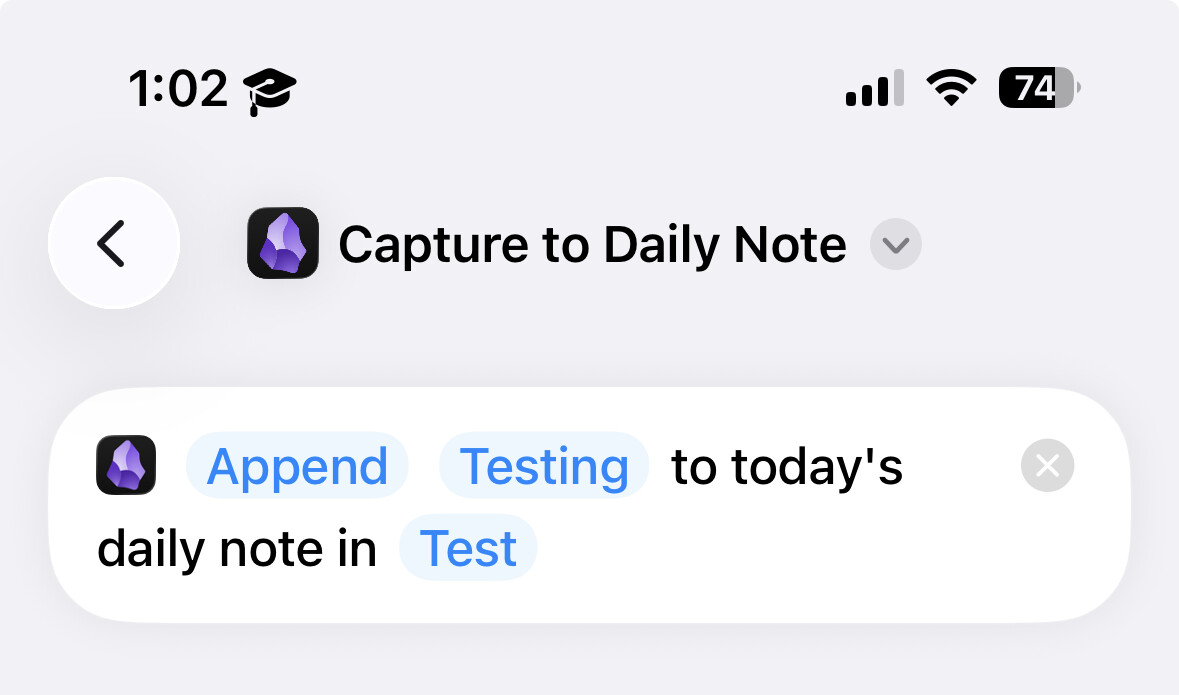
Currently, capture to daily note, either via Shortcut, Obsidian URI, or Share Sheet, does not work UNLESS the daily note already exists.
This happens because, in the new implementation, capturing to daily note no longer requires opening the main App. If the daily note is created while the app is not running, there may be potential conflicts with automatic template injection and/or Obsidian Sync that can lead to data loss.
As a workaround, you have to first open the app and create the daily note for the day.
We will revisit this at some point in the future.
Once you’ve done the above, delete everything above this line.
Steps to reproduce
Setup new empty vault (on iOS) and create Daily Notes folder. Setup Daily Notes core plugin to place in folder.
Create a new shortcut in the iOS app. add the “Capture to Daily Note” action and fill out text with something like “Testing” and assign to the empty vault
Run Shortcut. Expect Error “File: “Test/Daily Notes/2026-01-23.md” not found”
Did you follow the troubleshooting guide? [Y/N]
Yes, I went through the troubleshooting guide
Expected result
It will add the text “Testing” the day’s daily note. If the daily note doesn’t exist, a new one will be made and then text added.
Actual result
Shortcut app will send a notification or prompt you saying “File “Test/Daily Notes/2026-01-23.md” not found.” (today’s date)
Environment
SYSTEM INFO:
Operating system: ios 26.2 (Apple iPhone15,2)
Obsidian version: 1.11.5 (279)
API version: v1.11.5
Login status: logged in
Language: en
Catalyst license: none
Live preview: on
Base theme: adapt to system
Community theme: none
Snippets enabled: 0
Restricted mode: on
RECOMMENDATIONS:
none
Context: I’m using this capture to daily note as a task quick capture (working with the Tasks community plugin). I would think that expected behavior for this shortcut action to create a new note (with the appropriate daily note template if specified) and then add the text. If this isn’t what the devs meant, I’d greatly appreciate a workaround or alternative to achieve this functionality. Thanks!
@WhiteNoise Hey I just tested the bug on my iphone as well and still have the issue. I’ve attached a recording of the bug below. Thanks
ScreenRecording_02-07-2026 22.mov.zip (8.3 MB)
SYSTEM INFO:
Operating system: ios 26.2.1 (Apple iPhone15,2)
Obsidian version: 1.11.7 (287)
API version: v1.11.7
Login status: logged in
Language: en
Catalyst license: none
Live preview: on
Base theme: adapt to system
Community theme: none
Snippets enabled: 0
Restricted mode: on
Hello. I haven’t been able to reproduce this specific problem.
However, in 1.12.3 we fixed another problem with daily notes. Let me know if it fixes your problem when you get it.
Still seeing this. If a Daily note doesn’t exist it fails on an unable to find note error. Error message reads Error / File “Home/Daily/206-03-16.md” not found.
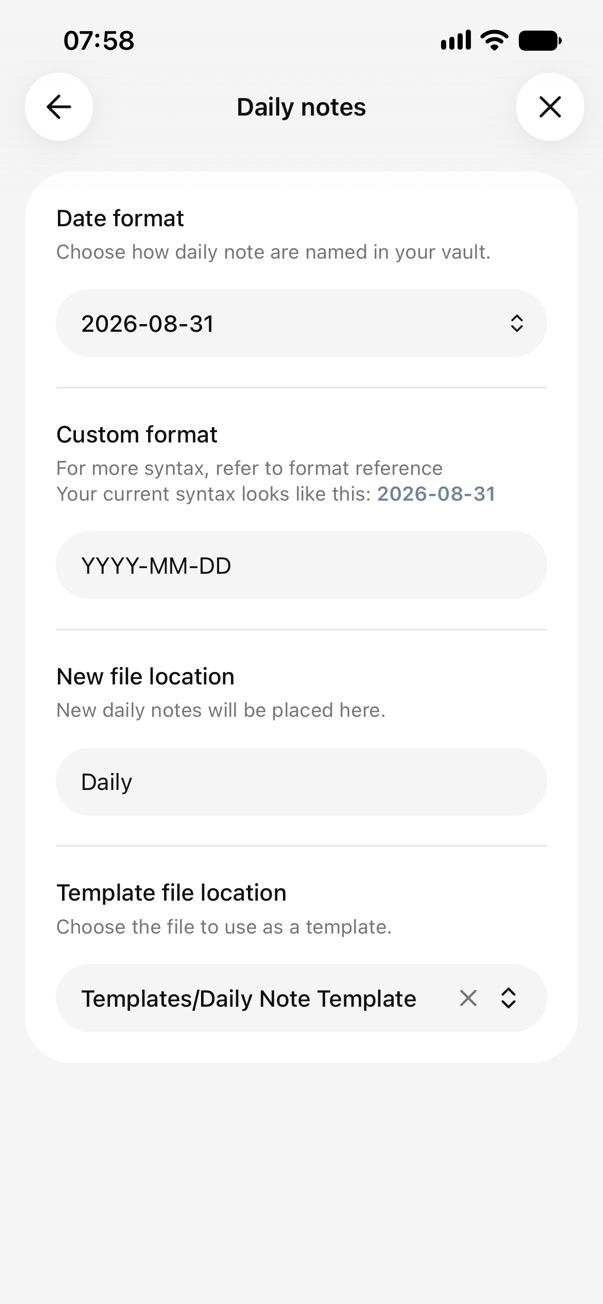
Daily notes settings: Date format is YYYY-MM-DD. New file location is folder in value called “Daily”. Template file location is empty.
Obsidian mobile iOS v 1.12.4 (299). Cupertino theme FWIW. I just turned off community plugins and replicated. iOS itself is at 26.3.1 (current). I use Obsidian Sync and have a Catalyst license.
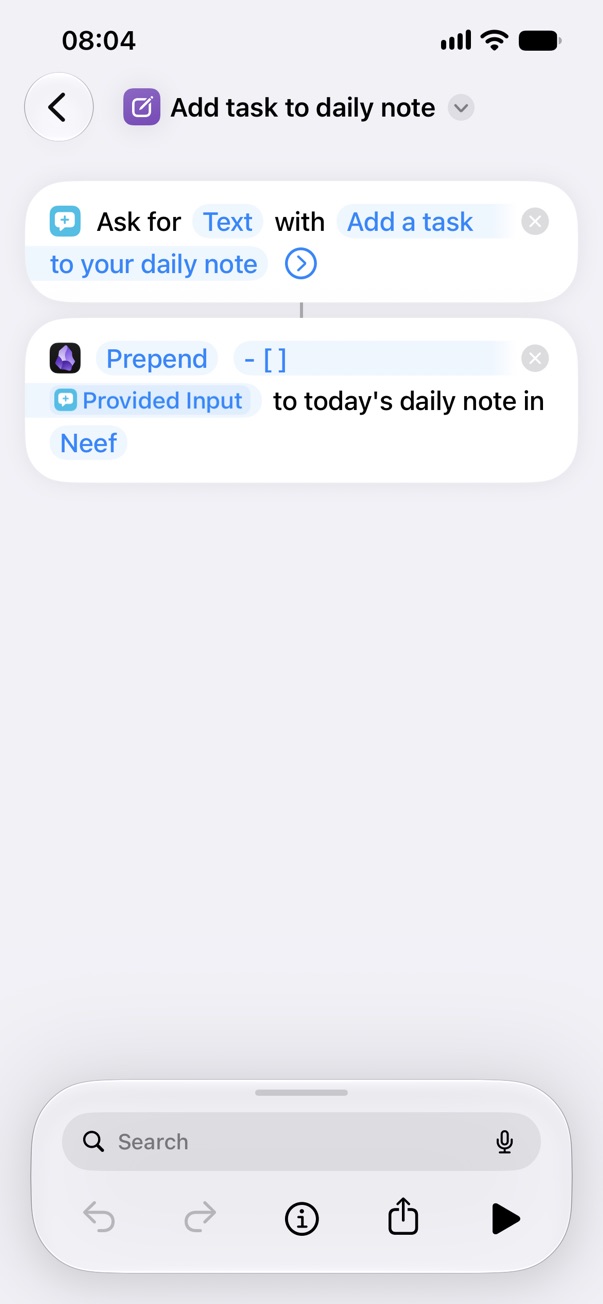
I’m currently encountering this issue as well. Below you can see a screen recording of it happening, the shortcut I’m using, and my Daily notes settings.
My debug info is:
SYSTEM INFO:
	Obsidian version: 1.13.7 (365)
	API version: 1.13.7
	Operating system: iOS 27.0 (Apple iPhone14,5)
	Login status: not logged in
	Language: en-GB
	Live preview: on
	Base theme: adapt to system
	Community theme: Minimal 9.0.2
	Snippets enabled: 0
	Restricted mode: off
	Plugins installed: 2
	Plugins enabled: 2
		1: YAOS v2.1.1
		2: Tasks v8.4.0
I’m seeing the same issue. Is there a workaround, like an if statement in shortcuts that checks if the file exists first and if it doesn’t it can create it from a template? How would one implement that and get it to pull in the daily note template?