Hello!
I’m looking to obtain headers inline with the content, specifically for header 6, as was requested by this older post : https:// forum.obsidian.md/t/display-a-header-inline-with-text/71881 (sorry it’s not an actual link, I couldn’t seem to add a hyperlink…)
I’ve implemented the solution proposed by u/woofy31 . However, the inline character doesn’t seem to function when in live edit/preview view. I have tried adjusting the css code, but, having no experience whatsoever in this domain, it has been fairly unsuccessful. I’m happy to show the various things I’ve tried, but I’m not convinced of its helpfulness…
What’s more, the solution offered seems to render new lines (in the sense of ‘\n’) useless.
What I am trying to achieve, both in reading mode and live edit mode :
header 6 Lorem ipsum dolor sit amet, header 6 consectetur adipiscing elit,
header 6 sed do eiusmod tempor incididunt ut labore et dolore magna aliqua.

is what I get, in reading mode
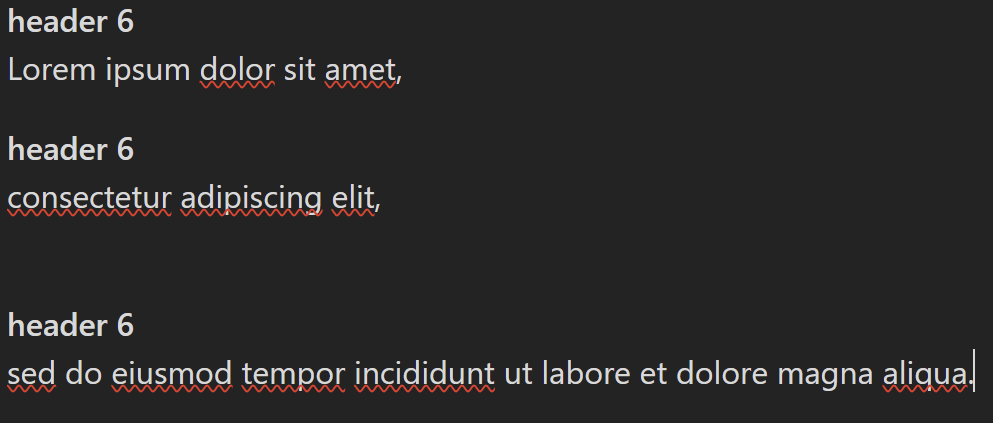
In preview/live edit mode
Thanks in advance for any help!
