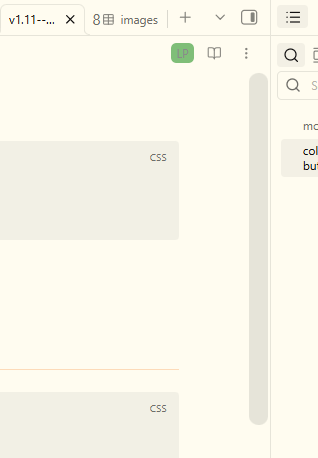
I have tried the following snippet from an older forum post:
/* Scrollbar /
/ change width */
::-webkit-scrollbar {
width:18px !important;
}
However, in the current minimal theme, this just makes the scrollbar disappear entirely.
Does anyone have a working snippet? Thank you.
ariehen
January 14, 2026, 10:31pm
2
That works for me in the latest Minimal using Obsidian v1.11.4. Wonder why it’s not working on your end.
Give this version a try:
body:not(.native-scrollbars) ::-webkit-scrollbar {
    width: 25px;
}
Thank you, but unfortunately, same result - scrollbars disappear. :\
Also found a reddit thread with another person having a similar problem (although they are trying to make it narrower while I want to make it wider). https://old.reddit.com/r/ObsidianMD/comments/1k16mm6/css_snippet_to_change_scroll_bar/
I am using Mac OSX if that makes a difference.
Ah, yes. Can confirm both snippets above disappear the scrollbar on macOS.
I’ll have a poke at it this weekend when/if I get some time.
ariehen
January 17, 2026, 12:58am
5
Seems macOS needs a bit more love. Give this a try:
body ::-webkit-scrollbar {
    width: 18px;
}

body ::-webkit-scrollbar-thumb {
    background-color: var(--scrollbar-active-thumb-bg);
    -webkit-border-radius: var(--radius-l);
}
The background-color value is var(--scrollbar-active-thumb-bg) which Minimal sets to var(--ui3); but can easily be changed to your own color and/or separated out for light and dark color schemes. e.g.
body ::-webkit-scrollbar {
    width: 18px;
}

body ::-webkit-scrollbar-thumb {
    background-color: rgba(188, 222, 174, 0.8);
    -webkit-border-radius: var(--radius-l);
}
or by color color scheme:
body ::-webkit-scrollbar {
    width: 18px;
}

body.theme-light ::-webkit-scrollbar-thumb {
    background-color: rgba(188, 222, 174, 0.8);
    -webkit-border-radius: var(--radius-l);
}

body.theme-dark ::-webkit-scrollbar-thumb {
    background-color: rgba(255, 204, 196, 0.8);
    -webkit-border-radius: var(--radius-l);
}
Hope that helps and works on your end!
Thank you so much for figuring this out and getting back to me. It works perfectly!