This is a regression from v1.10.3.
I’ve been using v1.9.14, and it didn’t occur there.
Steps to reproduce
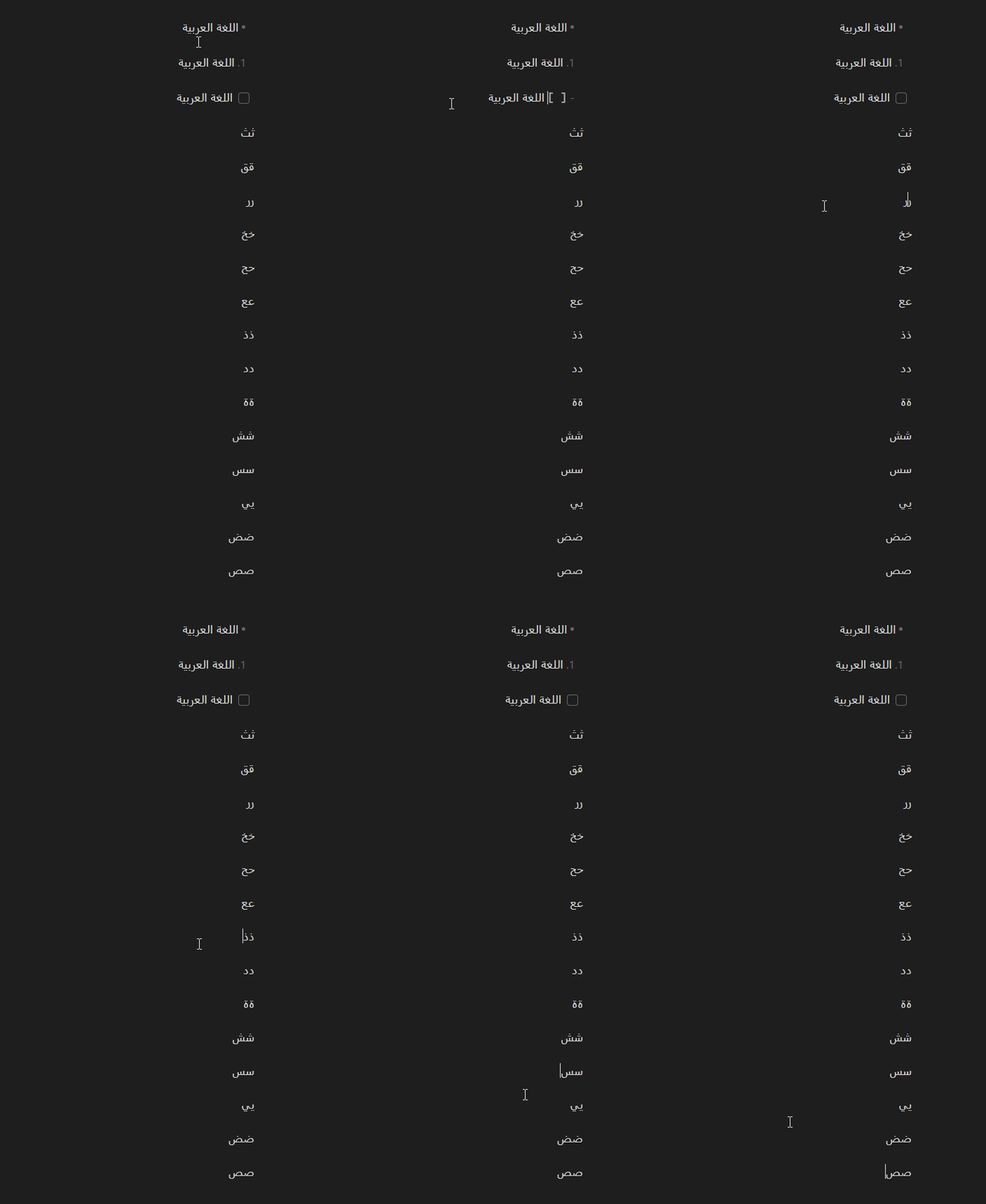
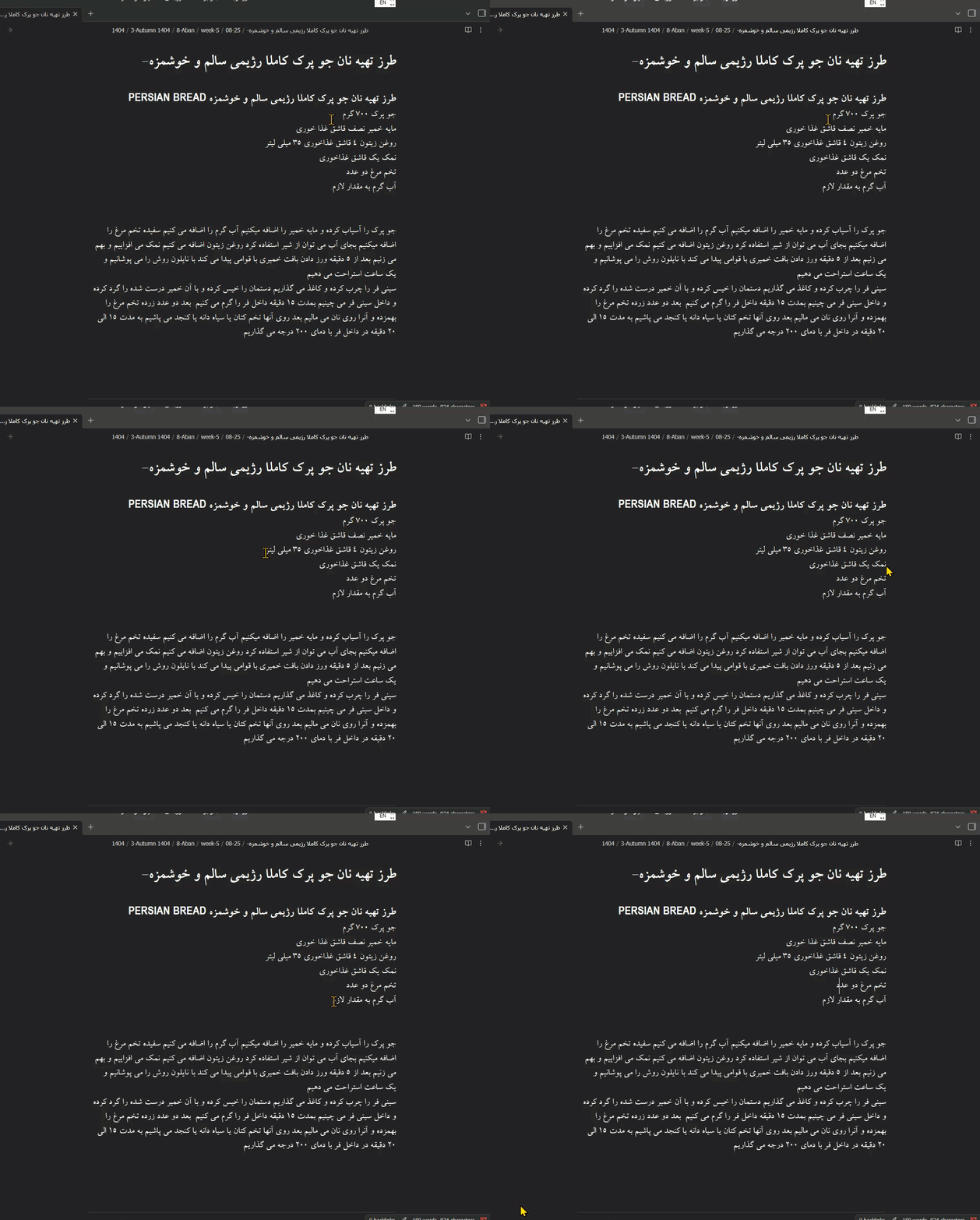
Placing the cursor at the end of RTL text doesn’t work correctly.
In list items and checkboxes, the cursor appears after the list marker instead of at the end of the text.
In regular body text, the cursor appears before the last character instead of at the end of the text.
Please see the GIF below.
Did you follow the troubleshooting guide? [Y/N]
Y
Expected result
When placing the cursor at the end of RTL text, it should appear at the end of the text (to the left for RTL languages), not after the list marker or in an incorrect position.
Environment
SYSTEM INFO:
	Obsidian version: v1.10.3
	Installer version: v1.10.3
	Operating system: Windows 11 Pro 10.0.26100
	Login status: not logged in
	Language: en
	Insider build toggle: off
	Live preview: on
	Base theme: adapt to system
	Community theme: none
	Snippets enabled: 0
	Restricted mode: on

RECOMMENDATIONS:
	none
To add further information, observe what happens when interacting with an RTL line, e.g.
טקסט לדוגמה
Before the regression, pressing the HOME key moved the cursor to the beginning of the line, and pressing the END key moved it to its end.
After the regression, pressing the HOME key moves the cursor to after the first character of the line. Pressing it again moves it to the actual beginning of the line (and pressing once more returns to after the first character).
Similarly, pressing the END key moves to before the last character, and pressing it again toggles it between the incorrect and correct positions.
I’m also experiencing the exact same behavior described by @Bip, and the same problems happen when using the mouse to move the cursor.
Most notably, when clicking after the end of a line with the intention of moving the cursor to the end of that line, the cursor instead moves before the last character (in other words, it moves to the second to last character instead of moving to the last character of the line).
Title: Incorrect Cursor Placement in RTL Text (Regression in v1.10.3)
Description:
After updating to Obsidian v1.10.3, I noticed a regression when working with right-to-left (RTL) text such as Persian or Arabic. The cursor does not appear in the correct position while editing, which makes navigation and text editing confusing and difficult. This issue was not present in earlier versions and seems to be introduced in v1.10.3. Please investigate and fix this regression, as it significantly impacts usability for RTL users.
After updating to Obsidian v1.10.3, I noticed a regression when working with right-to-left (RTL) text such as Persian or Arabic. The cursor does not appear in the correct position while editing, which makes navigation and text editing confusing and difficult. This issue was not present in earlier versions and seems to be introduced in v1.10.3. Please investigate and fix this regression, as it significantly impacts usability for RTL users.
SYSTEM INFO:
Obsidian version: v1.10.3
Installer version: v1.8.9
Operating system: Windows 11 Pro 10.0.26200
Login status: logged in
Language: en
Catalyst license: none
Insider build toggle: off
Live preview: on
Base theme: dark
Community theme: none
Snippets enabled: 0
Restricted mode: on
As you may know, this issue is fixed in version 1.10.4 (thanks to the Obsidian team). However, Persian-speaking users in Iran (Persian is an RTL language, and the issue affects it too) cannot pay directly for a Catalyst license to download the beta due to international sanctions, so they must wait for the official public release. I hope the Obsidian team will publish a publicly downloadable build soon to fix this annoying problem.