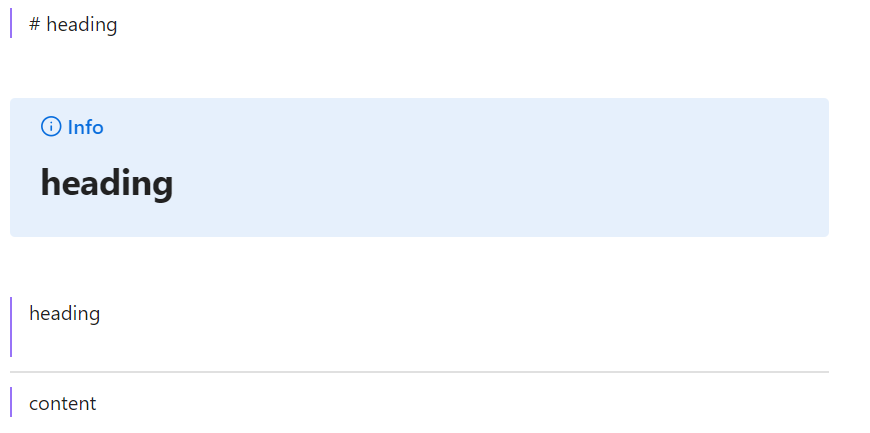
Steps to reproduce
Add the following to a note:
> one line
> ---
> another line
>
Expected result
It should render in a semantically similar way in both Reading and Live Preview modes.
Actual result
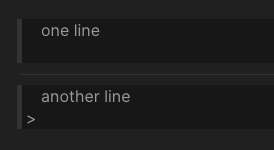
It looks like this in Live Preview, the dashes are interpreted as horizontal line:
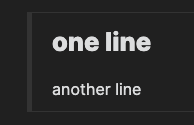
And looks like this in Reading mode, the dashes are interpreted as heading:
Environment
- Operating system: macOS Big Sur
- Debug info:
SYSTEM INFO:
	Obsidian version: v0.14.1
	Installer version: v0.13.19
	Operating system: Darwin Kernel Version 20.6.0: Wed Jan 12 22:22:45 PST 2022; root:xnu-7195.141.19~2/RELEASE_ARM64_T8101 20.6.0
	Login status: logged in
	Catalyst license: insider
	Insider build toggle: on
	Live preview: on
	Legacy editor: off
	Base theme: dark
	Community theme: none
	Snippets enabled: 0
	Safe mode: on

RECOMMENDATIONS:
	none