Use case or problem
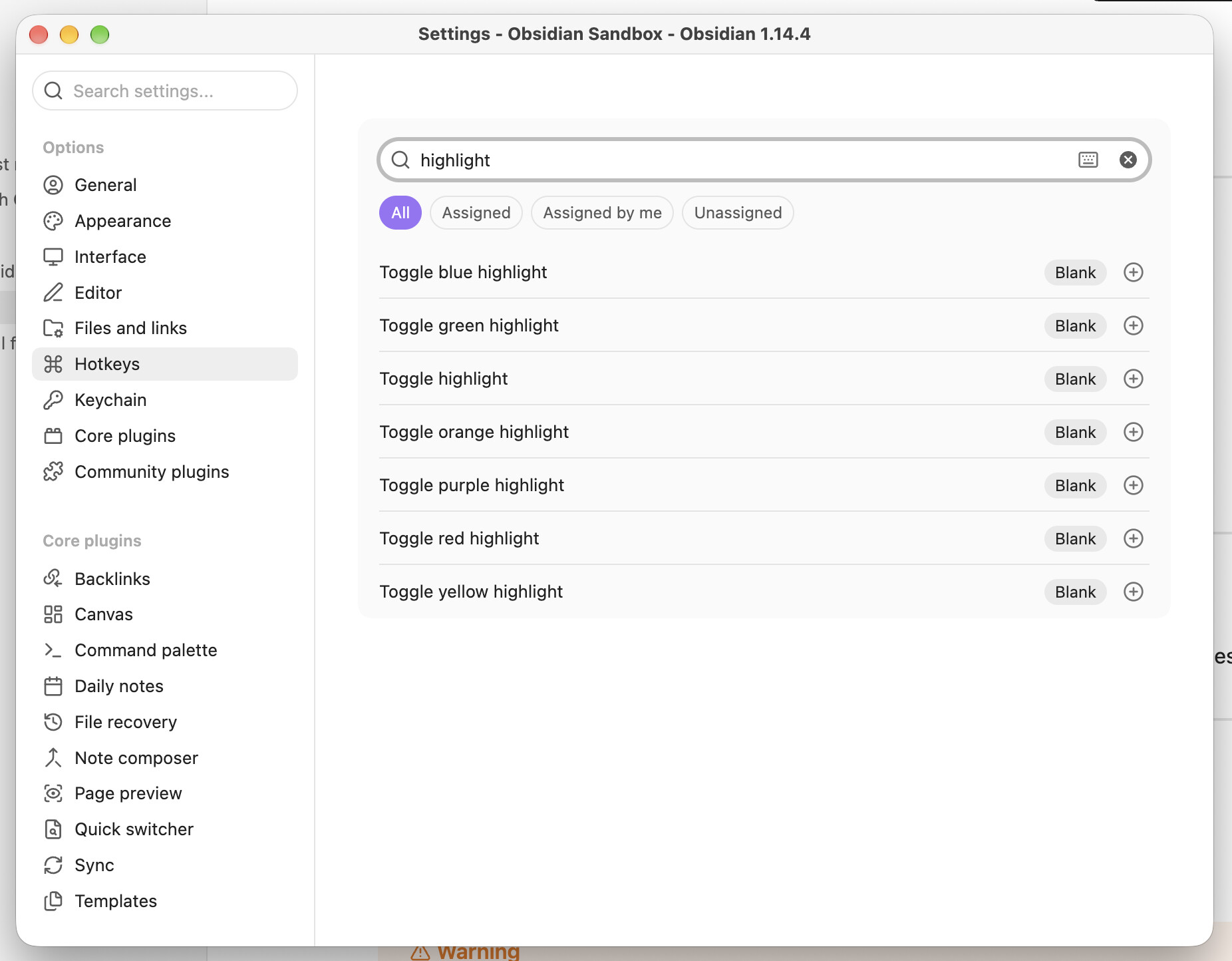
- Faster highlighting of pre-existing text.
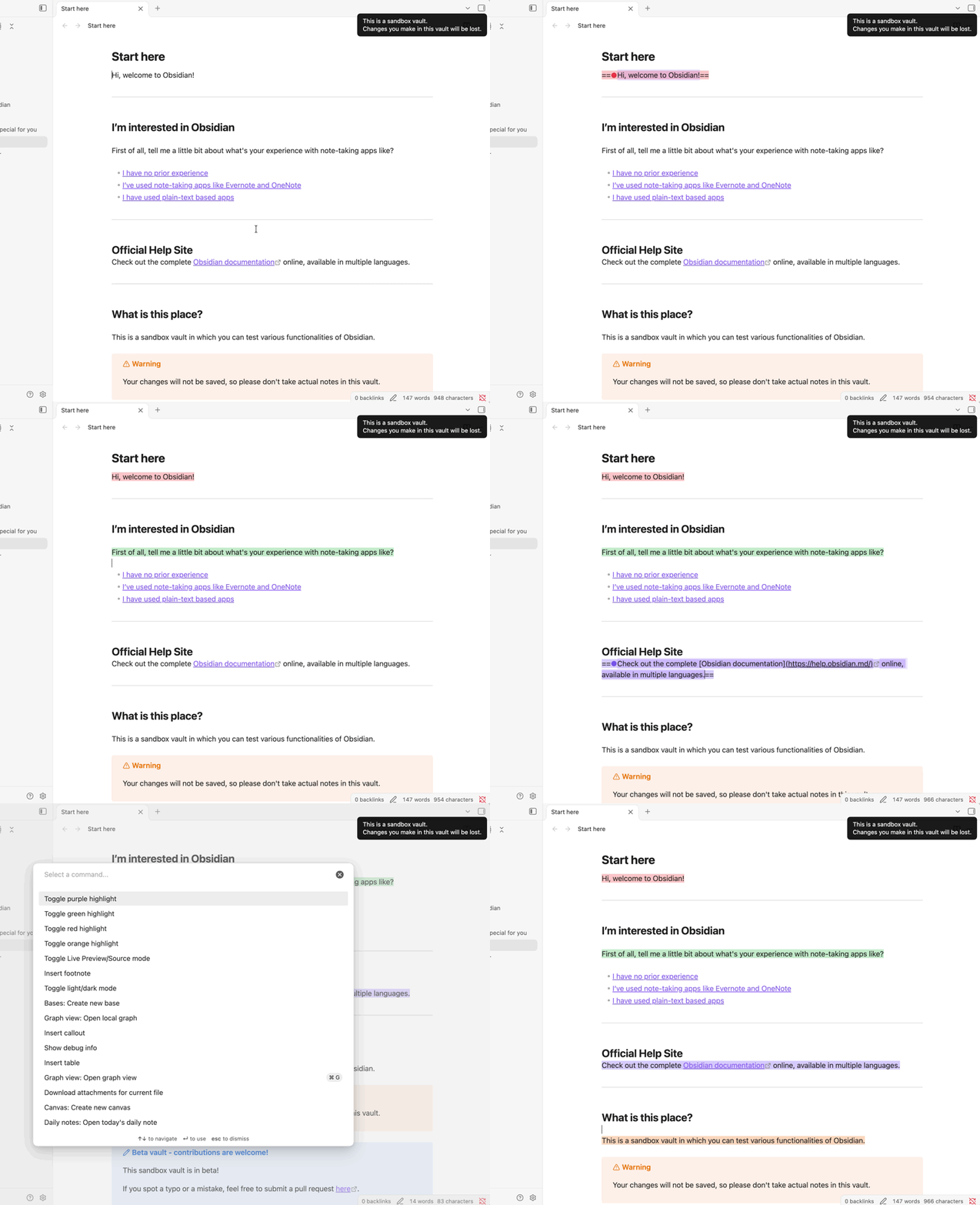
- Currently, the color emoji introduced in v1.14 is only available when I create a
==, select the color, and then type the text. - Or, if I type
==at the beginning of a phrase, I can select the color, but I then have to add the closing==at the end. - If I select text and then highlight it, the color emoji doesn’t appear
- Currently, the color emoji introduced in v1.14 is only available when I create a
Proposed solution
- If the selected text is highlighted, an emoji color picker should appear.
Current workaround (optional)
- Currently, I select the text, right-click to open the Format menu, then open the Highlight submenu, and then choose the color. SO MANY AND IMPRACTICAL CLICKS.