Is this project open source? Yes
Is this project completely free? Yes
Is this project vibe-coded beyond the author’s ability to comprehend how it works? No
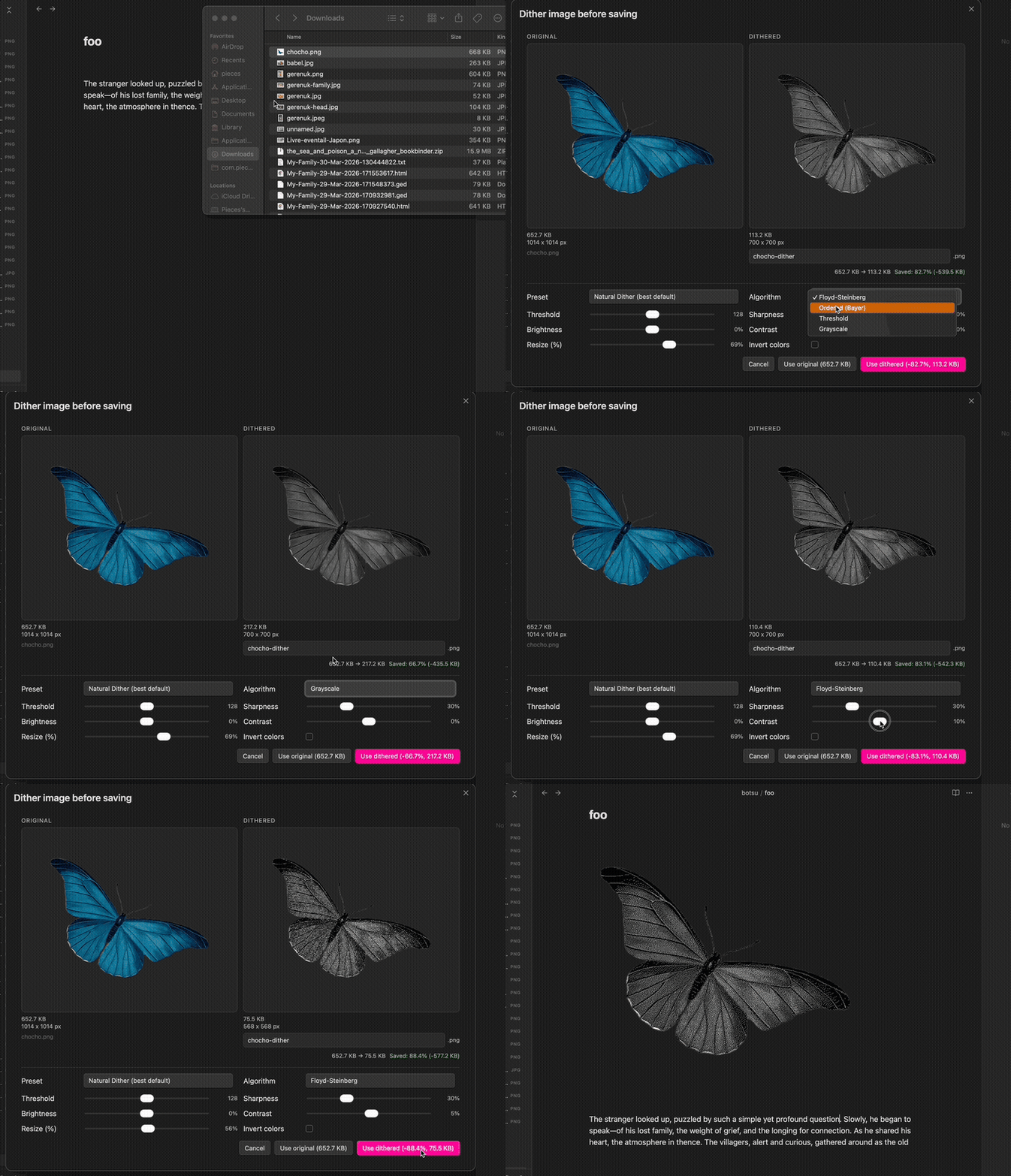
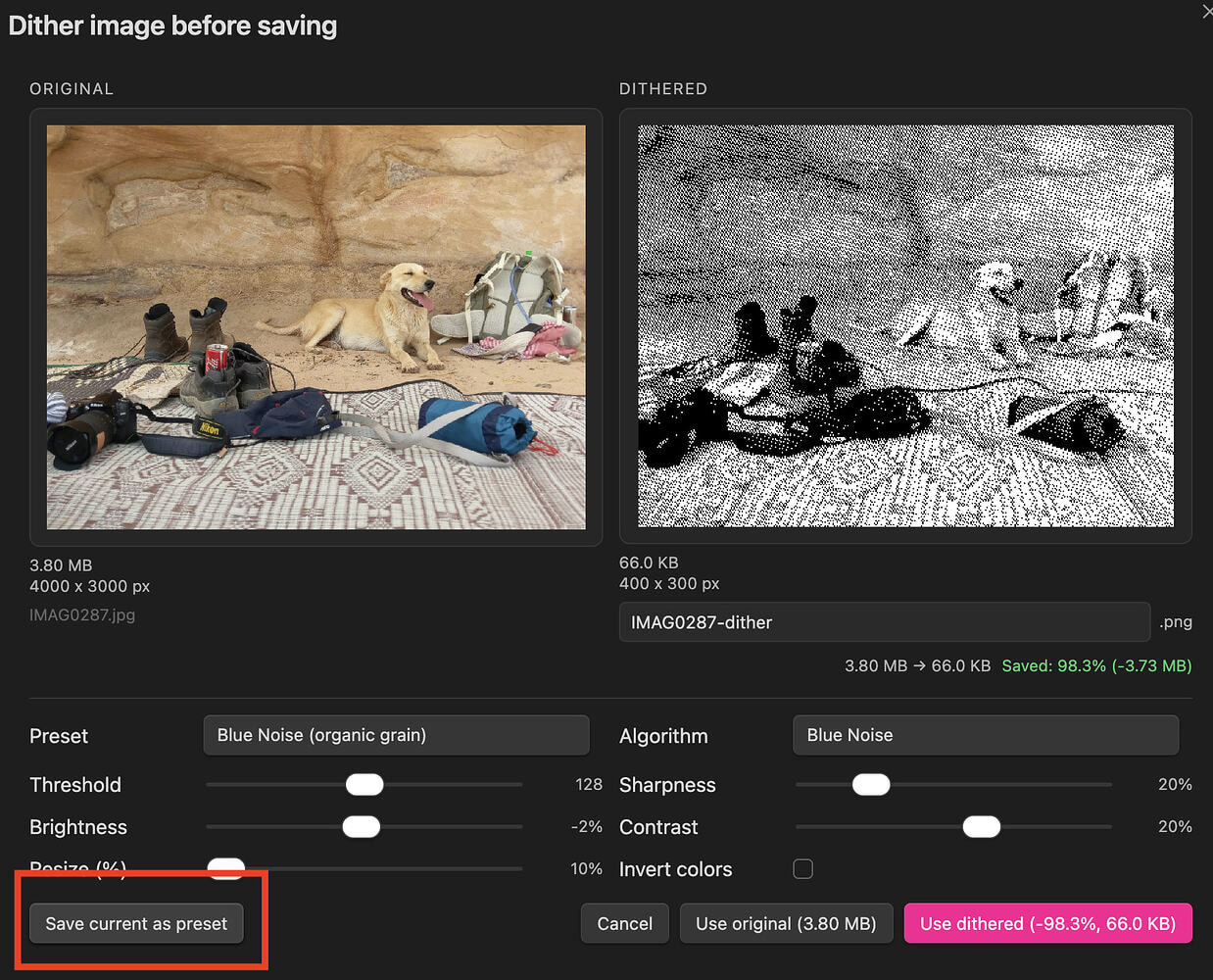
When enabled, process images on paste or drop to save up to 99% storage space
Available via BRAT plugin, with Github URL:
Features:
toggle enable/disable
live preview
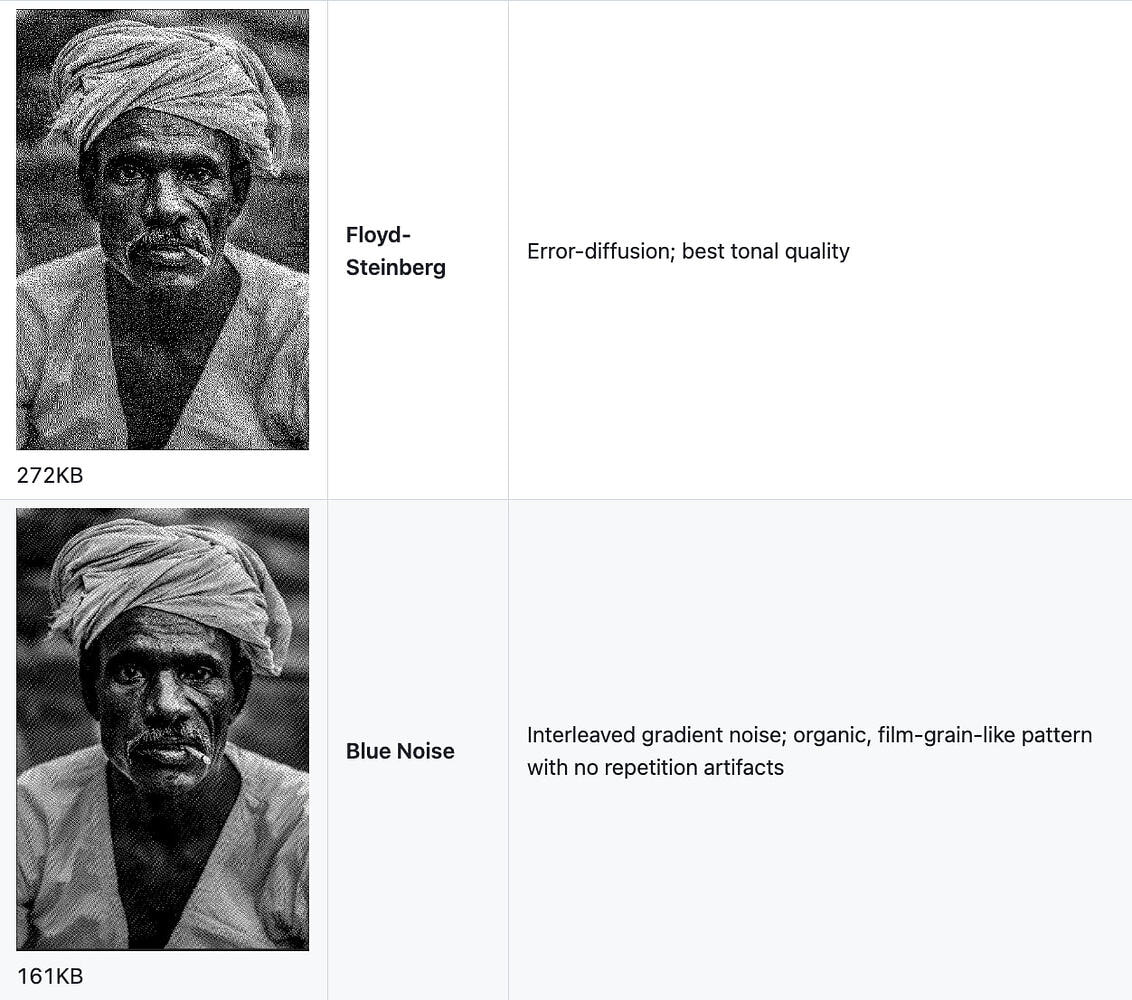
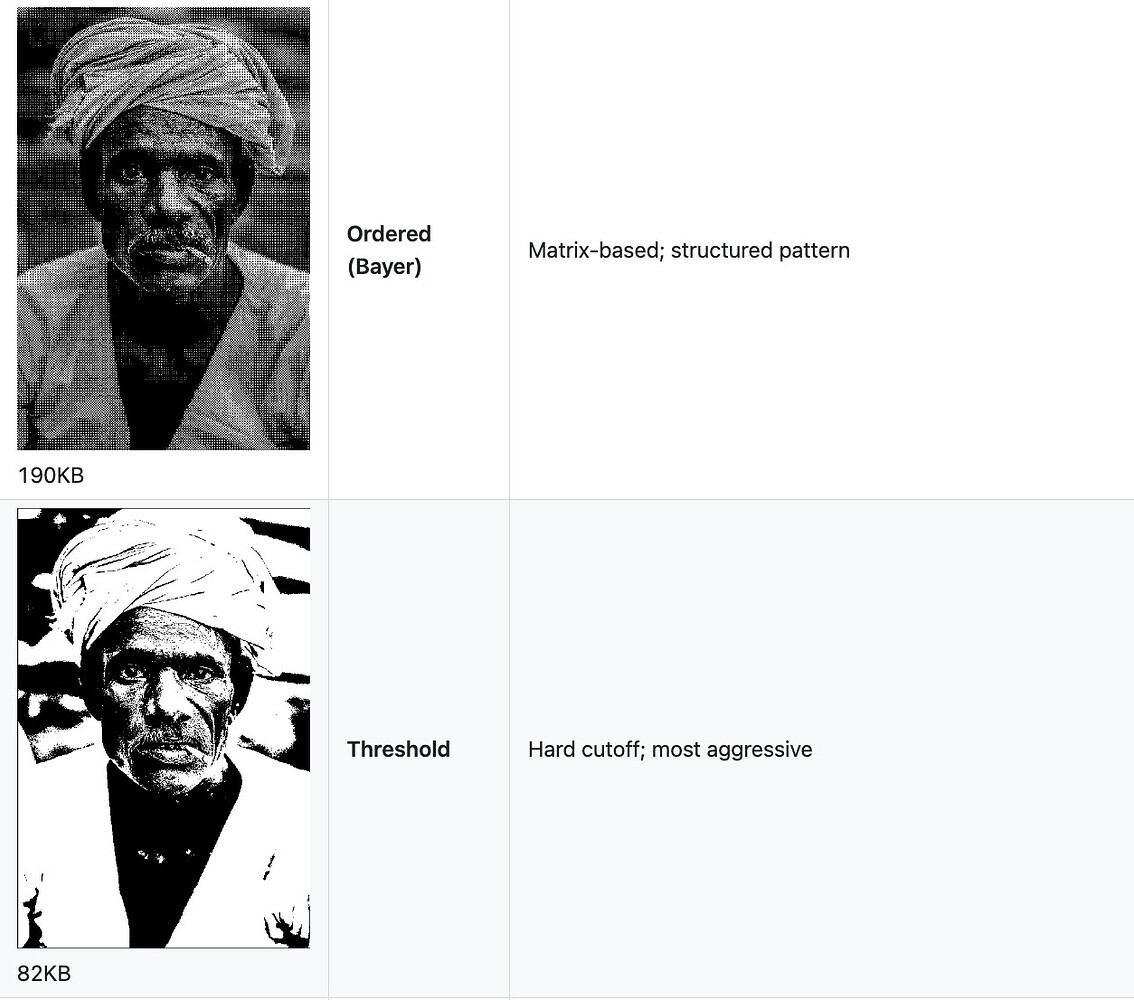
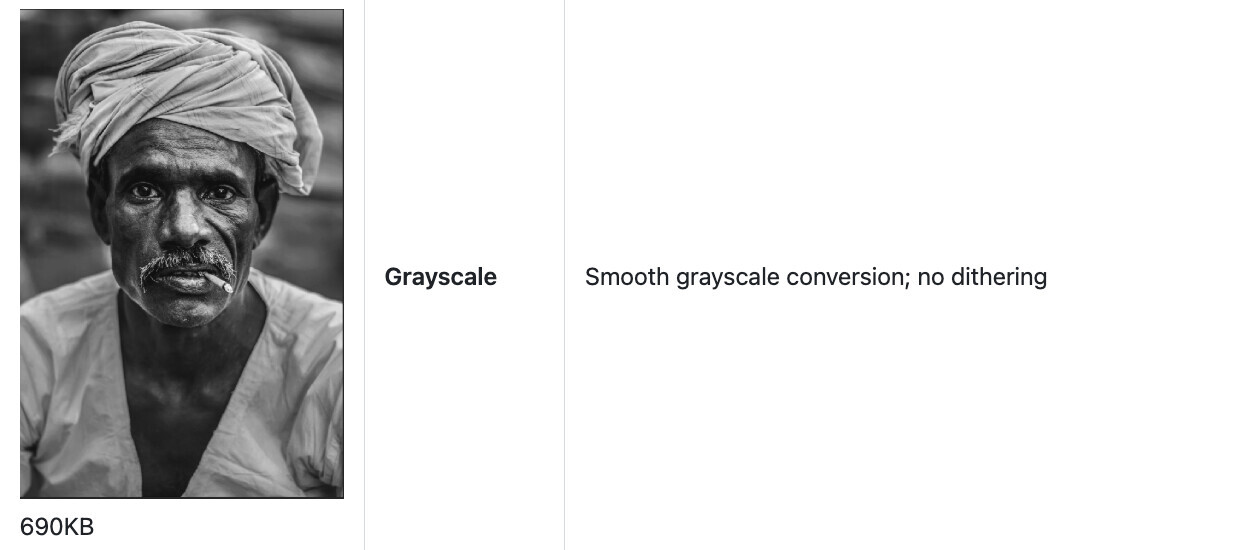
Algorithm options: Floyd-Steinberg, Blue Noise, Ordered (Bayer), Threshold, Grayscale
@CawlinTeffid nice! didn’t know about that tool - that’s pretty good compression
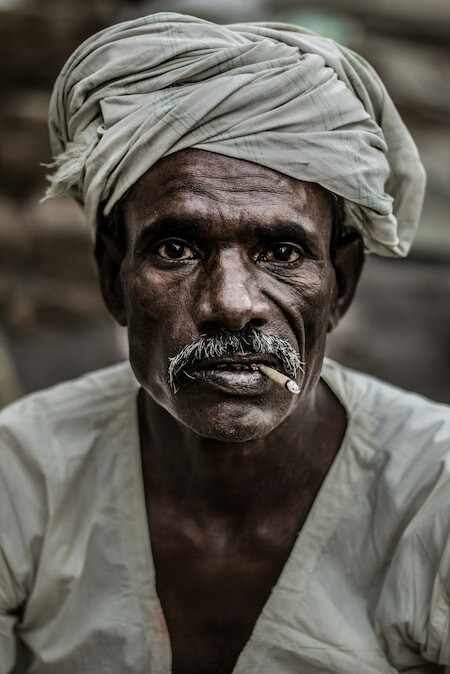
In addition to taking up less space, I’m a huge fan of the dithered aesthetic. The lowest I got the sample image to was about 160KB with a pleasing look. [Low Tech Magazine](https://solar.lowtechmagazine.com/) ftw
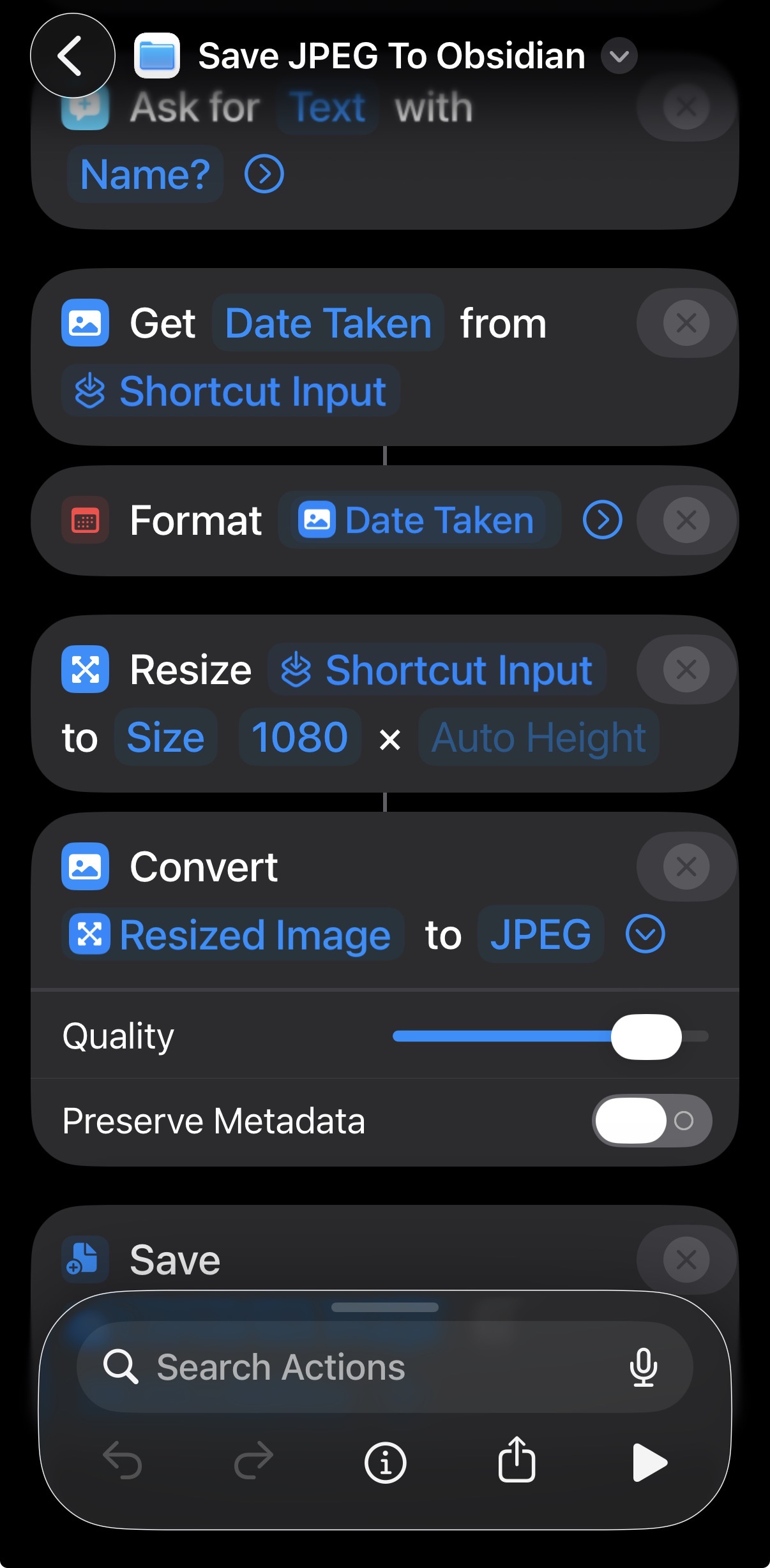
It resizes to 1080 pixels wide and saves as JPEG with a relatively high quality level (the slider annoyingly isn’t labeled, so I don’t know the number).