Steps to reproduce
- Add an image to the Vault
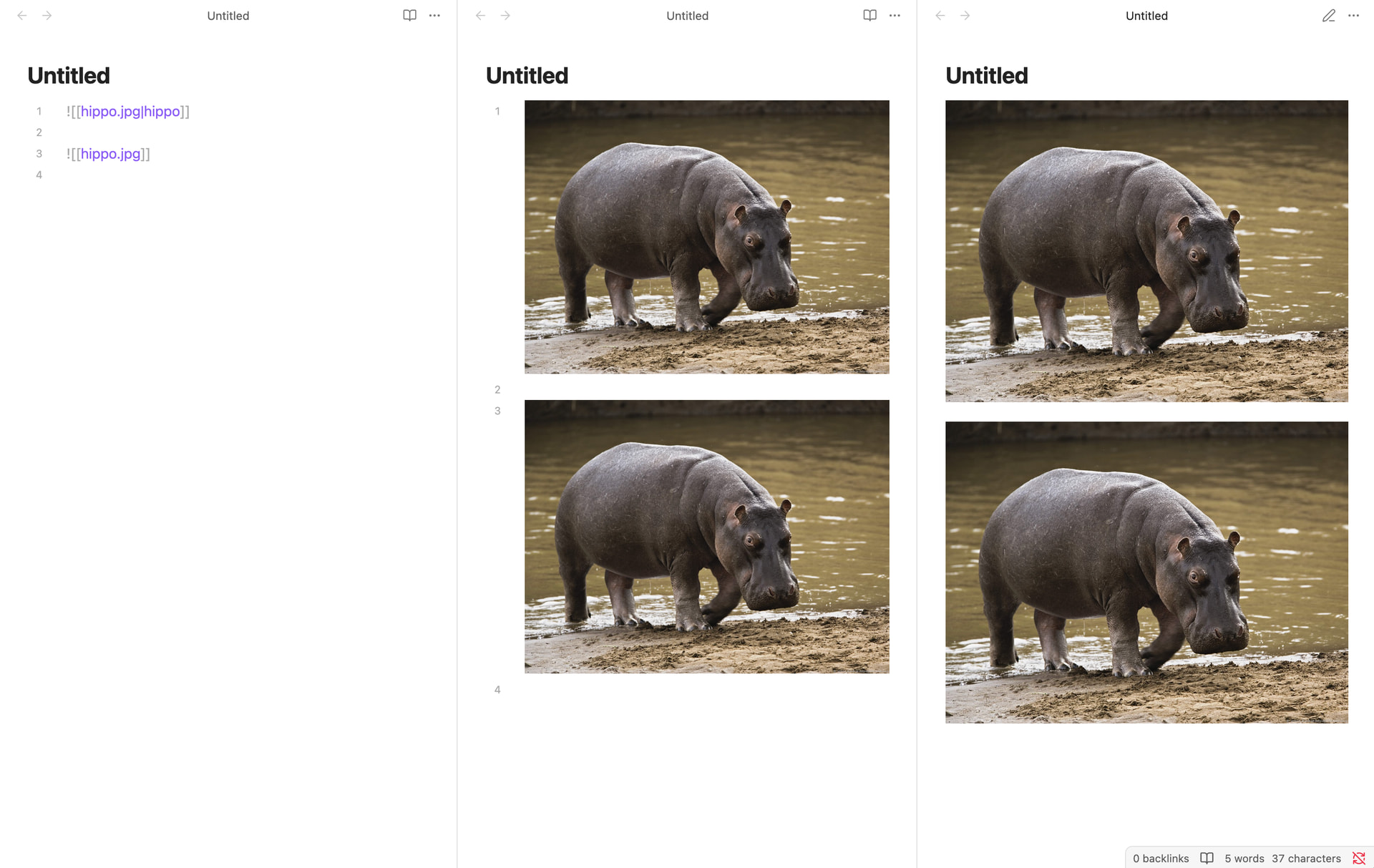
- Embed that image in a markdown file using the `![[filename]]`, image shows up correctly with the width maxed out to the text area
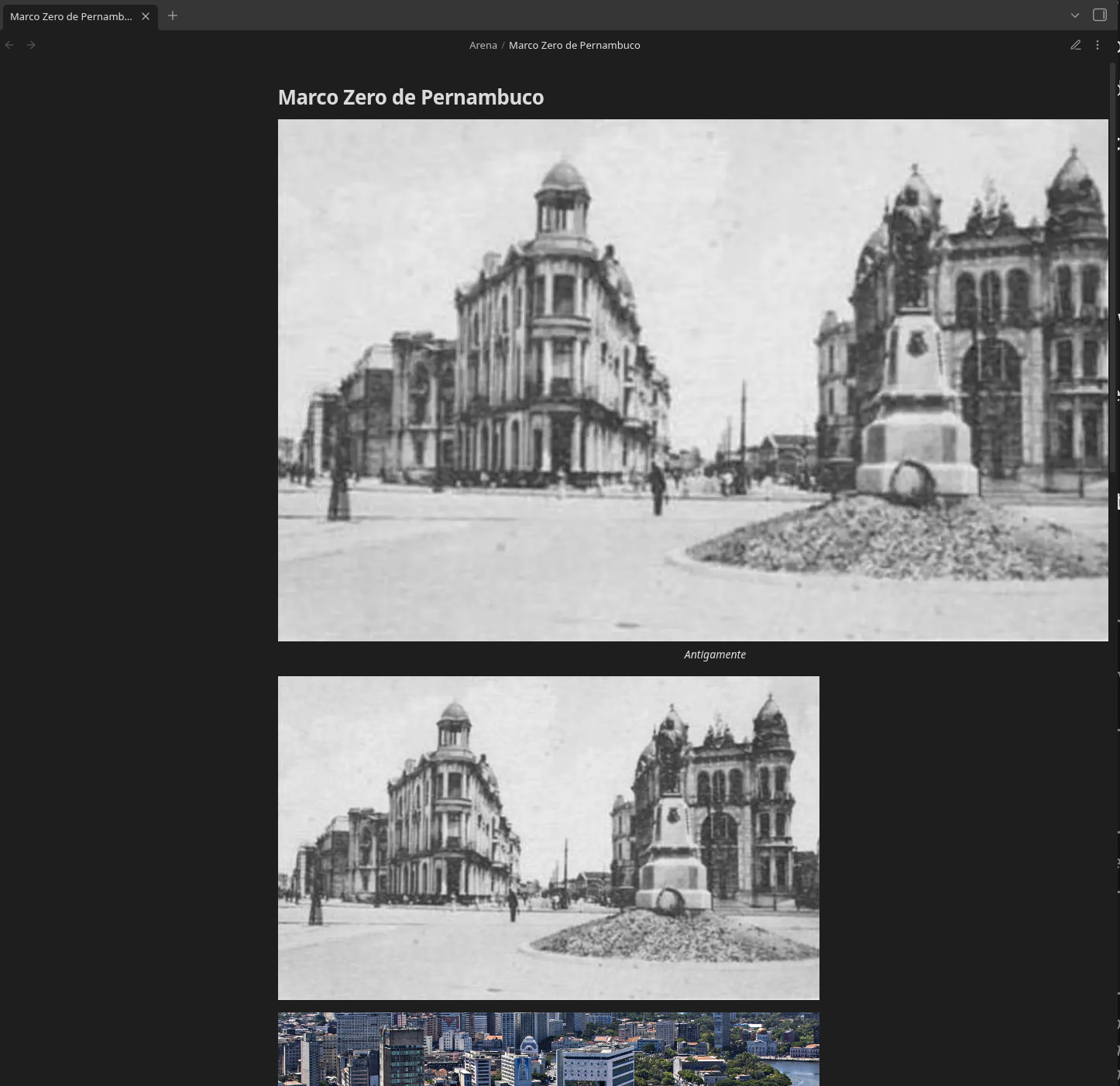
- Add an alt text with `![[filename|alt text]]`, image shows up with original resolution, overflowing the viewport
Did you follow the troubleshooting guide? Yes, happens on sandbox vault
Expected result
The image should be displayed with the same size as without the alt text, but with the text underneath it.
Actual result
Environment
SYSTEM INFO:
	Obsidian version: v1.10.6
	Installer version: v1.10.6
	Operating system: #1-NixOS SMP PREEMPT_DYNAMIC Thu Dec 18 12:55:23 UTC 2025 6.12.63
	Login status: not logged in
	Language: en
	Insider build toggle: off
	Live preview: on
	Base theme: adapt to system
	Community theme: none
	Snippets enabled: 0
	Restricted mode: on

RECOMMENDATIONS:
	none
Additional information
The source code of file in the screenshot is this:
![[Marco Zero de Pernambuco-1767484471277.webp|Antigamente]]

![[Marco Zero de Pernambuco-1767484471277.webp]]

![[Marco Zero de Pernambuco-1767484759024.webp]]
The two images at the top are the same file, so it is not a matter of some problem on the file which is what I spent quite a while trying to debug.