Image background in Canva - stopped working with 1.9

Good day everyone. I’ve been searching the forum for a similar problem with no luck so far.
I am not a programmer at all and I heavily rely on posts on this forum (thanks everyone) as well as reddit to build my css.

What I’m trying to do

I have a custom css snippet that worked perfectly fine before 1.9 update. It has a lot of effects only on some canvas, when they have a card with the cssclasses = titremoodboard.
The part that I can not fix is the background image. It disappeared and I can not bring it back

Here is the code

.canvas:has(.titremoodboard):before {
    --image-scale: 30%; 
    --background-scale: 400%;
    content: "";
    width: var(--background-scale);
    height: var(--background-scale);
    background: url("https://imgur.com/zun116y");
	filter: blur(3px) opacity(90%) ;
    position: absolute;
    top: calc(-1 * var(--background-scale)/2 + 50%);
    left: calc(-1 * var(--background-scale)/2 + 50%);
    background-size: var(--image-scale);
}

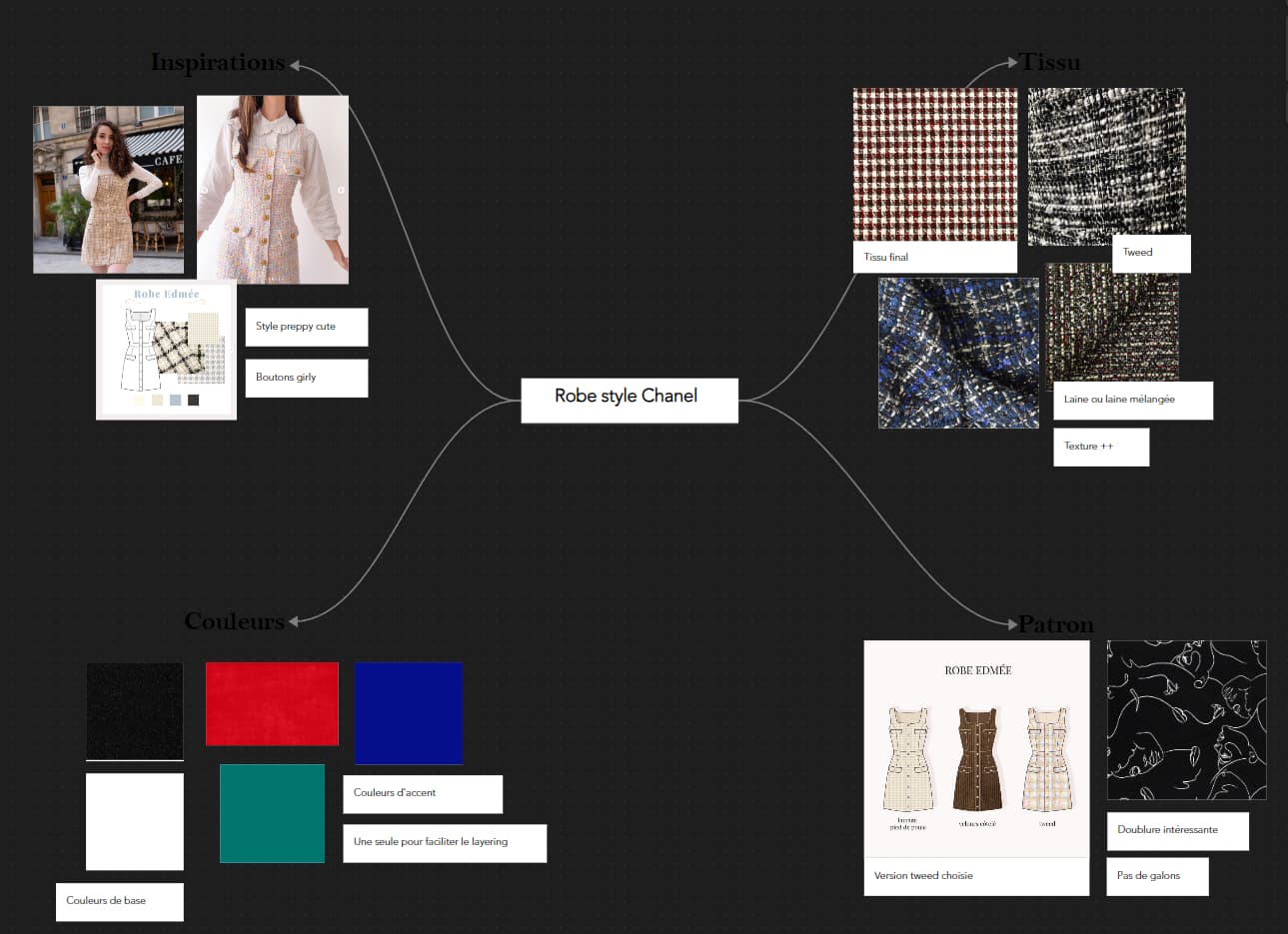
Here is what I currently see :

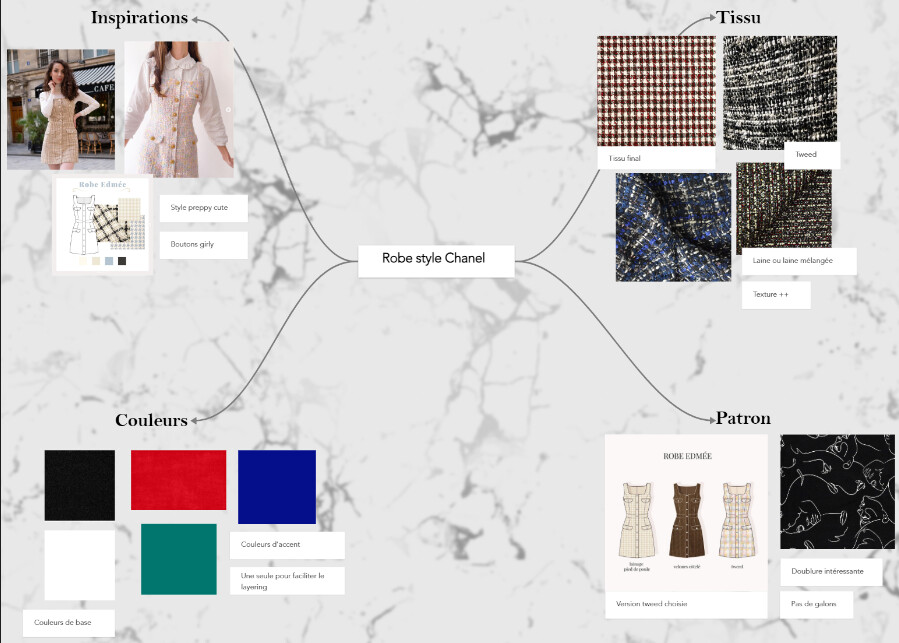
Here is what I saw before 1.9 (when it was working) :

Things I have tried

I used the plugin Format Converter Frontmatter migration. It fixed some other problems I had, but had no effect on the background image

I tried changing the image link but it didn’t change anything

Thanks to everyone who will take a look !

Change canvas to canvas-wrapper.

Additionally, consider to change zoom settings under settings>core plugins>canvas, to avoid that your background disappears as it’s tied to fully rendered cards.
Sadly, it didn’t change anything :frowning:
I already have the zoom value to the max

I still have not been able to put any image as background for canva :frowning: