Steps to reproduce
- Open new vault
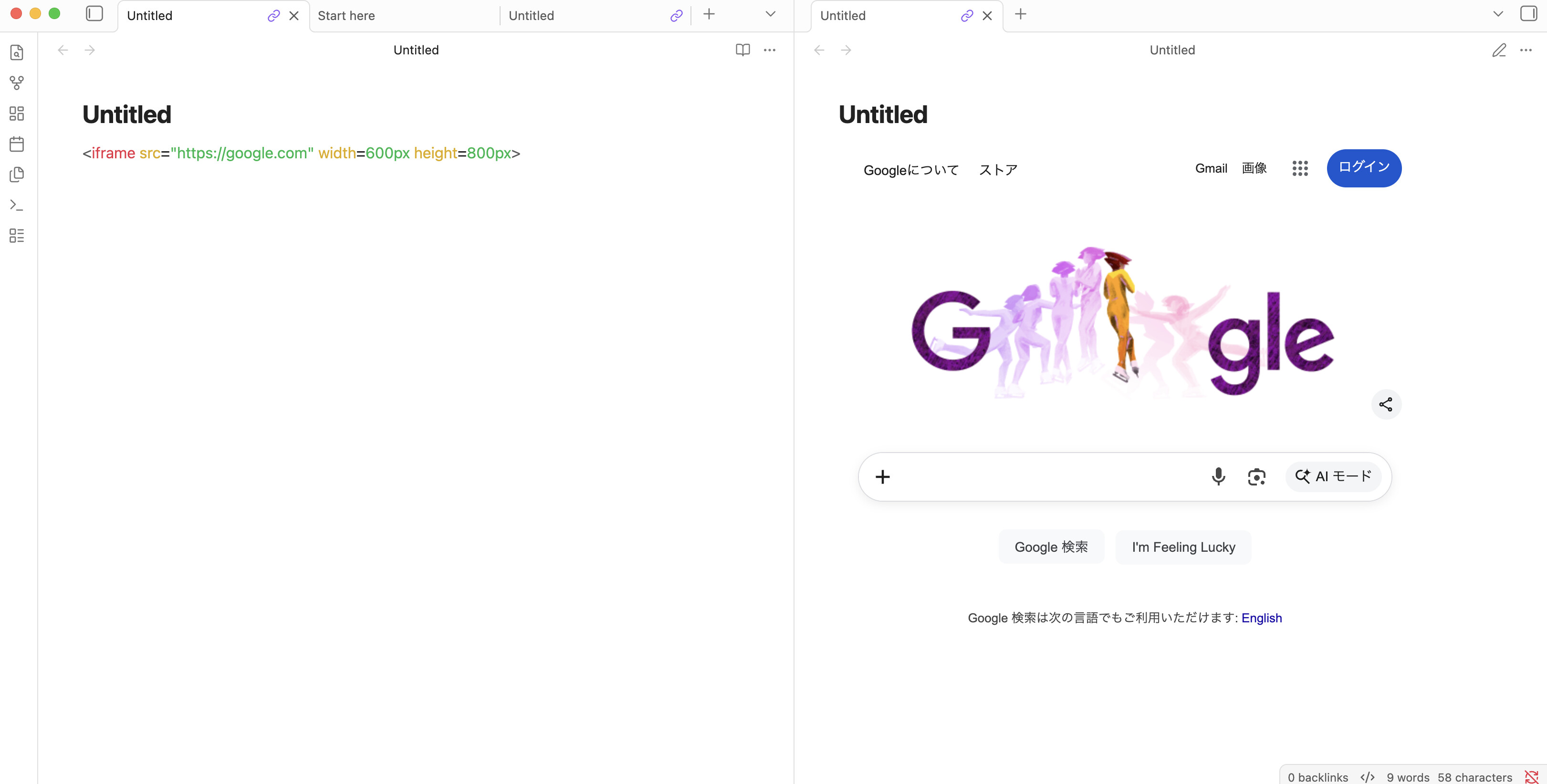
- Try to embed a website (Any website will do) using the “Embed web pages” guide on Obsidians help page.
Did you follow the troubleshooting guide? [Y/N]
Yes, tried it with multiple new vaults and existing ones in restricted mode.
Expected result
I expect to see an embedded website in my note.
Actual result
Nothing. Pressing enter creates space for an iframe to exist but it doesn’t load.
Environment
SYSTEM INFO:
Obsidian version: v1.11.7
Installer version: v1.11.7
Operating system: Darwin Kernel Version 25.2.0: Tue Nov 18 21:09:34 PST 2025; root:xnu-12377.61.12~1/RELEASE_ARM64_T8112 25.2.0
Login status: not logged in
Language: en
Insider build toggle: off
Live preview: on
Base theme: adapt to system
Community theme: none
Snippets enabled: 0
Restricted mode: off
Plugins installed: 0
Plugins enabled: 0
RECOMMENDATIONS:
none
Additional information
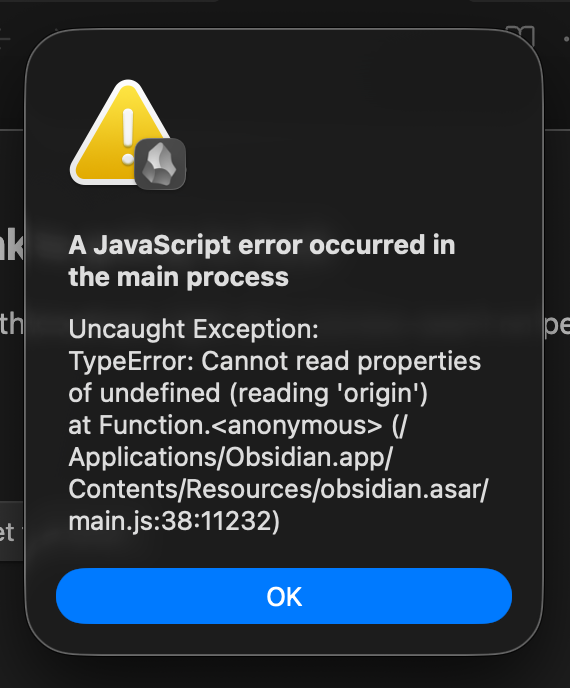
I have also tried to use multiple Iframe plugins but each of them provide this error notification: