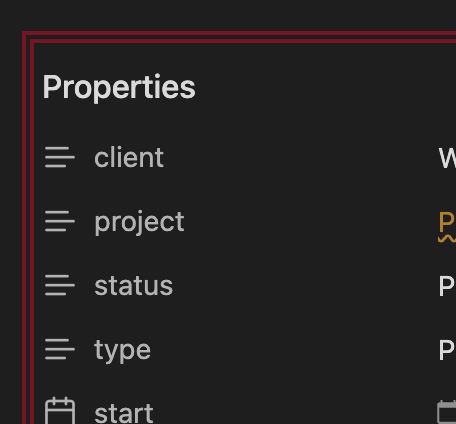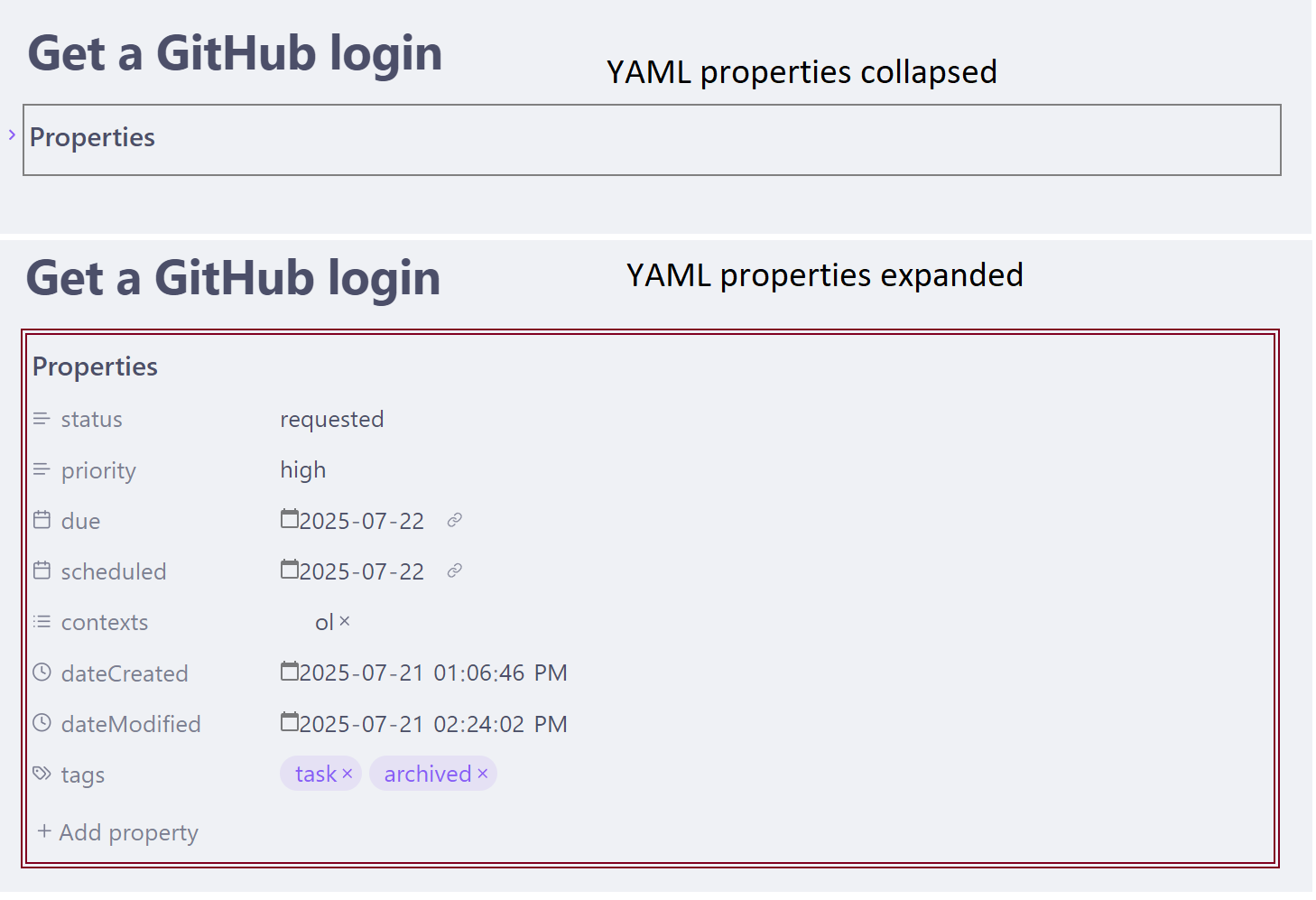
I’d like a double thickness outline for this area.
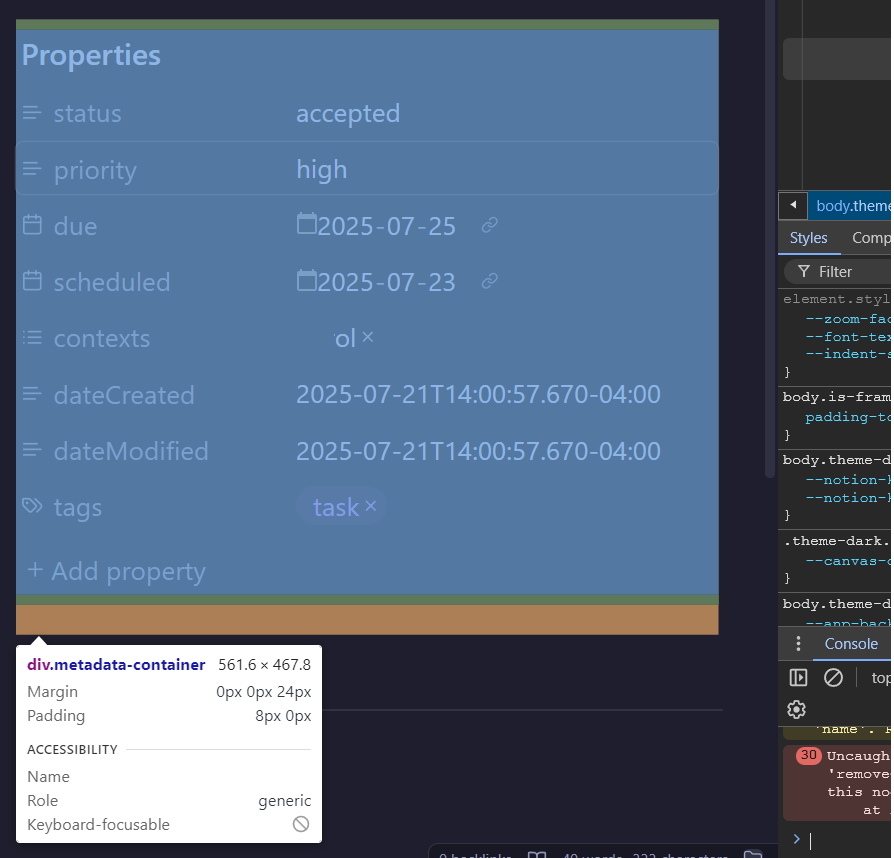
div.metadata-container
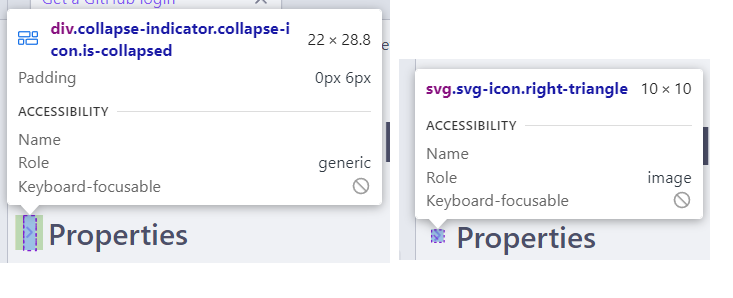
and is it possible to make this collapse indicator beefier (thicker, bigger) ?
div.collapse-indicator.collapse-icon.is-collapsed
svg.svg-icon.right-triangle
Thanks CSS gods.
I’d like a double thickness outline for this area.
div.metadata-container
and is it possible to make this collapse indicator beefier (thicker, bigger) ?
div.collapse-indicator.collapse-icon.is-collapsed
svg.svg-icon.right-triangle
Thanks CSS gods.
What area? Do you mean around the entire properties area?
Since you’re talking about your staff closing it, should the thick outline be based on some specific property? Or when you say “closed”, you mean so they realize it’s the properties section and that they should collapse it?
When you say “closed”, I’m assuming some kind of a ticket system they need to resolve.
div.metadata-container {
    background-color: transparent;
    /*
    border: none;
    */
}
I know this well help. Not sure how.
div.metadata-container {
    /*
    border-width: 6px;
    */
}
is this a good spot to find css code ?
I meant collapse, not close. sorry.
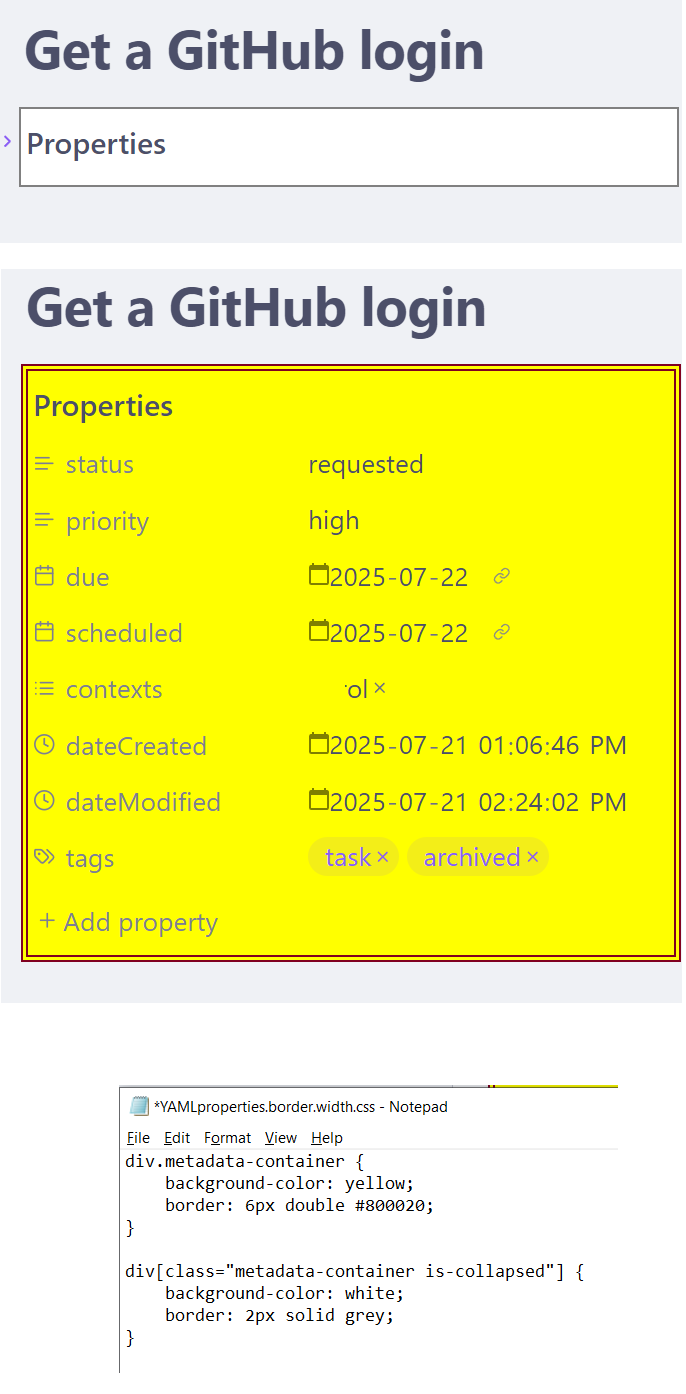
I don’t know the target for the collapse arrow. I also don’t know if the transparent background is needed. But here is a way you could have a thick double border when uncollapsed, and a smaller grey border when collapsed:
div.metadata-container {
    background-color: transparent;
    border: 6px double #800020;
}

div[class="metadata-container is-collapsed"] {
    border: 2px solid grey;
}
This topic was automatically closed 7 days after the last reply. New replies are no longer allowed.