Before opening a new bug report, please search the forum for duplicates and follow the Troubleshooting Guide.
- We only consider bugs that are reproducible in the sandbox vault or a vault with no third-party plugins/no css snippets/default theme.
- For Linux, we only accept bug reports that are reproducible with our AppImage or Snap package under Gnome or KDE.
- Developer issues with the API should go here
- Themes and Custom CSS issues should go here
- Translations issues/improvements should be posted here
- Obsidian Clipper Bugs should be posted here
- Obsidian Importer Bugs should be posted here
Once you’ve done the above, delete everything above this line.
Steps to reproduce
Did you follow the troubleshooting guide? [Y/N]
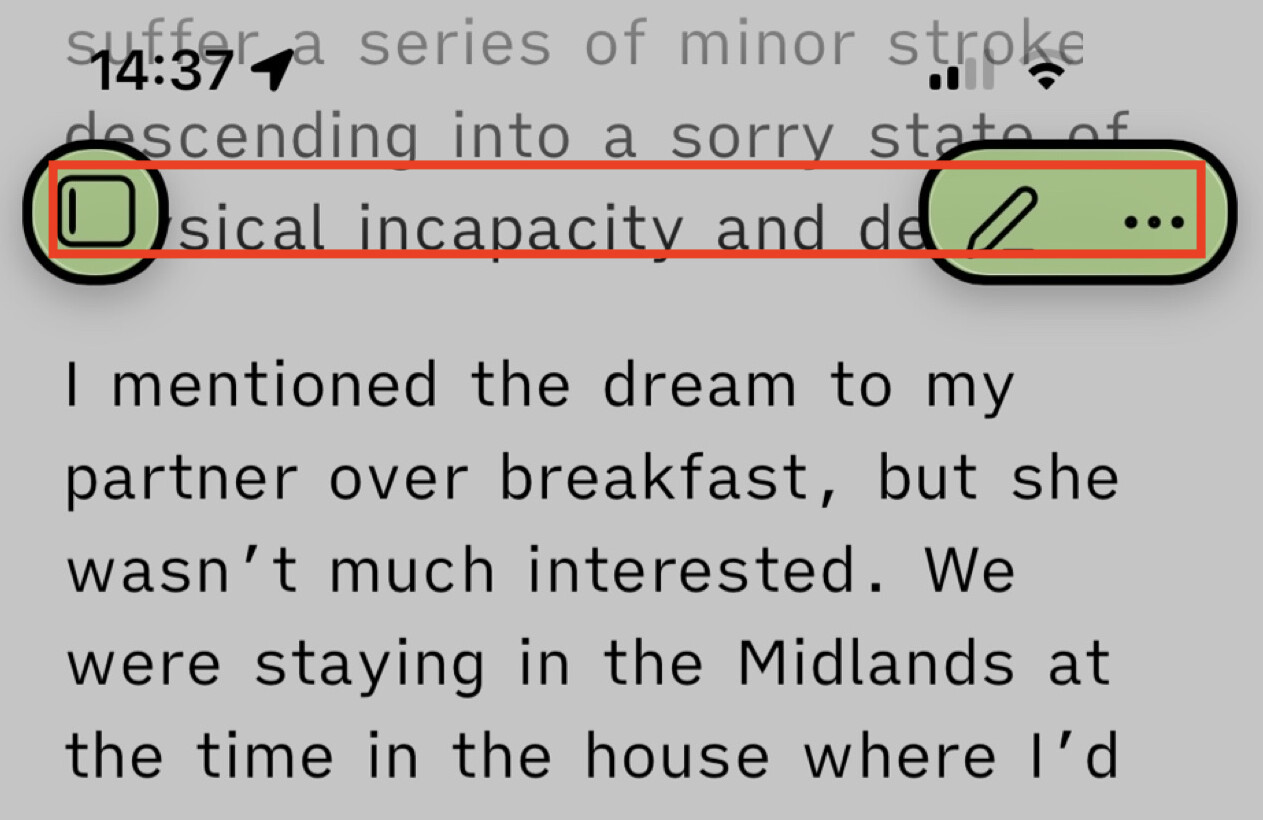
- Change the border width of the buttons of the top in the notes panel.
Expected result
- The icons should be aligned.
Actual result
- It becomes evident that the icons are not aligned.
Environment
- This info is not relevant for the bug report.
Additional information
I have verified this across multiple themes and confirmed it is a core application issue rather than a theme-specific bug.