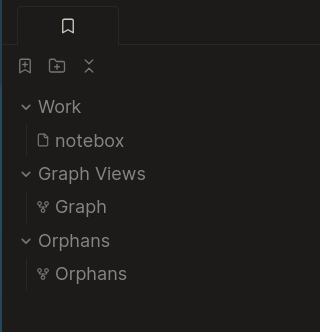
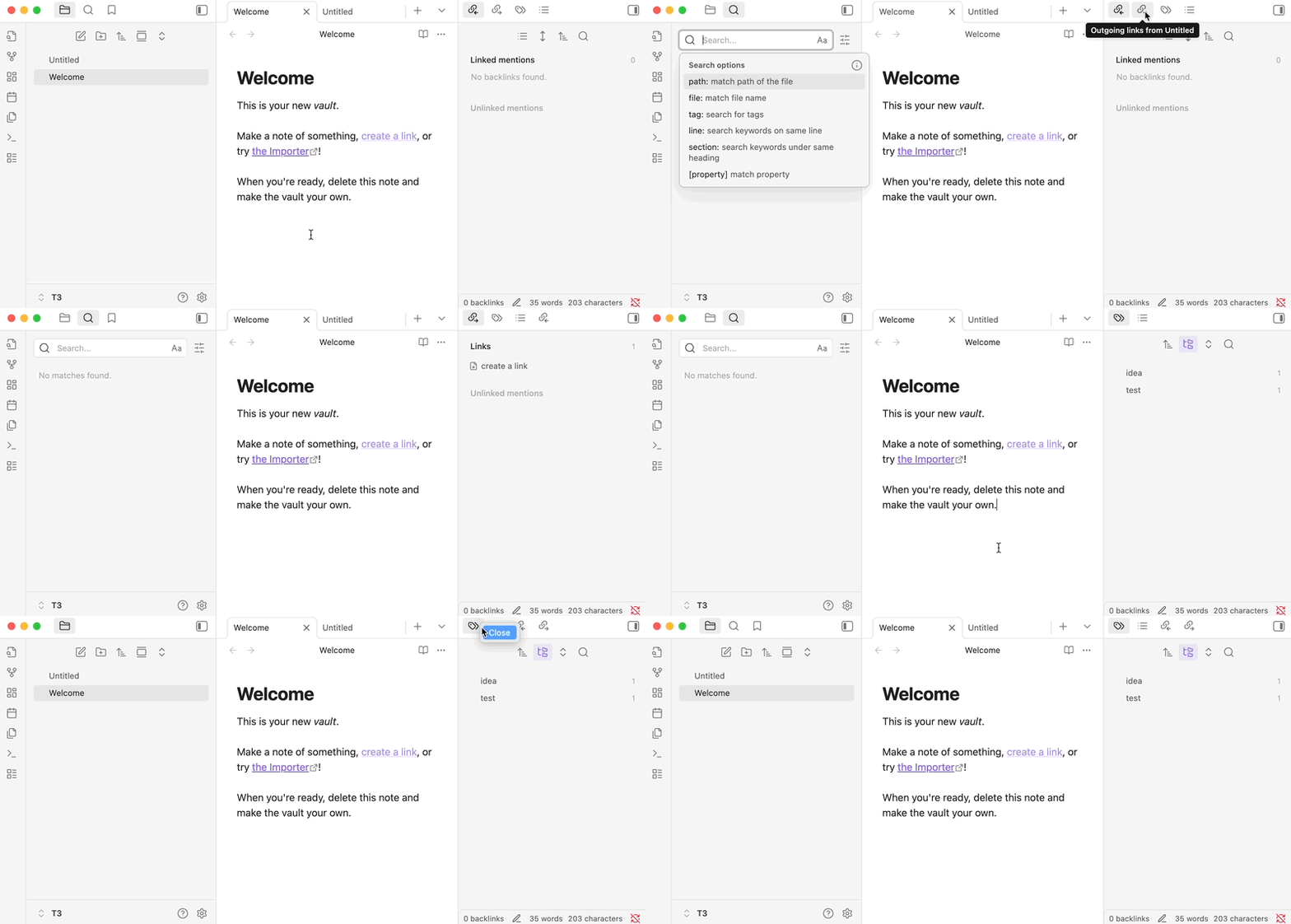
Sorry, but your answer does not address my problem. I know I can close the bookmarks tab, but why does it have to be open at all times if the plugin is enabled? I don’t want this behaviour.
The sidebar should always show whatever tab you last selected. Is that not the case?
It looks like you may have closed or moved all the other sidebar tabs?
You say you can close the bookmarks tab, but you also say it is open at all times. How can it be closed and open at the same time? Or are you closing it but then something reopens it? If yes, what reopens the tab?
If you mean you want to prevent bookmarks tab from opening after re-enabling the plugin then this is not possible automatically. However you can have sequence of commands to close bookmarks and these commands can be executed automatically or manually as a single action. The commands are
Bookmarks: Show bookmarks
Close current tab
If you want to restore bookmarks tab position after reopening it (show bookmarks) then this would be difficult unless you want to change whole workspace (see Workspaces core plugin).
There is command Move current tab to new window which could be used to automate the positioning after reopening bookmarks. When you close or disable bookmarks then you lose the panel positioning (unfortunately). Workspaces can be used to gain access to saved panel positions.
Something re-opens it, and it is never something that has to do with the plugin functionality, and probably not manually opening a note that is bookmarked.
I think we’re all having troubling understating your situation. Could you describe it in more detail? Start from when you see the Bookmarks tab. How you do close it? What happens then? Does it immediately reopen?
I want to use the bookmarks core plugin but not have it open in the left side panel unless I specifically want to open its tab, i.e using command palette.
I notice the panel opens once in a while when using the app, then I close it. It closes, but after some while it opens again and I have to close it again.
That’s strange. I would expect it to stay closed until you reopen it. Do you use a sync service with your notes, like Obsidian Sync, OneDrive, or iCloud? If so, perhaps a sync conflict is restoring old versions of the app’s layout file.
I use syncthing from android to Debian and experience it on Debian but on android I don’t use bookmarks and have completely different config files anyway.
Most (all?) of the core plugins, even after being manually closed but still enabled, re-spawn after a vault reload or restart. Looks like Bookmarks is one of them.
I’ve seen this come up before; there may be a BR or FR topic about it.
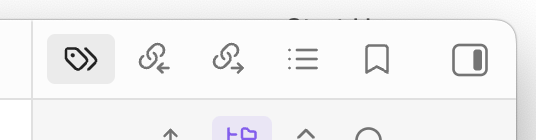
Maybe not ideal, but I’ve suggested in the past to move the rarely used plugin to the far right of the right sidebar so it’s out of the way.
Wow, this is surprisingly anti-user behaviour. This makes me want to quit Obsidian. It only felt like it but it clearly changed its user base over the years from power users to Joe users.
OK for Joe but the app is not for me any more. Thanks for the help. This feedback is not directed at you, but in general.
I don’t think this behavior has anything to do with the composition of Obsidian’s user base, and I’d be surprised if it’s new. Also note that the feature request ariehen linked was posted by the Obsidian team member who manages bug reports and feature requests, and it’s tagged as “valuable”, so the behavior is clearly recognized as not ideal.