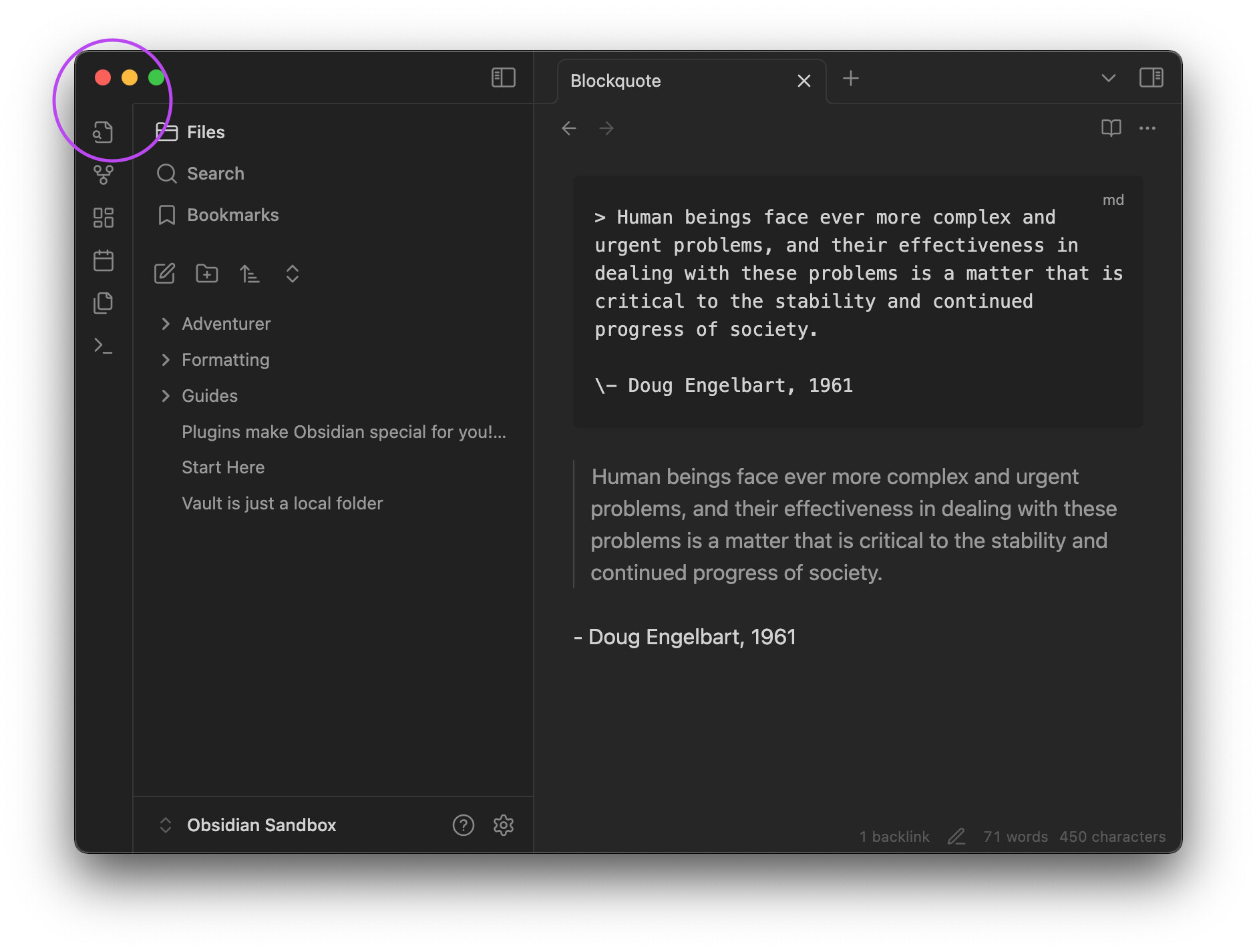
I like nav labels but when they are enabled, all borders in the left sidebar become hidden. I want them back. Claude AI got me halfway there but the stubborn part of the border that crosses into the ribbon is still hidden 
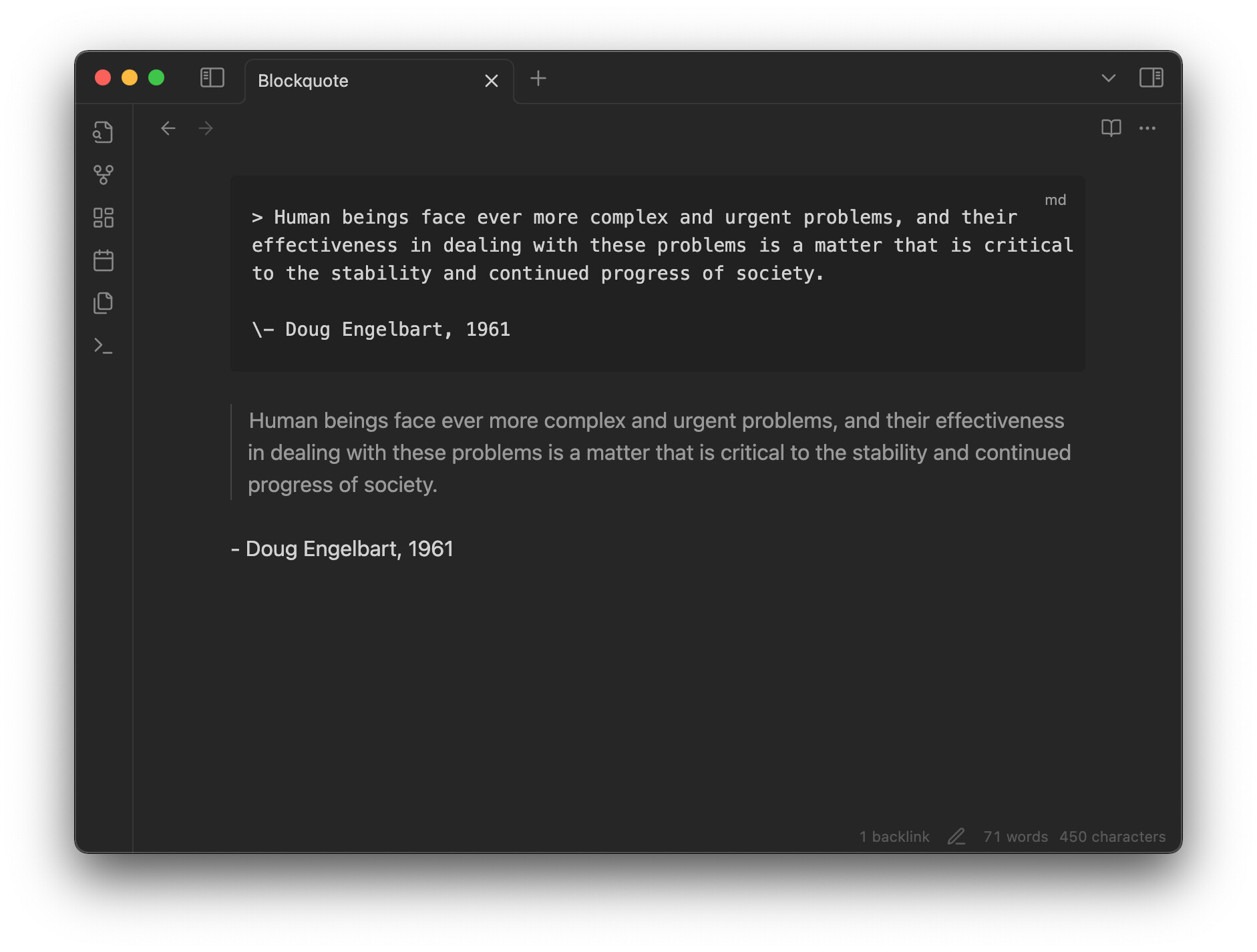
It shows up when the sidebar is collapsed though 
Claude's underbaked CSS snippet
/* Restore borders when labeled navigation is enabled */

/* Ribbon border */
body.labeled-nav .workspace-ribbon.mod-left:not(.is-collapsed) {
    border-right: var(--border-width) solid var(--background-modifier-border) !important;
}

/* Add top border to the tab header container inner */
body.labeled-nav .mod-left-split .mod-top .workspace-tab-header-container .workspace-tab-header-container-inner {
    border-top: var(--border-width) solid var(--background-modifier-border);
    margin-top: calc(var(--labeled-nav-top-margin) - var(--border-width)) !important;
}

/* Ensure borders remain visible in both themes */
.theme-light.labeled-nav .mod-left-split .mod-top .workspace-tab-header-container .workspace-tab-header-container-inner,
.theme-dark.labeled-nav .mod-left-split .mod-top .workspace-tab-header-container .workspace-tab-header-container-inner {
    border-top: var(--border-width) solid var(--background-modifier-border);
}
labeled-nav-borders.css (942 Bytes)