Hi everyone,
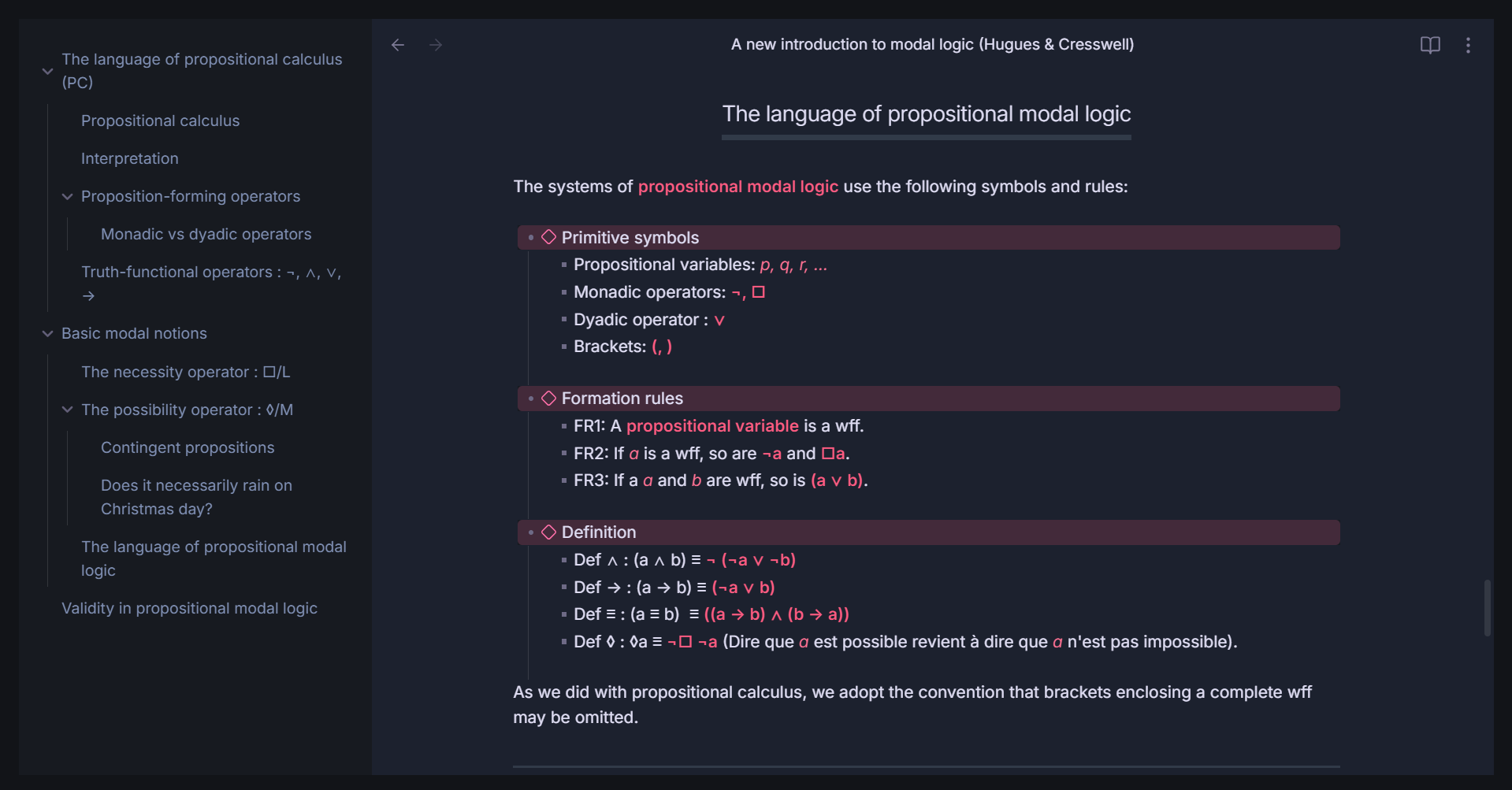
I’ve been customizing the appearance of my Obsidian setup and I’m struggling with one thing: I can’t seem to get rid of the borders around the main workspace (see the screenshot).
At the moment, when I hover my mouse near the left edge or the top edge, the icons on the ribbon appear automatically, and I would actually like to keep that feature. I would like the borders to disappear entirely the rest of the time. Do you guys have any idea how that could be done?
Thanks a lot for your help!