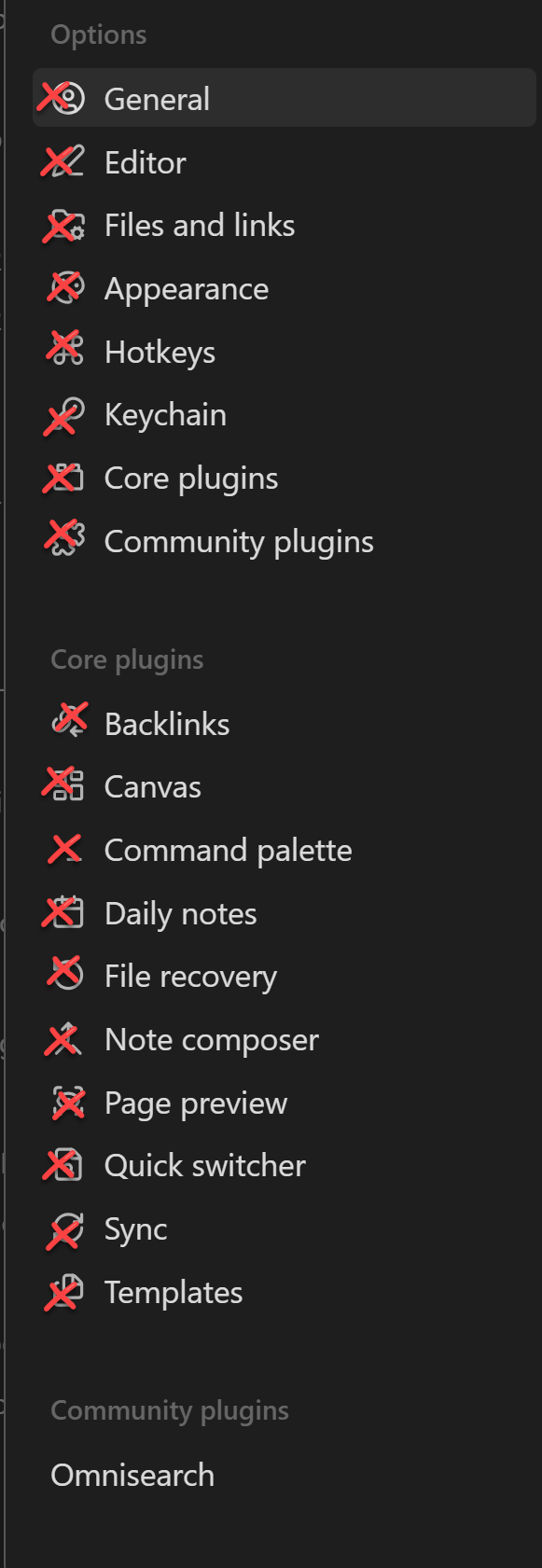
How can I get rid of the new silly icons that appear in the settings menu (and possibly elsewhere). Both in Windows and in the iOS app. This is a total nuisance! Who asked for this?
I like using my reading in an app that is meant for reading and writing.
Not everything needs to be copied from Notion. This is the main reason I moved away from Notion, because the silly icons (mostly in the tables) were a total distraction and could not be removed in iOS.
If this is not currently possible, I ask the moderators to please convert this to a feature request.