What I’m trying to do
Show scrollbar in the left side panel
Things I have tried
Search Preferences and help docs
The scrollbar should appear if there’s enough content to overflow the vertical space.
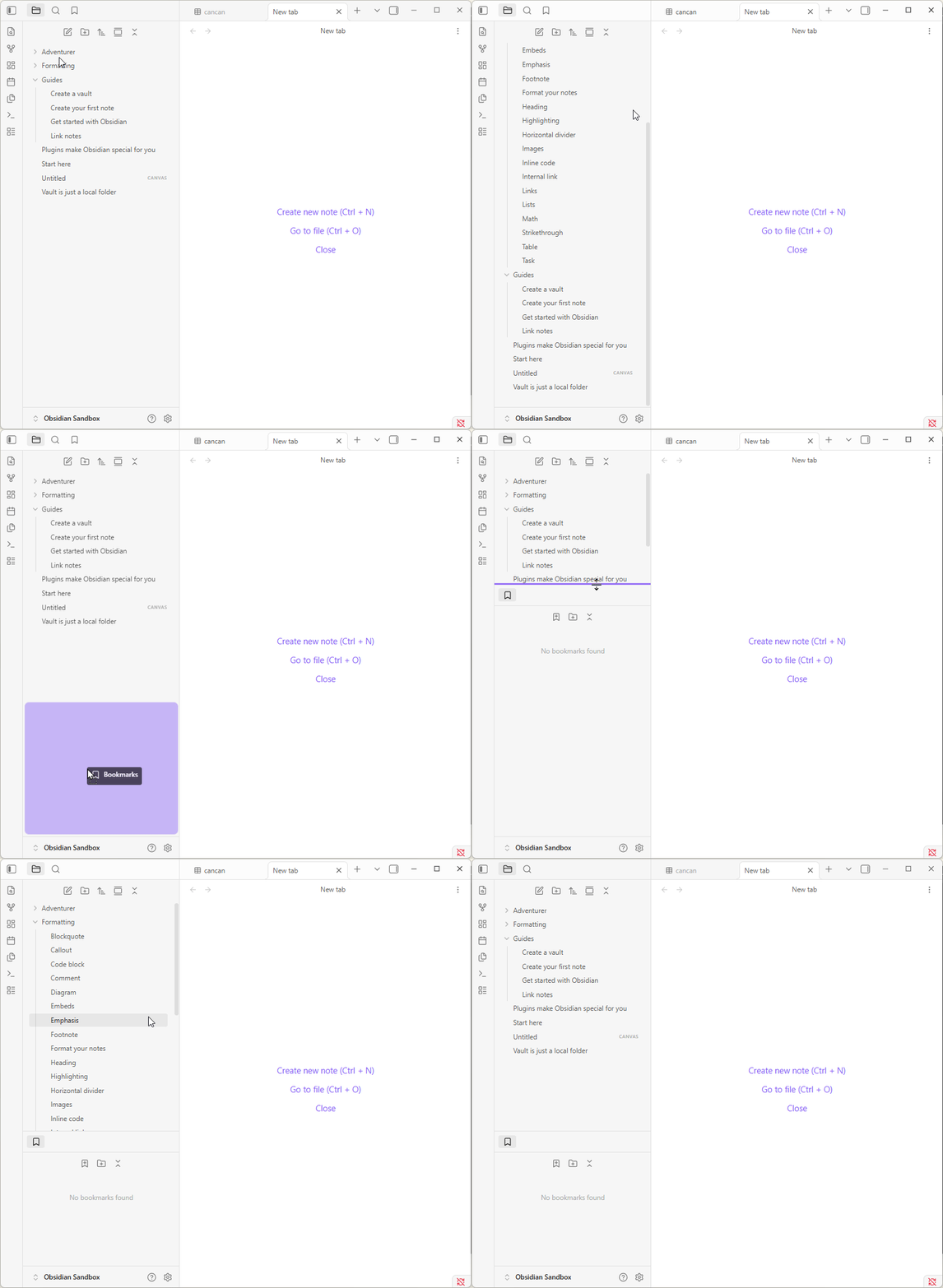
Are you using a community theme or CSS snippets? The issue could be there. Maybe a screenshot could help as well.
All the steps in the troubleshooting guide are always good to check off.
Thanks. I use default theme no CSS styles.
I can see the scrollbar in the editor but not in the left sidebar nor in the Settings panel.
I use the latest version on Windows.
Could it be some setting?
Found it. It was a plugin: YairSegel/ObsidianMinimap: Add a minimap to your Obsidian notes.
After uninstalling scrollbar shows as expected.