What I’m trying to do
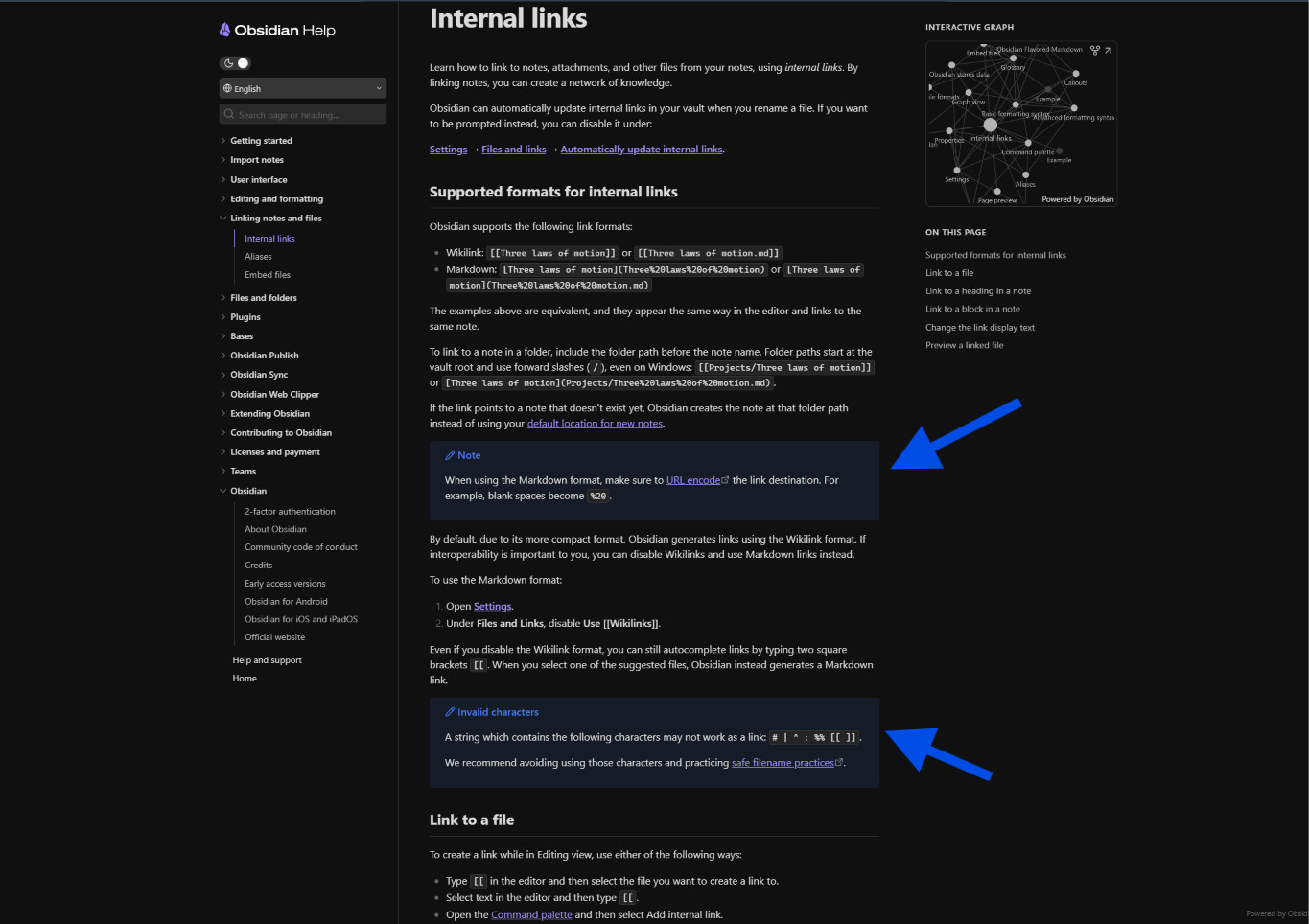
How can I add blocks like we can see in the documentation page ?
I would like a way to have a paragraph (blobk) with a uniform color, a title, and maybe an emoji like we see in the image above
Things I have tried
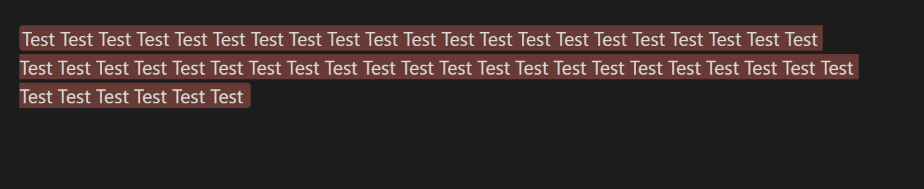
Highlighting a paragraph or multiple paragraphs doesn’t create the same effetc (see image below), code blocks aren’t what I’m looking for (I want normal text inside the block), and I couldn’t find any plugin for it…
I would love if someone could point a plugin (if one exists) because I found none, or propose any kind of solution ! Thanks a lot !
Good news: you do not need a plugin for this, which is probably why you couldn’t find one. This feature is actually built right into Obsidian. They are called callouts. The documentation page from your screenshot is written in Obsidian too, so those blocks are exactly that: callouts.
Here is how you write one:
> [!tip] 🌱 Your title here
> Normal text goes inside the block, with **formatting**, links, lists,
> anything you'd write in a note.
A few things that make them easier to use:
-
You do not have to type the syntax manually. Just run the “Insert callout” command from the command palette, and it drops the block right where your cursor is.
-
Every type has its own default color and icon. You can swap tip for note, info, todo, success, question, warning, failure, danger, bug, example, quote, or abstract. There are also aliases, so things like important, faq, caution, and error work too.
-
They can be folded. Use > [!tip]- if you want it collapsed by default, or > [!tip]+ to start open. This is really handy for long notes.
-
Emojis can just be typed directly into the title, like in the example above.
If you want your own custom color and icon, you can define a new type using a simple CSS snippet:
.callout[data-callout="idea"] {
  --callout-color: #8b5cf6;
  --callout-icon: lucide-lightbulb;
}
After adding this, you can just type > [!idea] My title and it will use your custom style. The icon name can be any Lucide icon prefixed with lucide-. To add the snippet: go to Settings → Appearance → CSS snippets, click the folder icon, save the code as a .css file in that folder, and then enable it in the same list.
And does it support any other type of icon apart from lucide ?
And why does the icon not work with the AnuPpuccin theme ?
Nevermind the Admonition plugin fixes all of this !