How can I change the highlight colour when doing a search
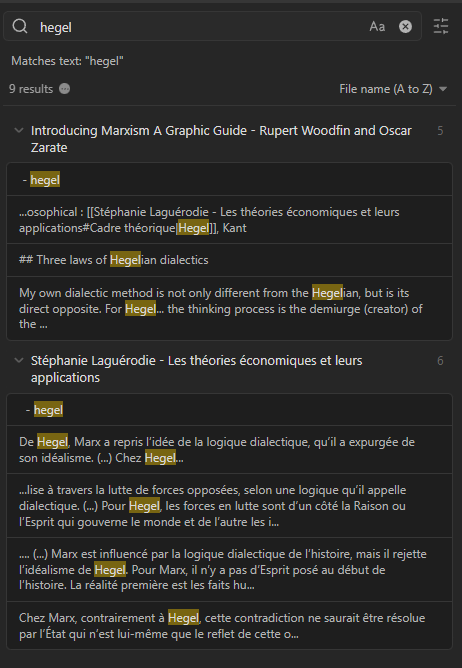
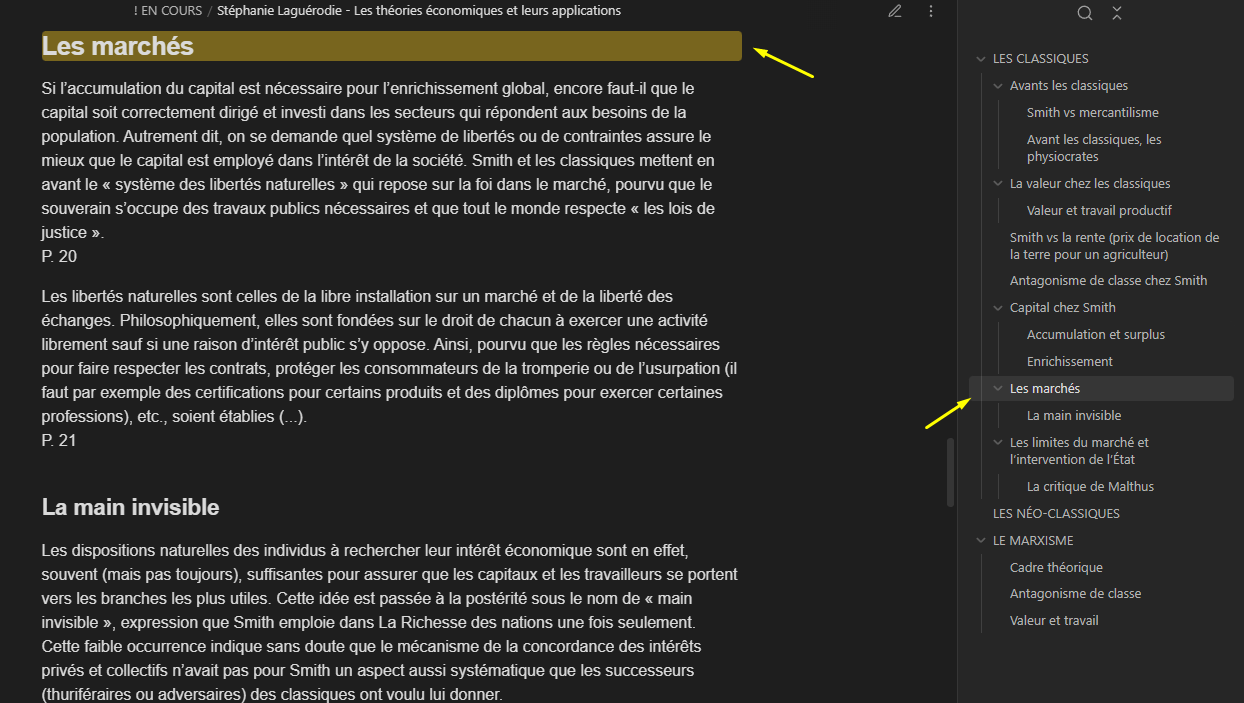
Greetings everyone. I am currently using the default Obsidian theme (dark). Whenever I do a search, or click on a link to header, the returned result is highlighted with a dark yellow colour that I find visually unpleazing. (See screenshot)
I have searched these forums and google more broadly. I have found some css snippets that change “.cm-s-obsidian span.obsidian-search-match-highlight” but none have had nay effect whatsoever.
Here is one I’ve tried :
Is there a way to change the yellow colour that is use in highlighted search results? Thanks!
It removes the background and gives the text your accent colour, which is what I prefer.
The snippet is for the global search, inline search queries & the backlinks pane, if you only want this to apply to the global search then just remove the other two selectors:
Text-highlight variable is used for highlights in editor as well. Editor can be targeted by replacing .search-result-container with .markdown-source-view. Reading mode can be targeted with .markdown-reading-view.