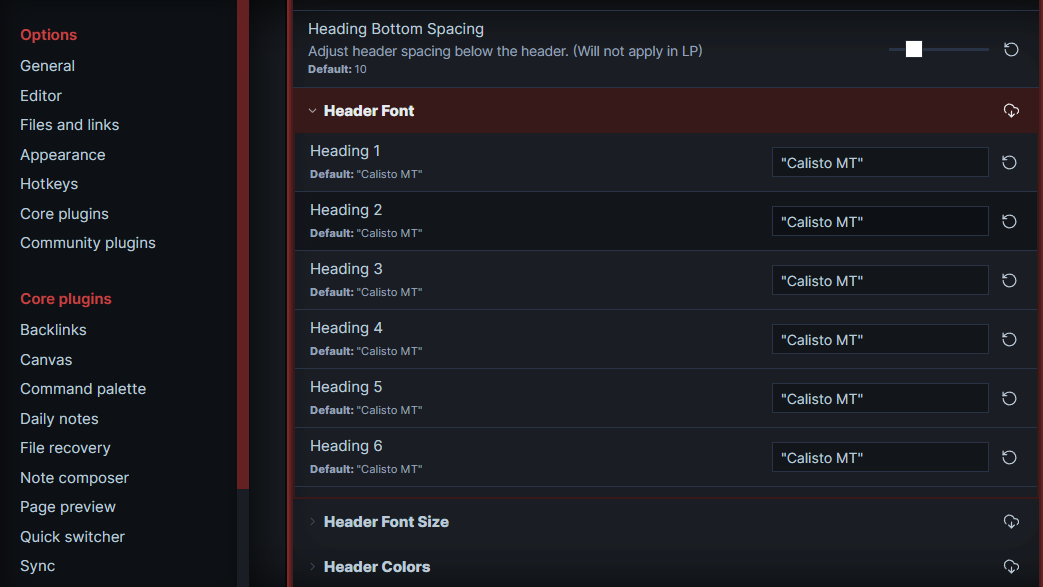
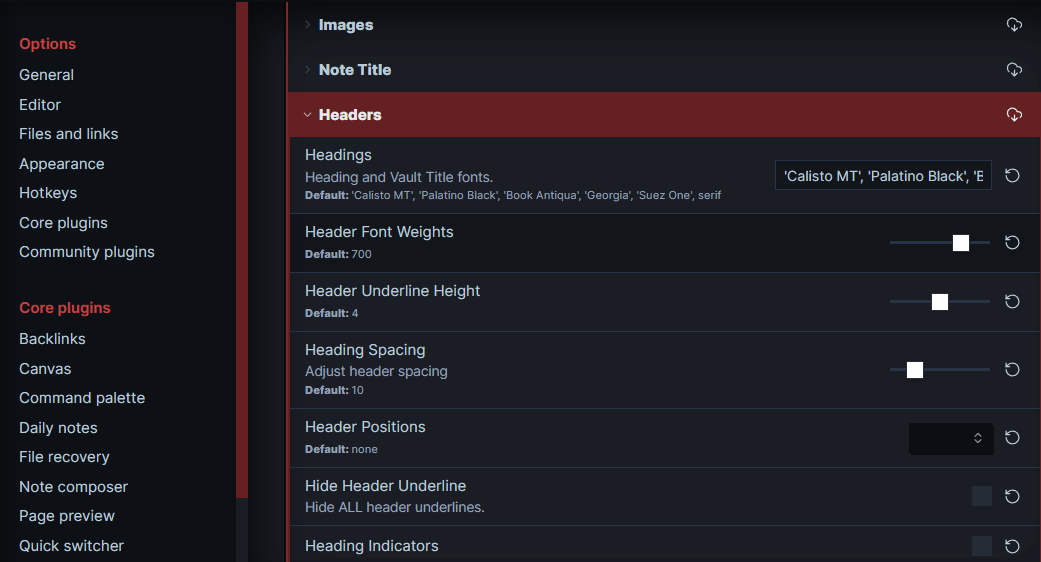
I started using the ITS theme, but the fonts for the headers and titles are not the ones displayed in the images. Also, I would like to add other fonts, but the style setting has them locked apparently. How do I add fonts and how do I change the default?
I have the Calisto MT, but mine is Calisto MT regular. I figured out that if I rename it in both images it works, but that is not the font that I want. I tried inputing the font in both images, but it does not work.
Tried inputing the new font in both place. Instead of changing to the font I want it changes to Times New Roman.
I have also tried creating the following snippet after researching:
/* Change header font in editing view */
.view-header-title {
font-family: “Lost Saloon Regular”;
}
/* Change header fonts in live preview and reading view */
.cm-header-1,
.cm-header-2,
.cm-header-3,
.cm-header-4,
.cm-header-5,
.cm-header-6,
.markdown-preview-view h1,
.markdown-preview-view h2,
.markdown-preview-view h3,
.markdown-preview-view h4,
.markdown-preview-view h5,
.markdown-preview-view h6 {
    font-family: "Lost Saloon Regular" !important;
}