What I’m trying to do
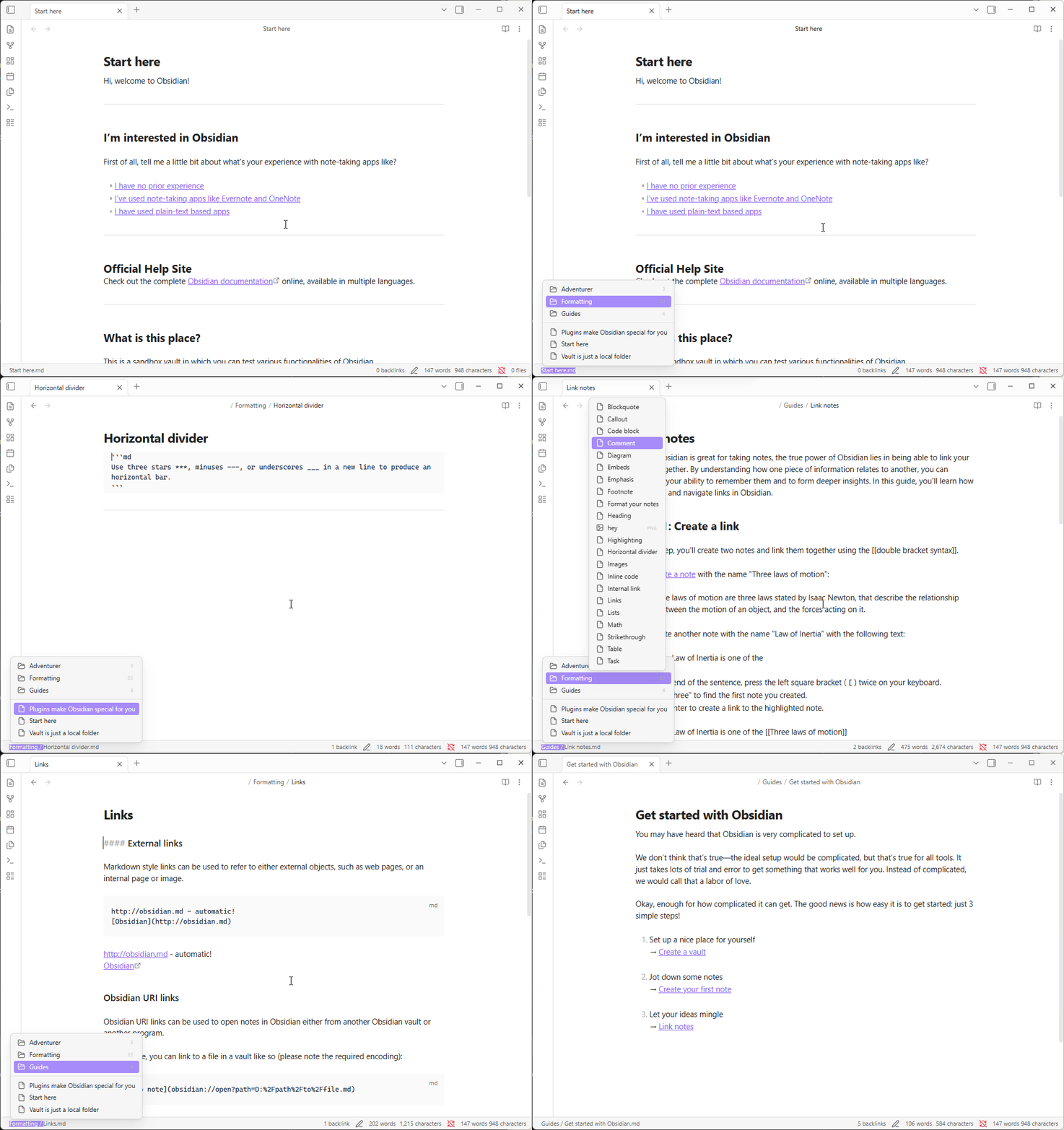
I want to scroll through all my daily notes using the arrow keys. Alt + arrow key only works when the note has a white rectangle around it on the sidebar. If I delete a note the white selection rectangle disappears. What is the right way to browse through your notes?
Things I have tried
I tried mapping hotkeys, downloaded the journal plugin- couldn’t find an option.