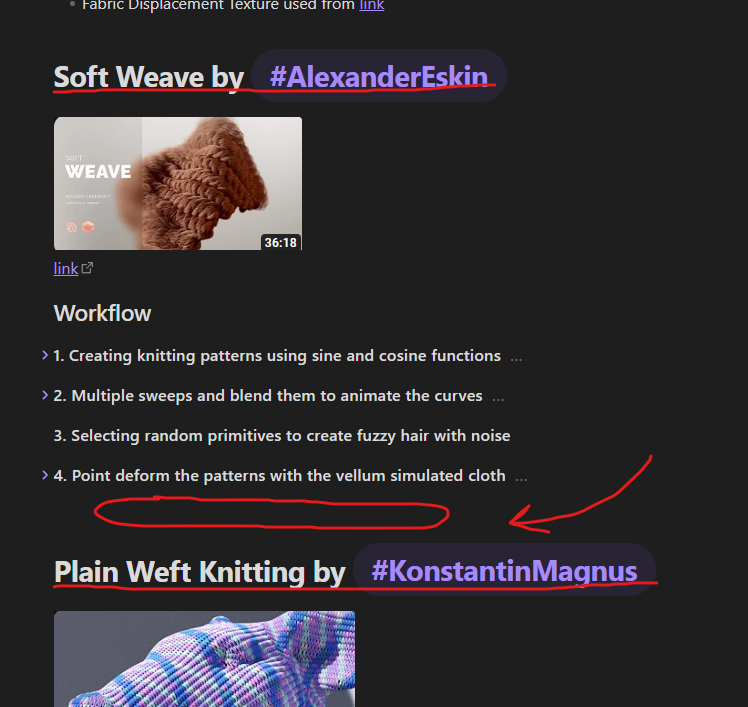
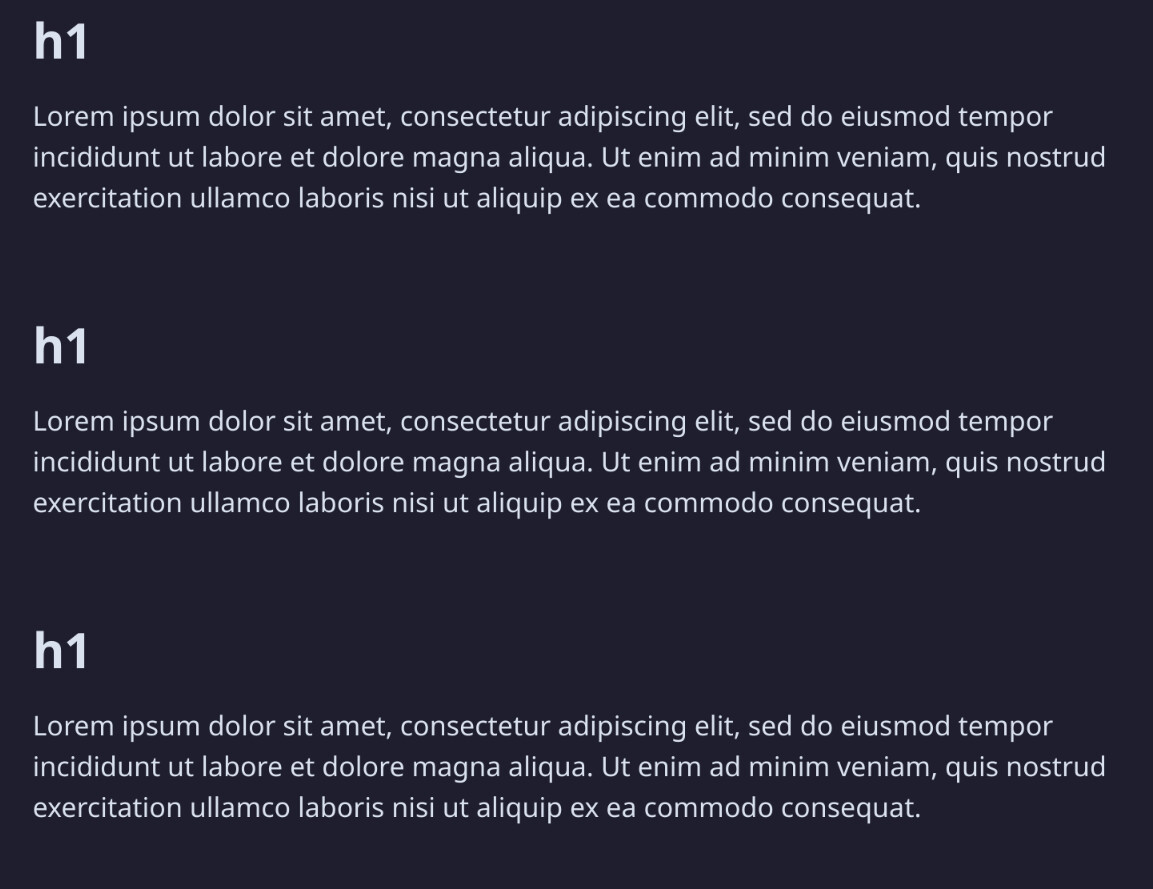
You can customize the styles of the headers to add the desired margin.
Try this CSS (Here’s a guide to use CSS Snippets):
.mod-cm6 .cm-editor .HyperMD-header,
.markdown-reading-view .markdown-preview-section :is(h1,h2,h3,h4,h5,h6) {
    margin-top:2em !important; //Play with the number to get the desired margin
}
Output:
1 Like
Thank you so much!!!
Hello ostaek,
Complementary answer: If you occasionally need a space between two paragraphs (titles or not), you can also use the “line break” HTML element:
simply write <br> after the paragraph.
For example:
This my paragraph 1.
<br>
This is my paragraph 2.
And it will read as such :
This my paragraph 1.


This is my paragraph 2.
1 Like
Oh Thank you so much really!!! That was something I was searching so hard but I didn’t know the right term like HTML and Line break you mentioned. So I was struggling to find this simple yet the best way for my need. Thank you
1 Like
Happy to help!  Obsidian gets even more interesting once you discover small stuff like this.
Also please mark as a solution a reply that helped you most in this thread, so that people with a similar issue know it has been solved  Have a nice day
1 Like
This topic was automatically closed 90 days after the last reply. New replies are no longer allowed.