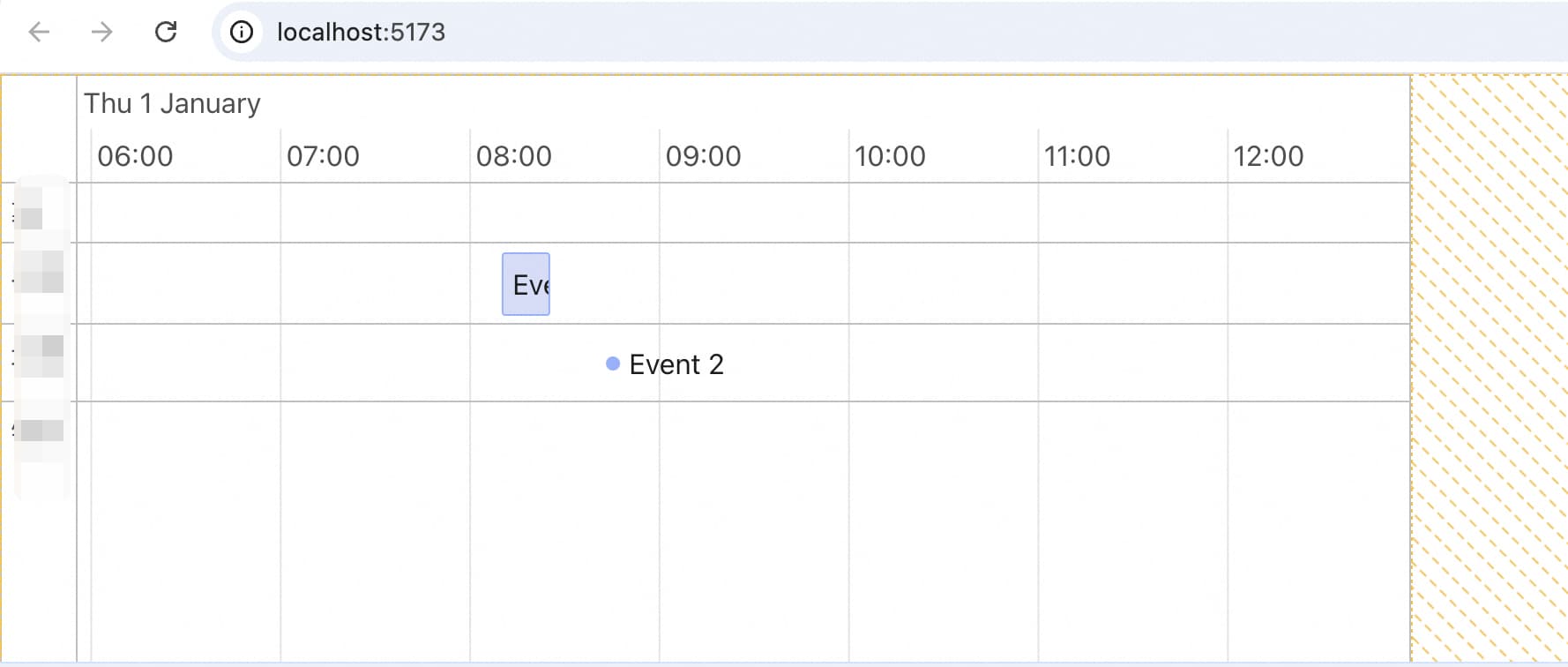
How can Obsidian be configured so that its default styles do not affect my own third-party libraries?

Hello,
How can Obsidian be configured so that its default styles do not affect my own third-party libraries?

In a standalone React project, the styling appears correctly, but within Obsidian, the styles are lost.

Is there any way to prevent this interference?

====

My requirement:

do not affect the content under my custom

:


      <div 
        ref={containerRef} 
        style={{ width: '100%', height: '300px', border: '1px solid #ccc' }}
        
        >
        <TimelineComponent 
          width={ Number(width) } 
          height={300}
          videoDuration={1 * 3600 + 32 * 60 + 15} 
          videoStartTime={0}
        />
      </div>

I tried use Shadow DOM, but seems not work.

ShadowRoot.tsx

// src/components/ShadowRoot.tsx
import React, { useRef, useEffect } from 'react';
import { createPortal } from 'react-dom';

interface ShadowRootProps {
  children: React.ReactNode;
}

export const ShadowRoot: React.FC<ShadowRootProps> = ({ children }) => {
  const hostRef = useRef<HTMLDivElement>(null);
  const [shadowRoot, setShadowRoot] = React.useState<ShadowRoot | null>(null);

  useEffect(() => {
    if (hostRef.current && !hostRef.current.shadowRoot) {
      const shadow = hostRef.current.attachShadow({ mode: 'open' });
      const style = document.createElement('style');
      style.textContent = `
        :host {
          all: initial;  
        }
        * {
          box-sizing: border-box;
        }
      `;
      shadow.appendChild(style);
      setShadowRoot(shadow);
    }
  }, []);

  return (
    <>
      <div ref={hostRef} />
      {shadowRoot && createPortal(children, shadowRoot)}
    </>
  );
};

use it:

      <ShadowRoot>
        <Timeline
            ref={timelineRef}
            initialItems={items}
            initialGroups={groups}
            options={options}
        />
        </ShadowRoot>

but do not work.

I havent understood the first image exactly, so my answer might not be that useful, but still sharing few points which might help you out. For the below points I am assuming you are building a plugin. (I didnt understood what you meant by “third-party libraries”)

First of all, we are not supposed to put any kind of styling within the react code. That is all the styling, the CSS should go inside a new file called styles.css, which should be also present within your plugin folder. But, in rare cases where the styling is changing dynamically and you cannot do it using class toggling, in that case you may hardcode the CSS. But that too, I feel is very rare case as almost everything is possible through CSS class names toggling.

Second thing, I have too faced this issue in the past. For example, I was using the reactFlow package. And when I imported it, I didnt saw anything. Turn out, I had to set the width and height of the reactFlow component to a absolute value, then only it appear within the parent div properly. You have given the height as 300px which looks correct, try the same for width as well and check if the parent of this containerRef is properly wrapping the div. You can debug this through the Developer console window.