Taxick
1
What I’m trying to do
Hi,
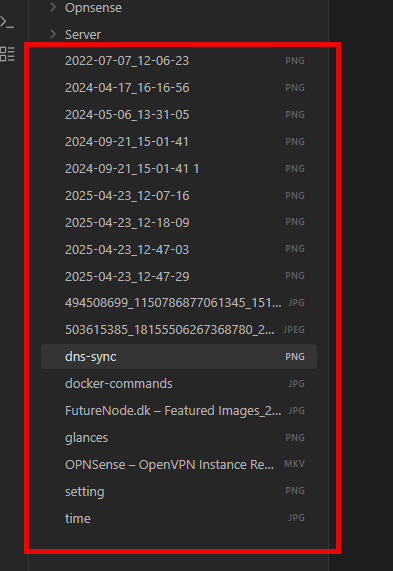
I have added some notes, but I want to hide the atached filenames in the sidebar
t
Can someone help me to hide them?
Sorry for my bad English
Things I have tried
I have looked in the settings and the help docs.
Regards
Thomas
ariehen
2
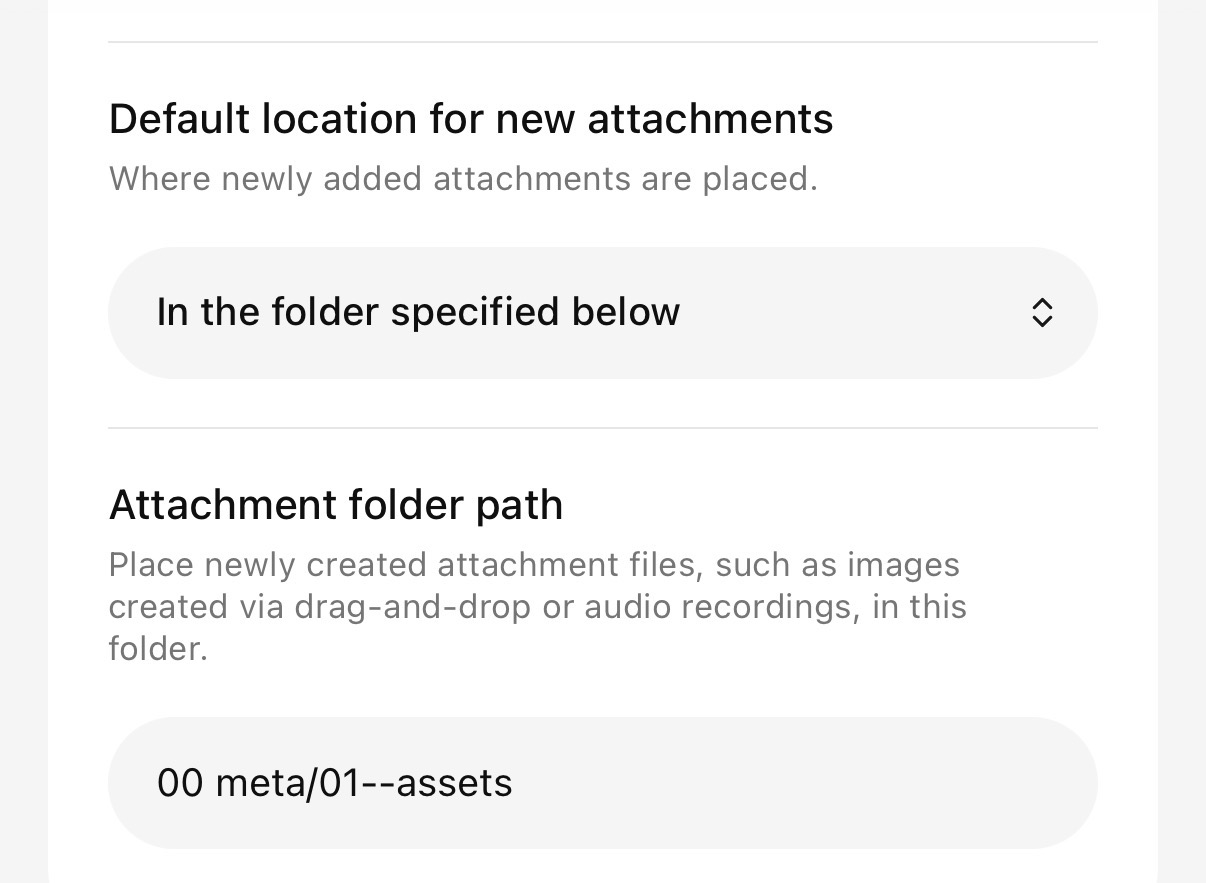
Make a new folder, call it Attachments, assets, or whatever, and move those files into it.
That’s how most folks do it.
Settings > Files and links
Set this, and all new attachments will go in that folder.
system
Closed
4
This topic was automatically closed 28 days after the last reply. New replies are no longer allowed.