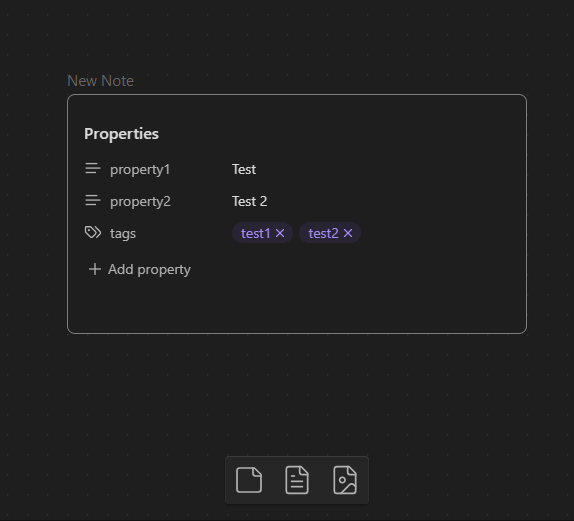
When I am inserting an existing page into a canvas, I don’t want to see the properties in the canvas. I think it clutters up the view and properties should only be dispalyed when viewing the actual page, not when it’s embedded in a canvas.
Things I have tried
I don’t know what to try, maybe some CSS can work?
It does not seem to work. Just to be sure that it’s not conflicting with my other CSS, I put it on its own CSS file and disabled everything else but the properties still show up