Hi,
I’d like to share how to hide the frontmatter in embedded editing views.
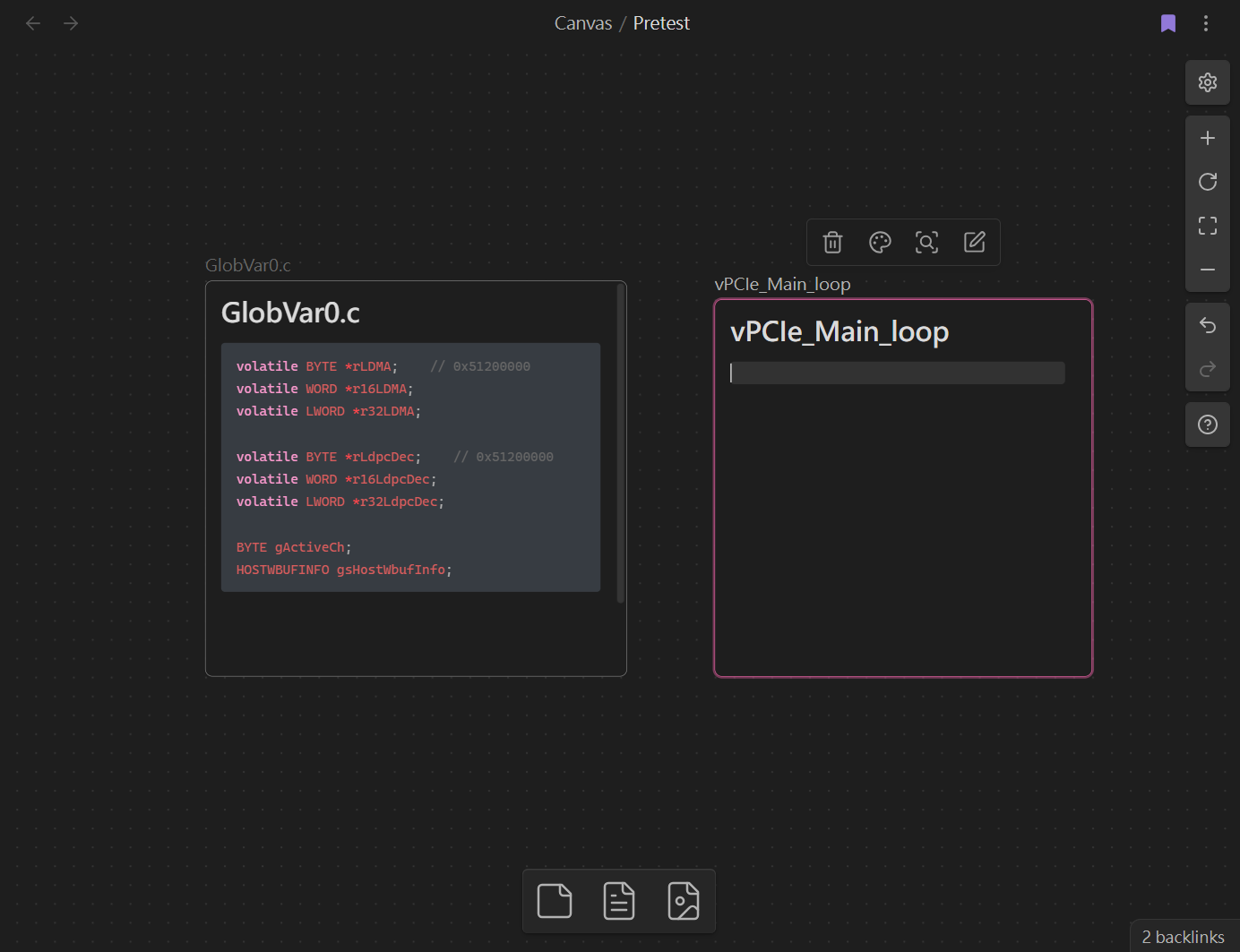
Using Canvas as an example (My configuration is “Live Preview” with properties “Visible”):
The frontmatter appears in both reading view and editing view by default.
With this CSS:
.markdown-embed .metadata-container,
.markdown-embed-content .metadata-container {
    display: none !important;
}

.mod-inside-iframe.is-live-preview .metadata-container {
    display: none !important;
}
We can hide the frontmatter in embedded notes as shown below:
1 Like
Dear @RobertttBS,
Thank you so much for your plugin and all your hard work! I absolutely love Enhanced Canvas. It makes Obsidian into the perfect workstation for me.
I have run into an issue in the last few days, however, that I hope you will be able to help me with. All of a sudden, Enhanced Canvas is not automatically adding the new connections to the properties or graph view of each new link. Whenever I close and reopen Enhanced Canvas, it works as it’s supposed to, but only for the links that have already been made, not for any new ones.
What do you think could be the issue?
Thank you in advance for your help, and thank you again for your wonderful contributions.
All the best,
Candersen
I apologize for the delayed response, and thank you for your support of this plugin. Does this issue still persist?
Based on your description, it seems the plugin has stopped adding internal links to property fields when a new edge is added in Canvas. I haven’t been able to reproduce this scenario. Could you please provide more information or a demo GIF?