I have the following css. How would I adjust it to make it use :not. I tried a few things, but it wither removed the css everywhere or didn’t change anything. Thanks for your help.
if I wanted the whole file to only apply to the css that has the following would I have to go through each part of the css file and it the not for everything? The file is pretty big. Or is there a way to just make it so the whole file isn’t applied using one line of code?
cssclasses: book
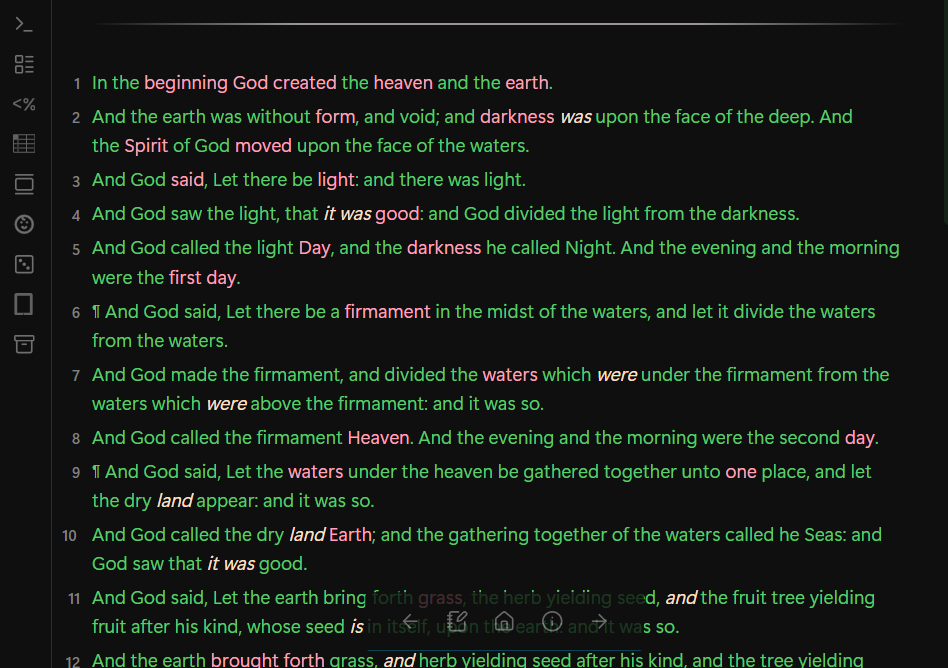
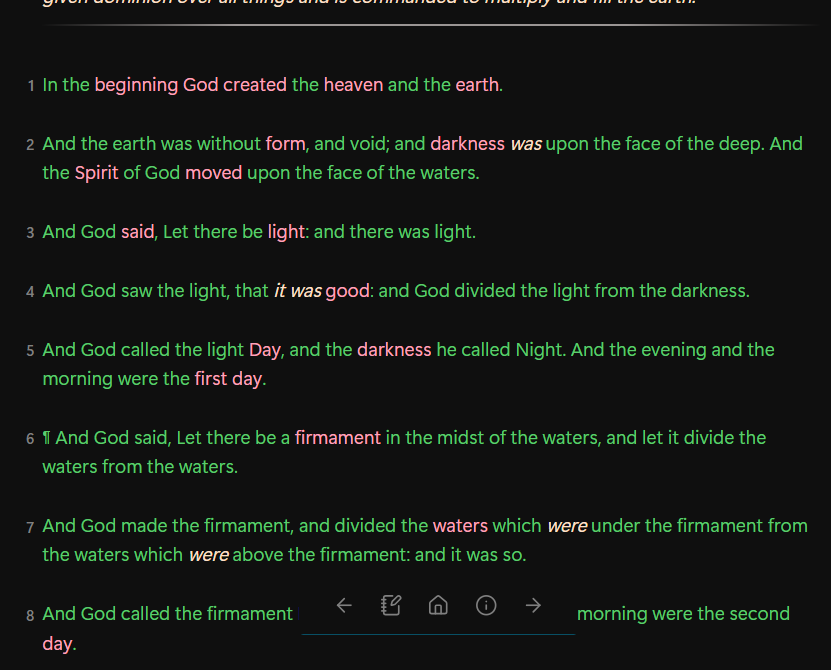
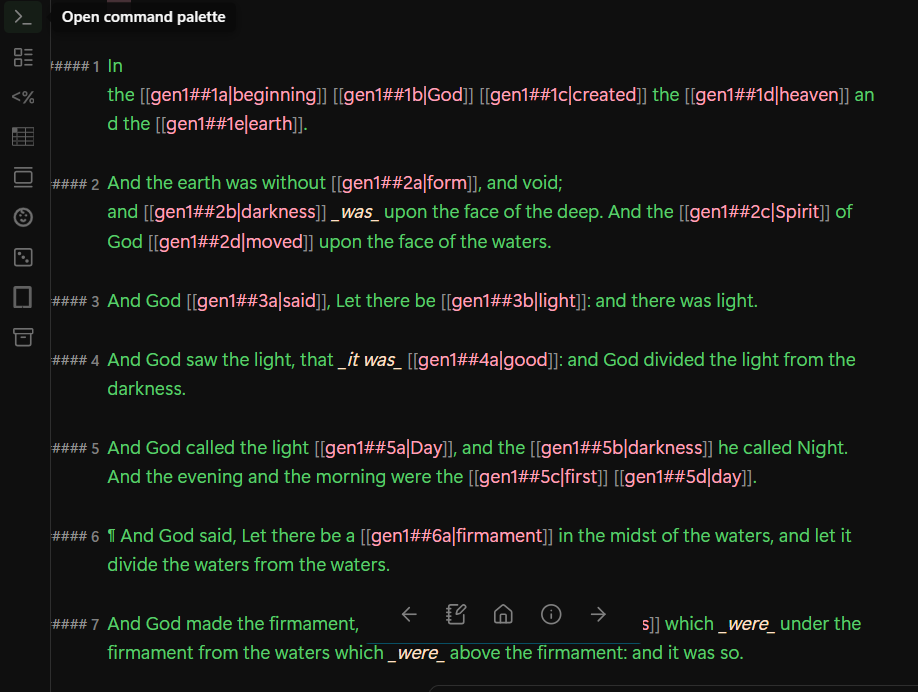
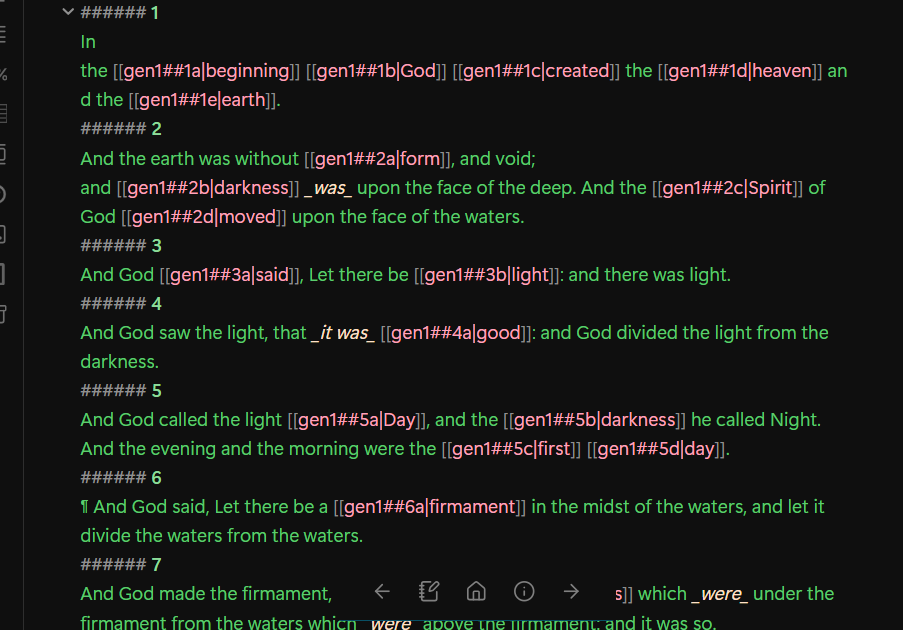
To clarify, I want the css to apply in both the preview and live preview view, but keep the formatting for source view as it would appear without any css. I am using the following css.
The vertical alignment of the heading line looks a bit different in live preview and reading view, so you may want to separate them out to have finer control. e.g.
.markdown-source-view.is-live-preview .HyperMD-header-6 {
  /* live preview declarations here */
}

.markdown-rendered h6 {
  /* reading view declarations here */
}
Also, this margin-top: -20px !important may cause issues in live preview with text entry, moving the cursor around, etc., so if you do separate them out, you may want to leave that out of the live preview section if it’s causing issues.
In the future if you post any CSS, it’s reccommened to post it in a fenced code block. It preserves the formatting, it’s easier to read and copy, etc. Like this: