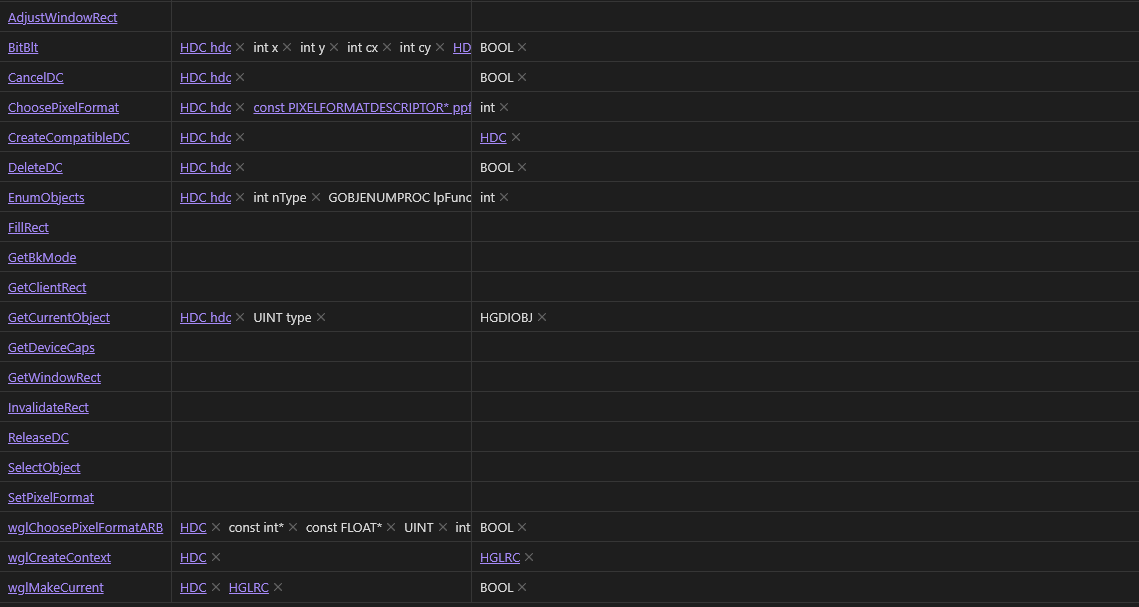
Been struggling to find out how to make this possible but I have been trying to get list elements to display vertically rather than horizontally. I’ve attempted to adjust this via custom CSS themes but it seems to never give the results I would like.
The closest I’ve gotten to this desire is within card view. Ideally I would like it if each row adjusted according to the number of elements in the property.
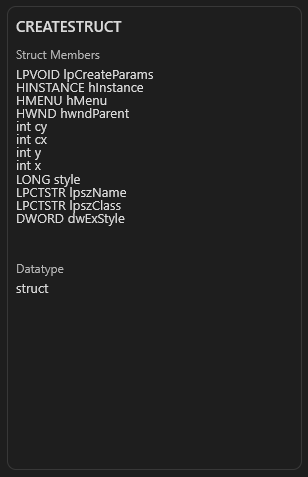
I achieved this by using the following CSS code which honestly is kind of hacky but yeah.
.value-list-element
{
	display: list-item;

}


.bases-cards-item div:nth-child(3) div[class="bases-cards-line"]
{
	height: 190px;
	overflow: scroll;
	display: block;
}


.bases-cards-line
{

	overflow: auto;
	display: table;
}
I would like the be able to do that sort of vertical alignment with the table view as for my purposes it would work better with my notes