Steps to reproduce
Enable slides core plugin
Create new note
Add a few paragraphs, each separated by
---
Start presentation
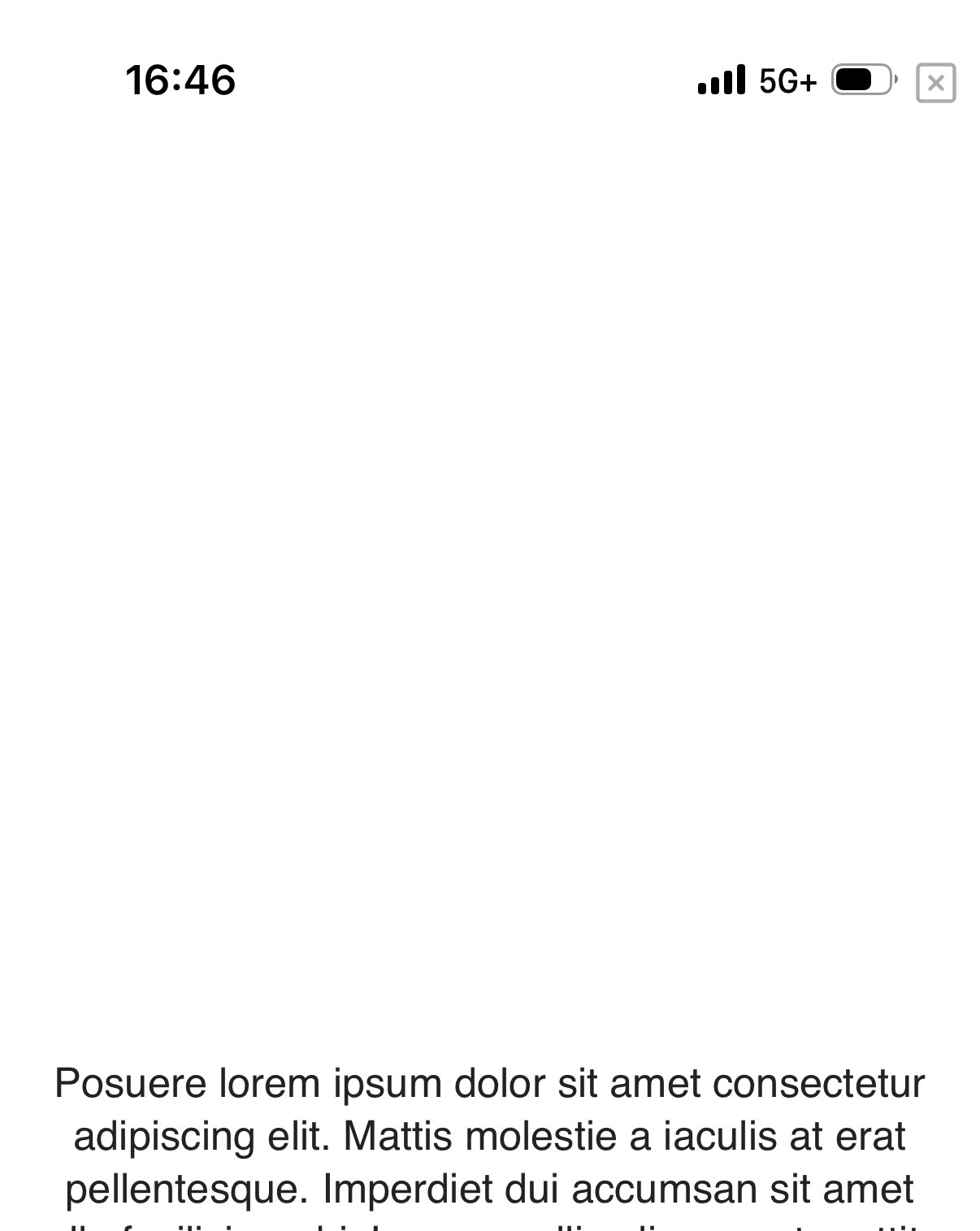
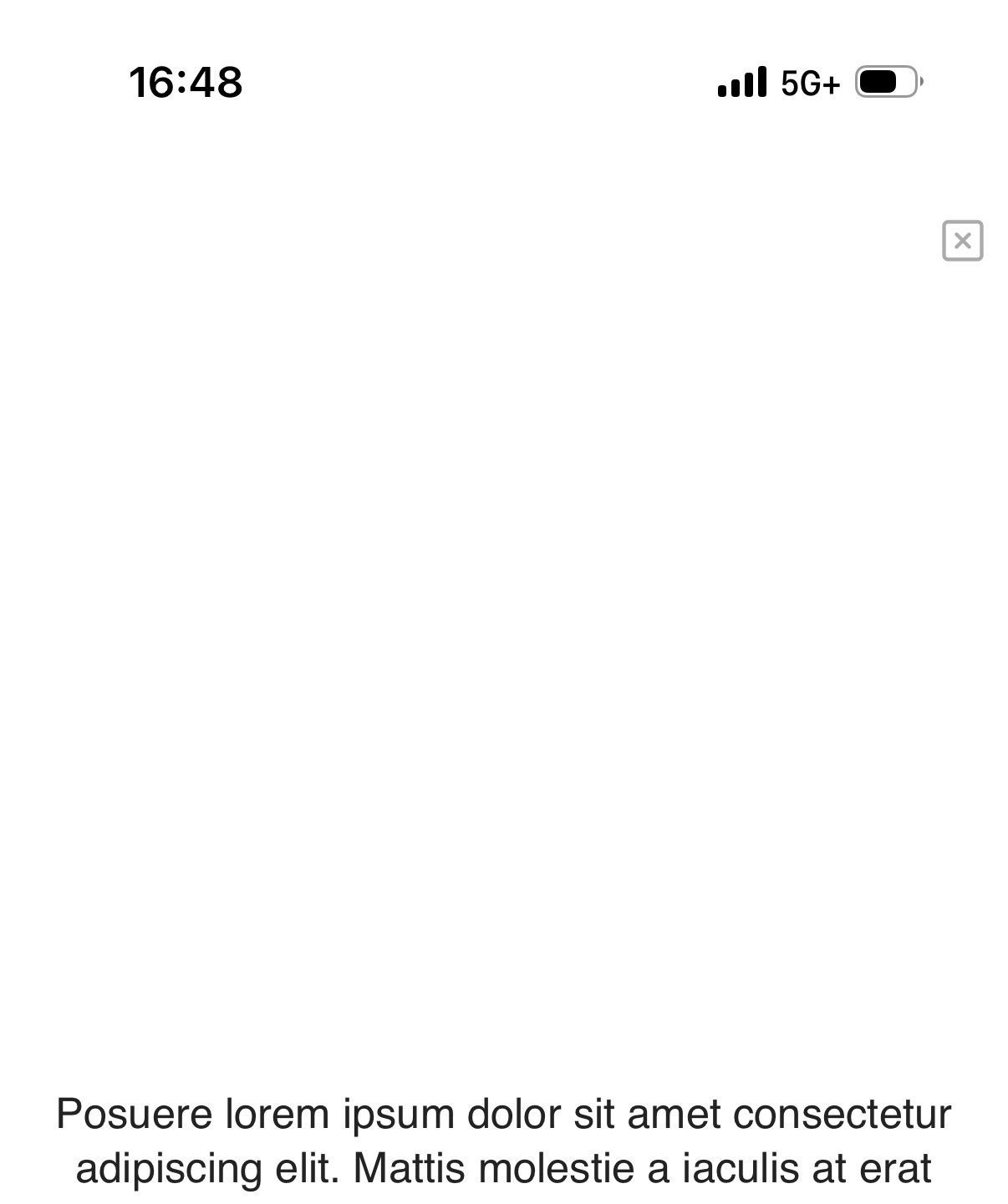
Notice the tiny exit presentation button
Did you follow the troubleshooting guide? [Y/N]
Yes
Expected result
I expect to be able to easily exit the presentation mode
Actual result
The exit button is tiny and overlaps the status bar making it hard to touch. I have to try pressing it 50 times to exit presentation mode.
Environment
SYSTEM INFO:
Operating system: ios 26.2.1 (Apple iPhone17,5)
Obsidian version: 1.11.7 (287)
API version: v1.11.7
Login status: logged in
Language: en
Catalyst license: none
Live preview: off
Base theme: dark
Community theme: Minimal v8.1.5
Snippets enabled: 0
Restricted mode: off
Plugins installed: 3
Plugins enabled: 3
1: Natural Language Dates v0.6.2
2: Minimal Theme Settings v8.2.1
3: Excalidraw v2.20.5
RECOMMENDATIONS:
Custom theme and snippets: for cosmetic issues, please first try updating your theme and disabling your snippets. If still not fixed, please try to make the issue happen in the Sandbox Vault or disable community theme and snippets.
Community plugins: for bugs, please first try updating all your plugins to latest. If still not fixed, please try to make the issue happen in the Sandbox Vault or disable community plugins.
Additional information
First noticed the bug on the minimal theme. It’s still there on the default theme in restricted mode.