Steps to reproduce
- Connect Mac with a monitor
- Open Obsidian Full Screen on the monitor
- Try to open up couple tabs
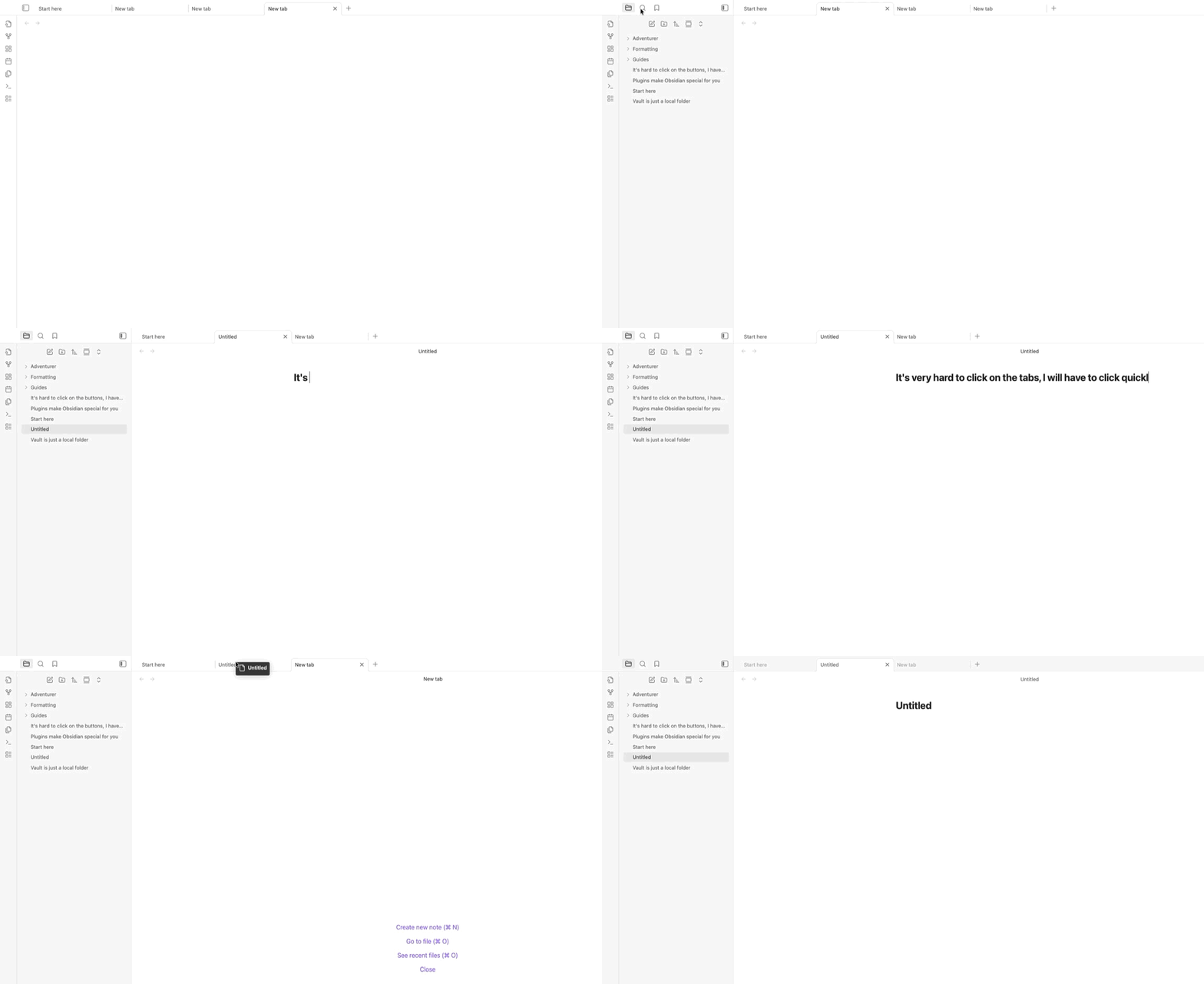
- Try to swap tabs by clicking on the tabs, or try to close the tabs by clicking on the “X”
Did you follow the troubleshooting guide? [Y/N]
Yes, I tried in SandBox
Expected result
Be able to click on buttons easily
Actual result
Observed that it’s hard to close or swap tabs, also hard to press the buttons on the top of the screen, a tag will show up and blocks the click. Seems like UI think that I am dragging while I am actually clicking?
Environment
SYSTEM INFO:
Obsidian version: v1.10.3
Installer version: v1.8.7
Operating system: Darwin Kernel Version 25.0.0: Mon Aug 25 21:27:47 PDT 2025; root:xnu_development-12377.1.9~2/DEVELOPMENT_ARM64_T6041 25.0.0
Login status: not logged in
Language: en
Insider build toggle: off
Live preview: on
Base theme: adapt to system
Community theme: none
Snippets enabled: 0
Restricted mode: off
Plugins installed: 4
Plugins enabled: 3
1: Calendar v1.5.10
2: Paste image rename v1.6.1
3: Node Auto Resize v1.1.0
RECOMMENDATIONS:
Community plugins: for bugs, please first try updating all your plugins to latest. If still not fixed, please try to make the issue happen in the Sandbox Vault or disable community plugins.
Additional information
- Does not happen without full screen
- Does not happen when I am not using a monitor a
- Not sure if it’s a MacOS Bug
s extension