ariehen
2
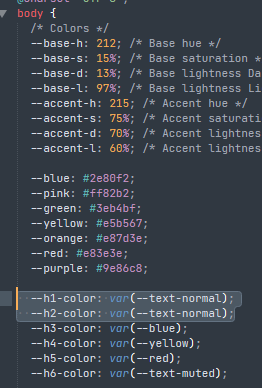
The Things theme sets the h1 and h2 colors to the var(--text-normal) color (the same as regular text):
You can change this in the Things section of the Style Settings plugin or use a CSS snippet like this to change them:
body {
  --h1-color: salmon;
  --h2-color: var(--purple);
}
I recommend having a look at this topic for a guide on using the dev inspector to find out what the default theme or community themes are doing: