Hey, how can I get more information when Obsidian says “failed to fetch”? It’s been failing to sync for some time and saying it can’t contact the server, so I logged out of sync to see if resetting that would help. Can’t log back in now, because of the same problem. I thought it might be an issue with some cache somewhere, so I removed all of the Obsidian files from ~/Library. Still, when I try to log in it just says “failed to fetch” when I enter my credentials, as in the screenshot below.
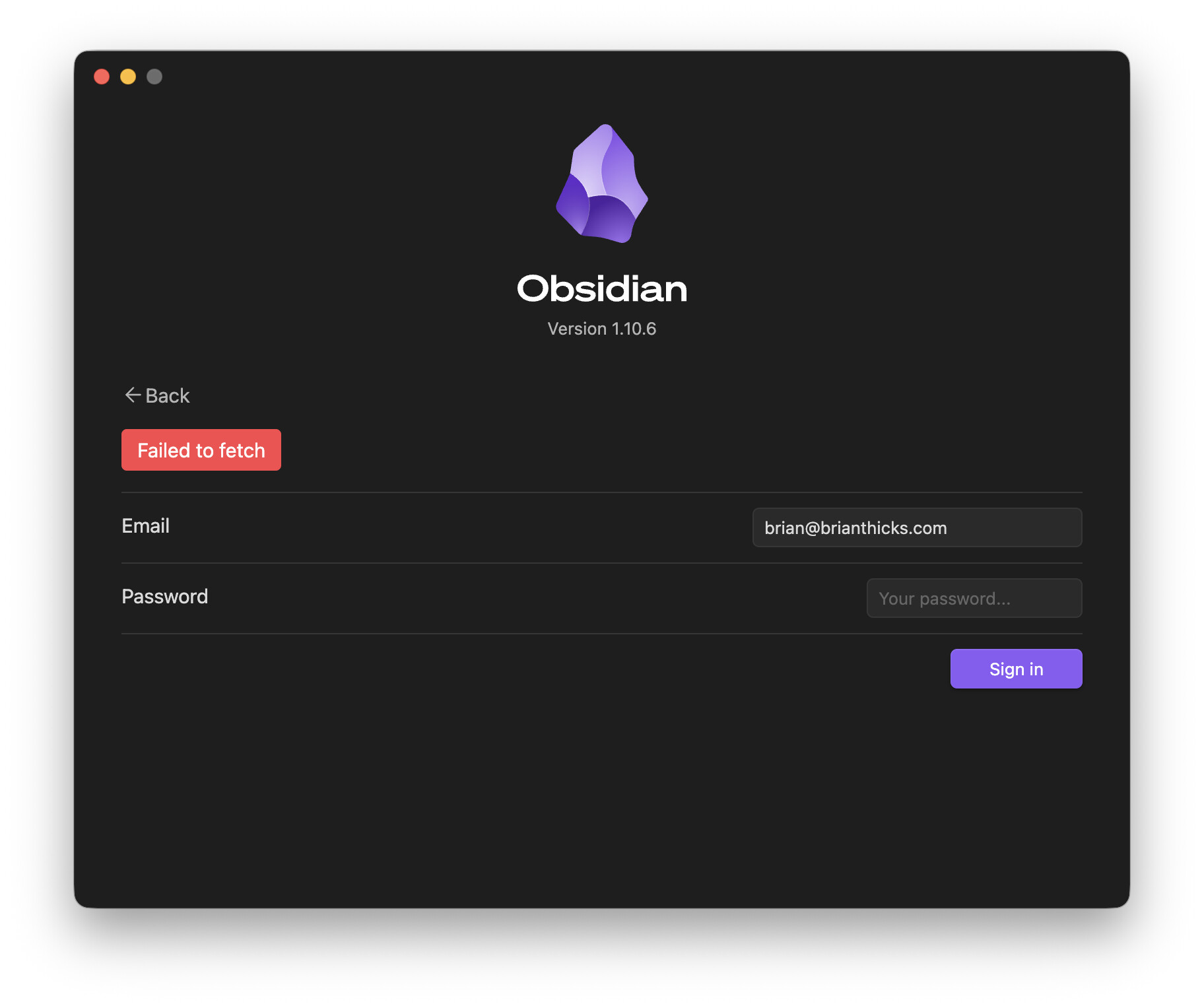
How can I get Obsidian to give me more info than this? I emailed support a couple of days ago and haven’t heard back, but this is getting to be pretty crucial.