Garbled text in the software! Help!
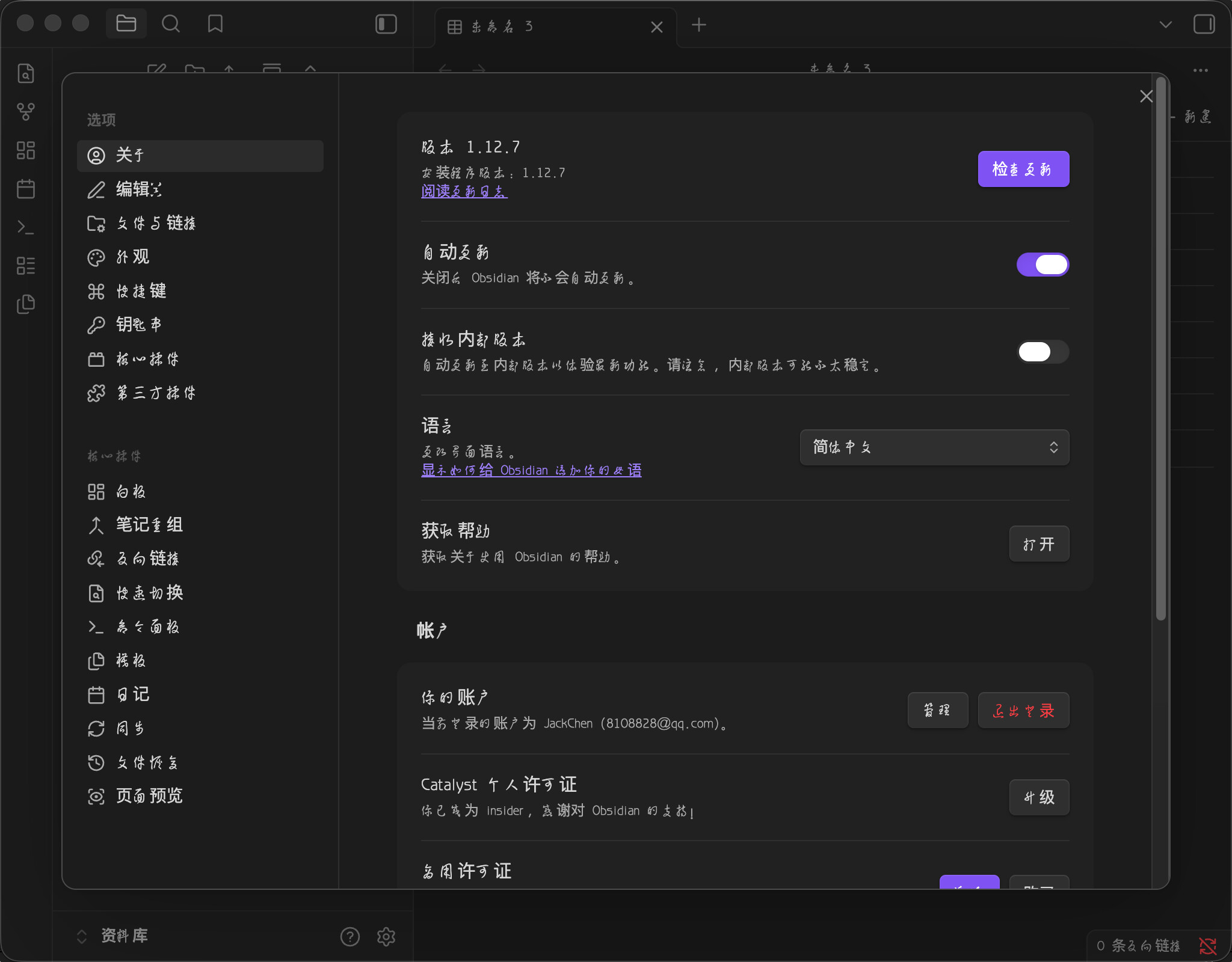
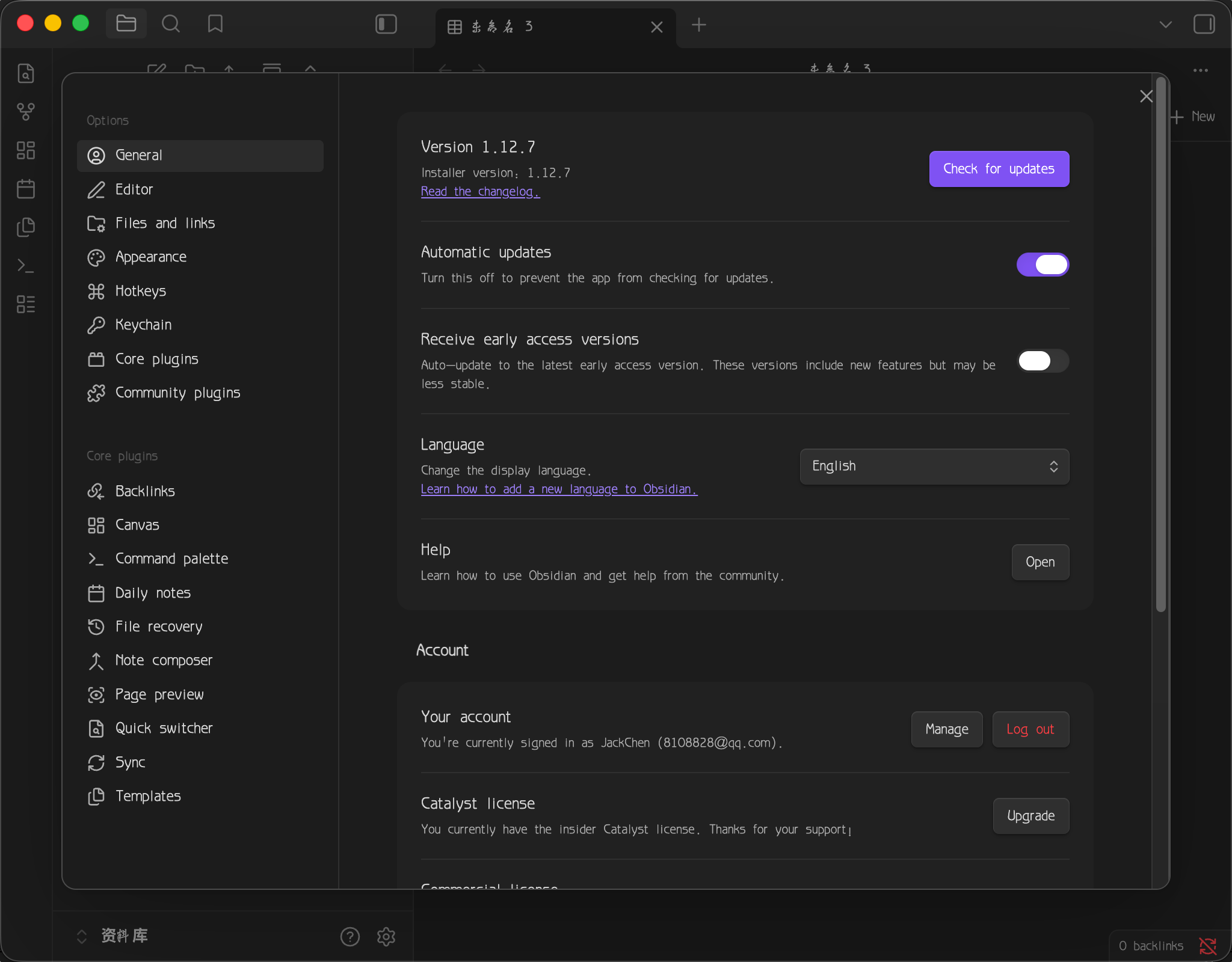

Try to change your font maybe? You can do it the obsidian settings or your OS settings. Or also, you can try to enable anti-aliasing in your OS settings. The text in the pictures doesn’t look garbled to me though…
Agreed, it looks like a font issue.
Can you show what’s set for Settings > Appearance > Font → Interface font? I’d remove any custom font there to see how it goes.
thank you!