Disclaimer
Is this plugin open source? Yes (MIT)
Is this plugin completely free? Yes
Is this plugin vibe-coded beyond the author’s ability to comprehend how it works? No
Community Directory:https://community.obsidian.md/plugins/free-ai-agents
Hello everyone,
Free AI and Agents is an Obsidian community plugin that brings free AI chat and agents directly into your sidebar. You can chat with lots of AI models and use agents without leaving your vault or signing up for another service.
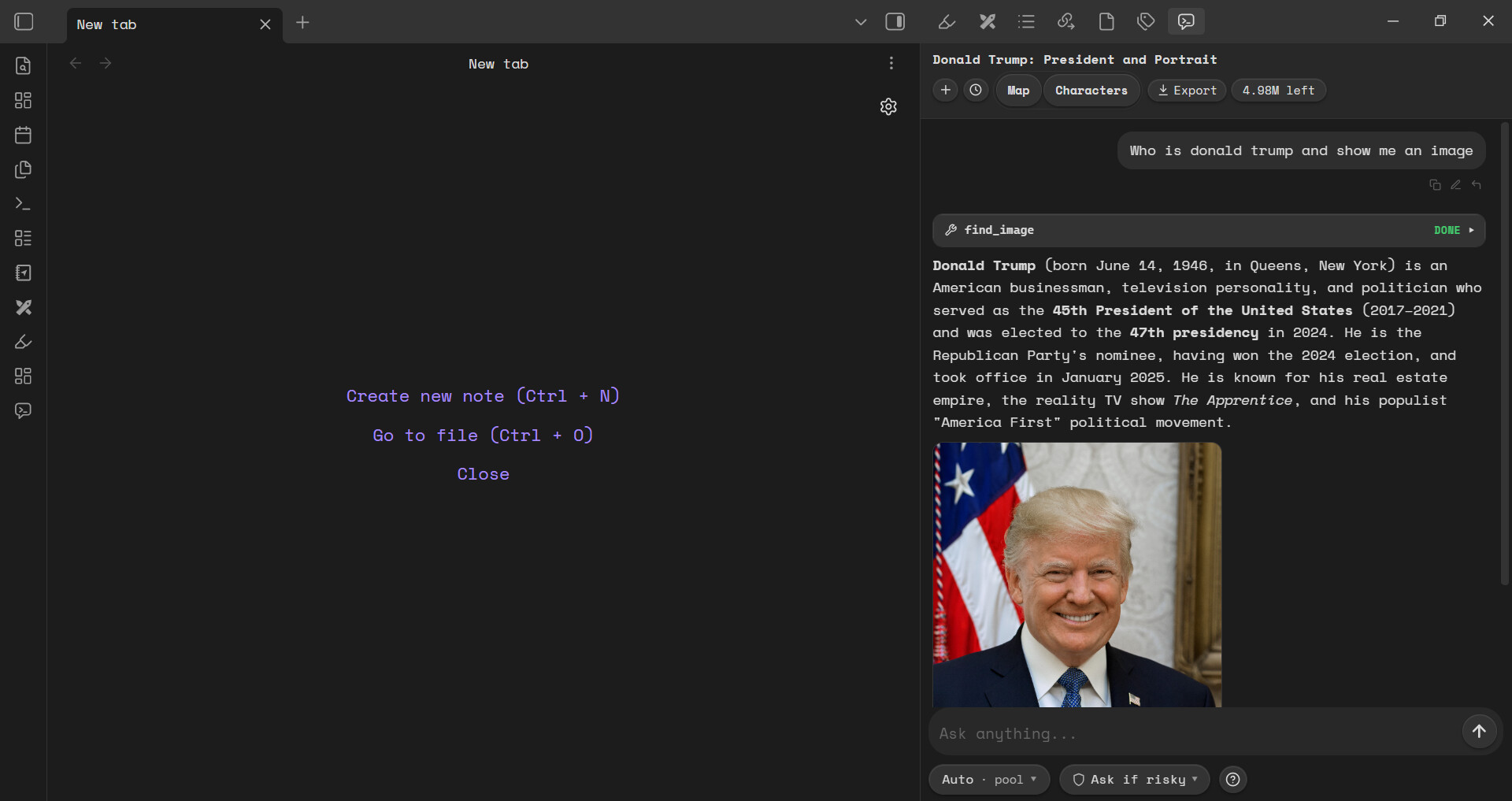
What you get:
-
AI chat: Chat with lots of AI models directly inside your Obsidian.
-
AI agents: Work with 65 local agents and local tools right from your sidebar. It supports writing files, creating files or folders, editing files or folders, showing images and voice and video inside the chat, creating images inside your notes, installing plugins, deleting plugins, searching the web, reading a website via URL only, seeing what you are working on currently, etc. Every single facet of obsidian as long as you can see it. It can also see it and work there.
-
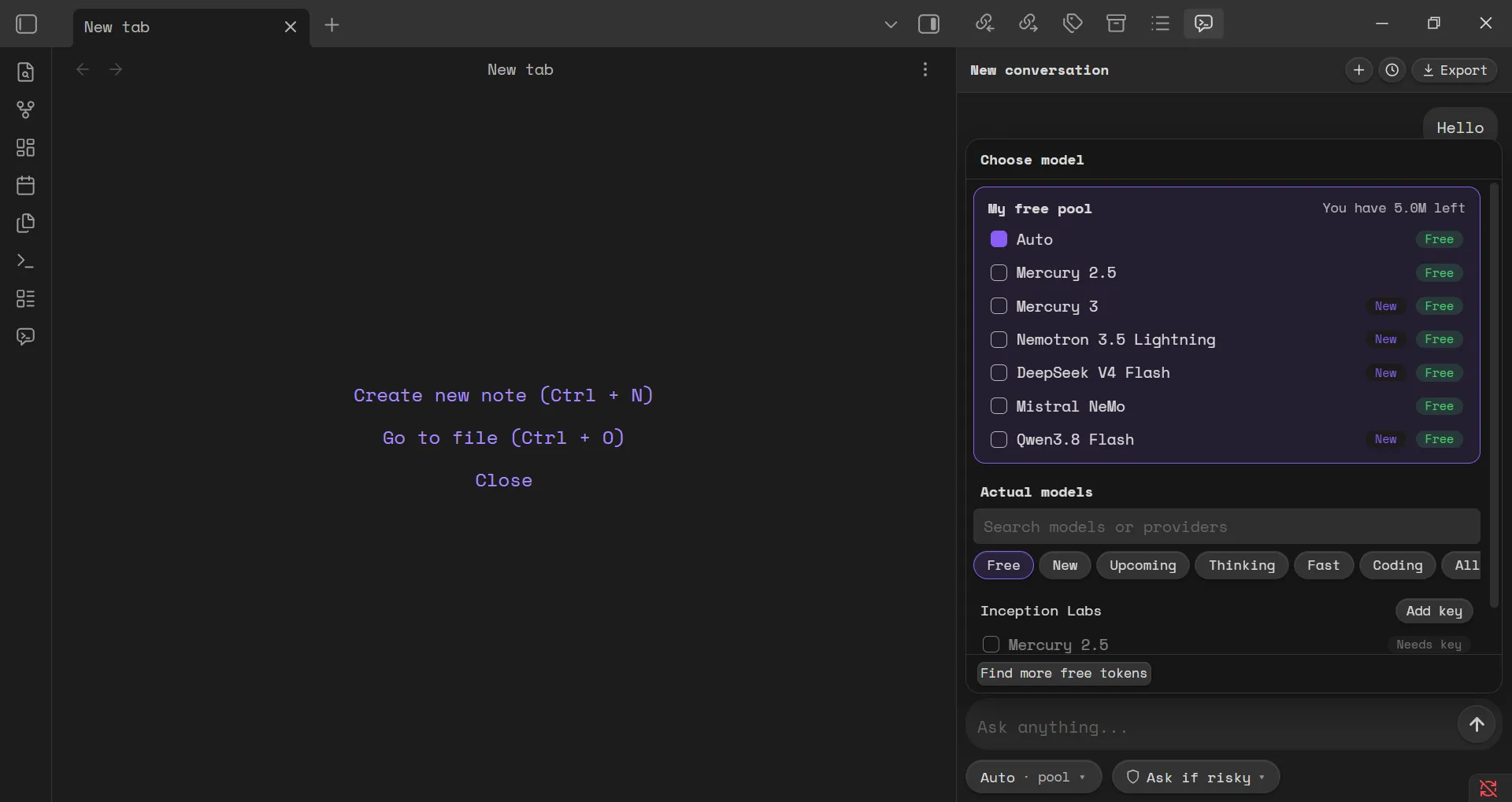
Free AI access: Get free 5 million AI tokens daily. Not just dumb models. Get access to state of the art thinking models like Deepseek V4, Google Gemma, Mecury 3.0, Qwen 3.8, Mistrals models, Nvidia’s Nemotron, etc. See the image below. New models are updated when available.
-
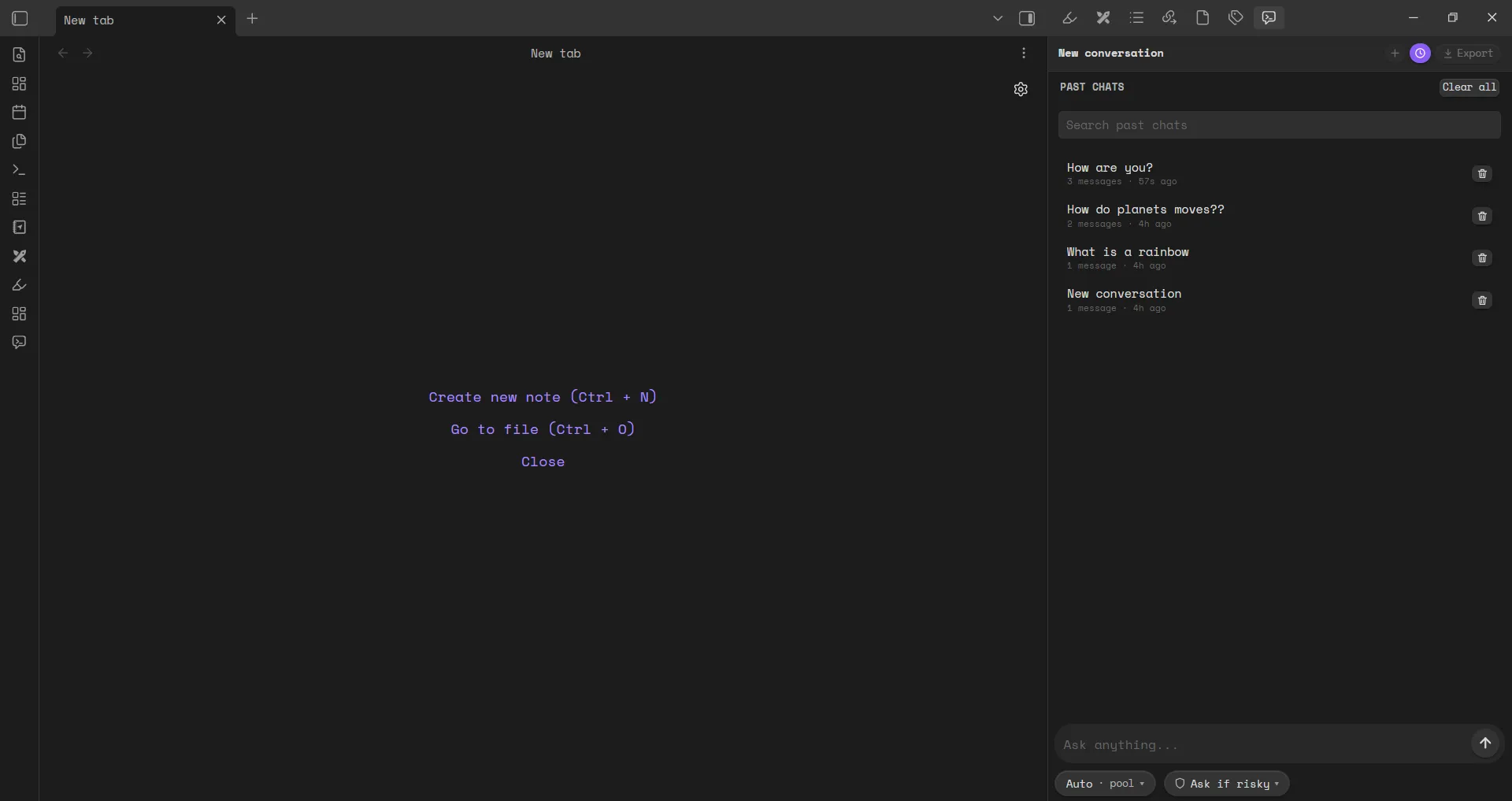
No signup or logins or accounts ever: Get started without every creating any account. No accounts, No signups, No logins. Nothing is stored. Nothing is asked for. Just download and use it anytime and always.
The goal is simple: make AI more accessible inside Obsidian, without making you jump between apps or pay just to get started.
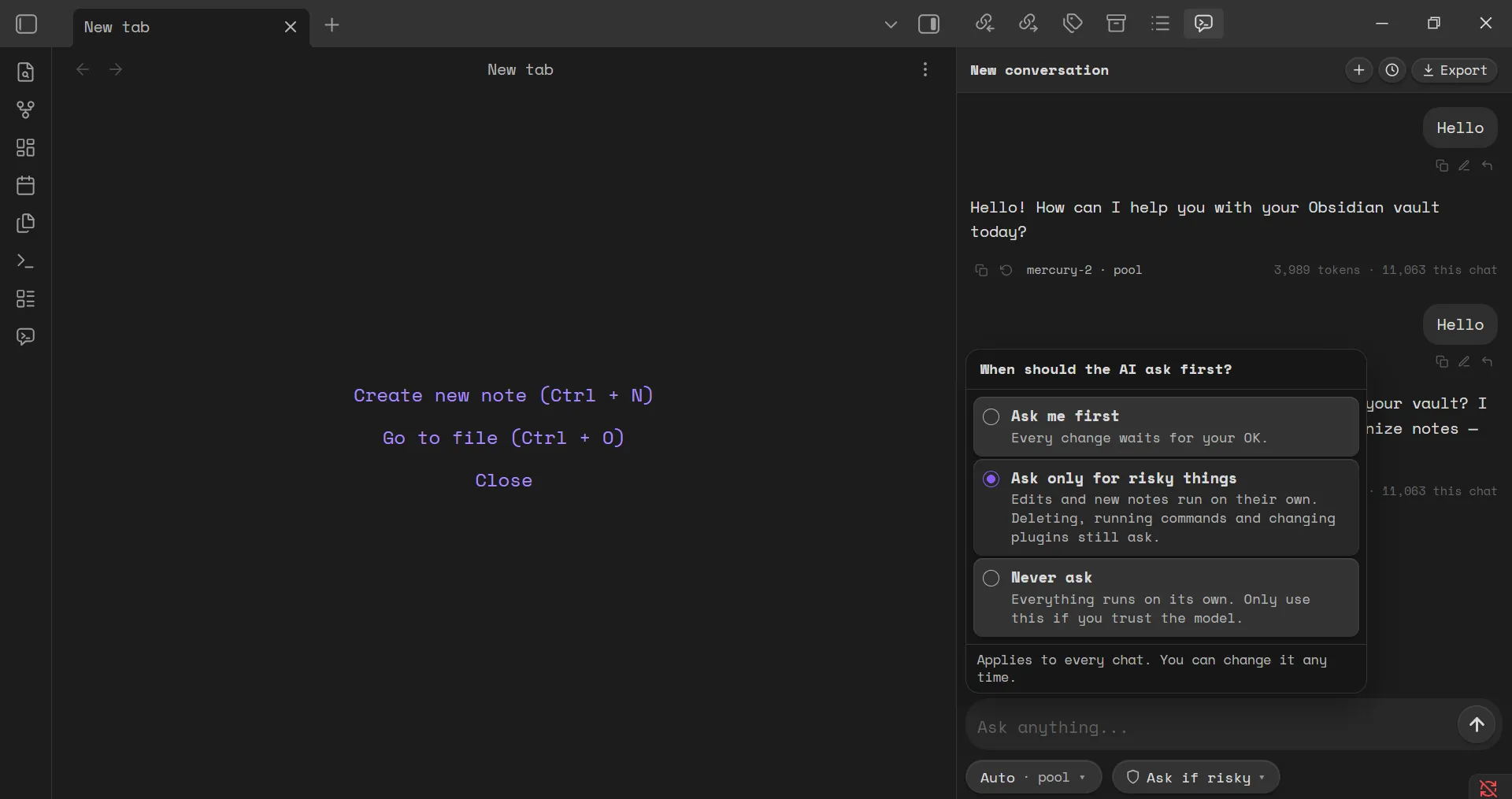
Install: Settings → Community plugins → Browse → Free AI and Agents
Feedback is very welcome. In fact you could just send a hello. I’d respond swiftly 
I’d especially like to hear how you use AI in your vault, what you’d like the plugin to support next, and what would make it more useful in your daily workflow.
