I’ve been looking for a way to do the following when I prepare a manuscript (or any other types of documents):
-
Use the mind-map feature (e.g., using Obsidian Canvas) to create a mind map containing my thoughts about how the paper should be organized, e.g., the outline of the different sections and paragraphs it should include, with their child nodes being, e.g., what should be included in each paragraph and how long each topic should be.
-
After that, I want to create child notes for each topic (probably using Canvas’s nodes of the “file type” ) where I’ll write the REAL CONTENTS that will be included in the manuscript. I’ll call these nodes as the Leave nodes because they are always at the deepest level in the mind-map tree.
-
Display a separate md file in a separate pane, where it will automatically collect the contents within these “leave nodes” according to their order in the said mind-map tree.
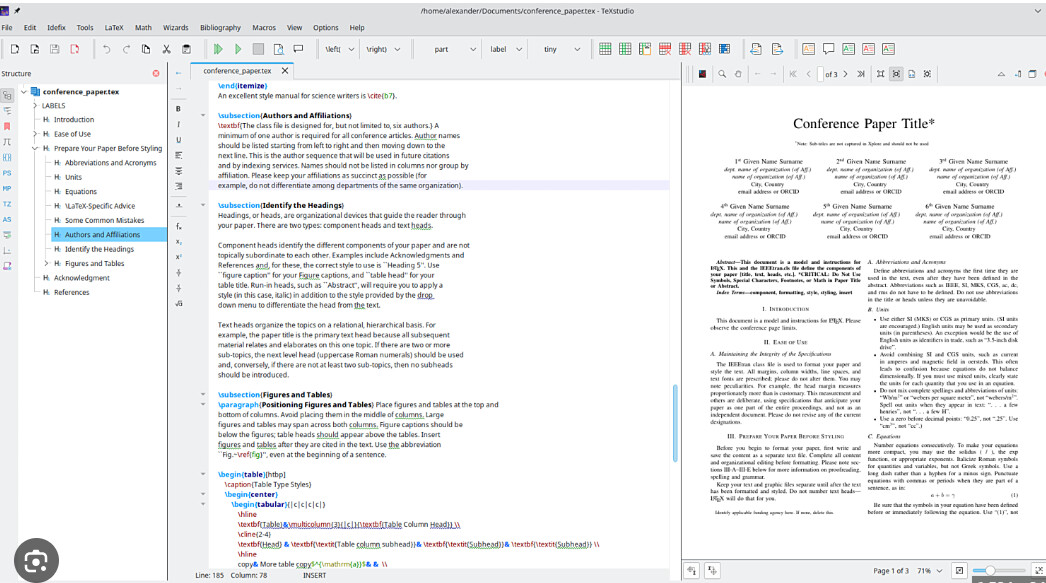
If someone has used latex, he will notice that my suggestion is a bit similar to how latex displayed two panes, with one for typing and one for displaying the compiled result. The difference is that, I want to have a tree structure thing when I prepare the contents, which will guide my writing.
Currently, when I write a manuscript in a latex editor, I have to use a mind-map software to do half of the things, and then use this to guide my writing; but these two operations are essentially separated, which wouldn’t be as convenient as what I’m looking for. For example, if one wants to adjust the structure of the paper by reorganizing the nodes within the mindmap, the CONTENTS will also be changed accordingly in my desired routine. Moreover, upon using obsidian, we might even create some blocks for each Leave node that remind us how many words we have written for this topic and what is the suggested count.