I made a plugin for writing screenplays in fountain format inside obsidian. Live formatting as you type, a near-print readonly view, an editable index-card view with drag-and-drop, an outline-style sidebar, PDF export, rehearsal mode, and a few other things.
Why another fountain plugin? https://github.com/Darakah/obsidian-fountain didn’t seem to be a thing anymore when I set up a new vault, and obsidian-fountain-editor — while great — only solves the editing side, and treats fountain notes as obsidian links (which for most people is probably a feature, but for me, with lots of existing scripts that have fountain notes in them, was primarily annoying). So at first I quickly threw together fountain-js and the CSS Bluemoondragon07 wrote in this thread. Then I added more features, eventually got fully nerdsniped into writing my own parser (because fountain-js doesn’t give you source offsets and that’s not a trivial fix), and once I got that far I figured I might as well take over the editor side too.
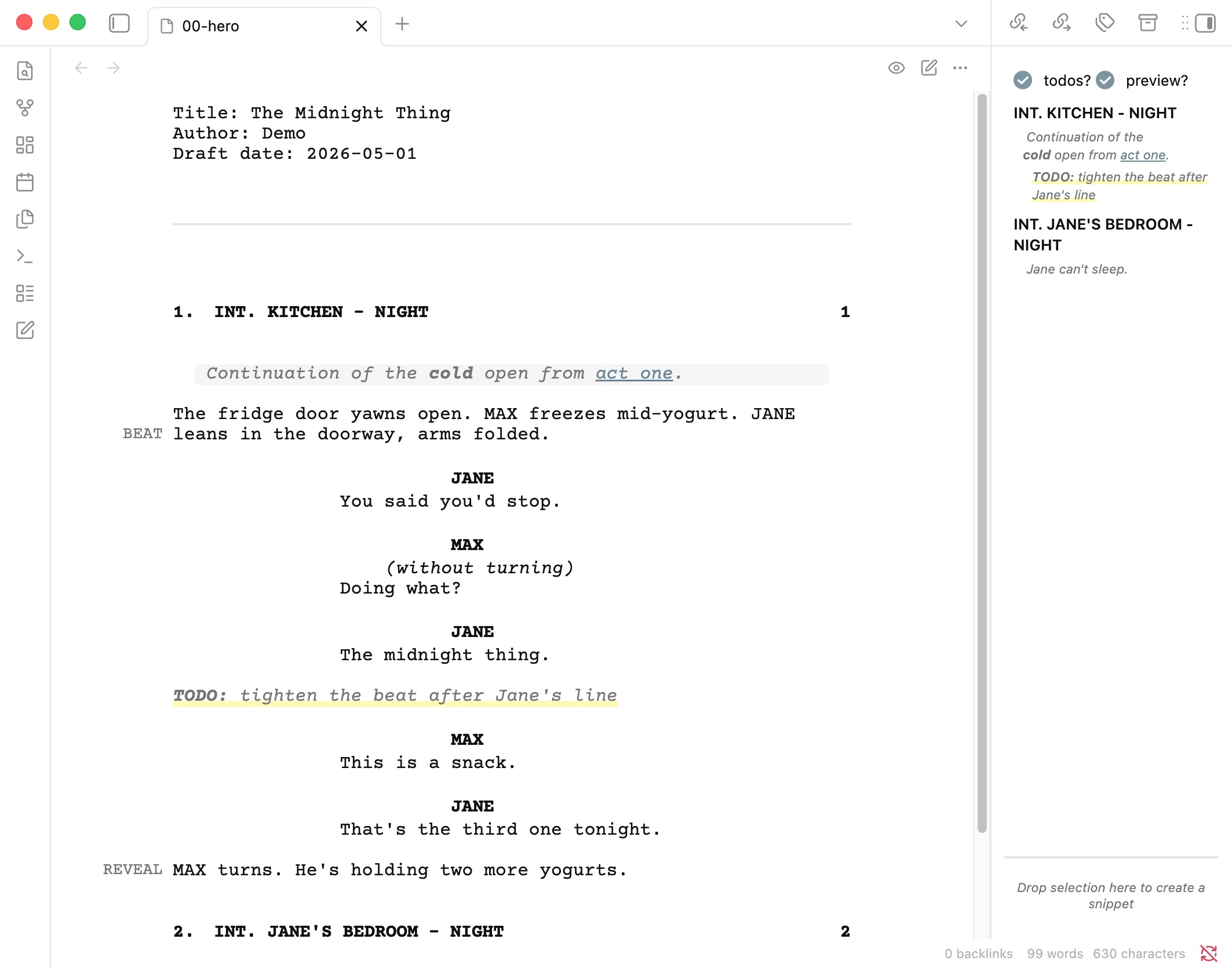
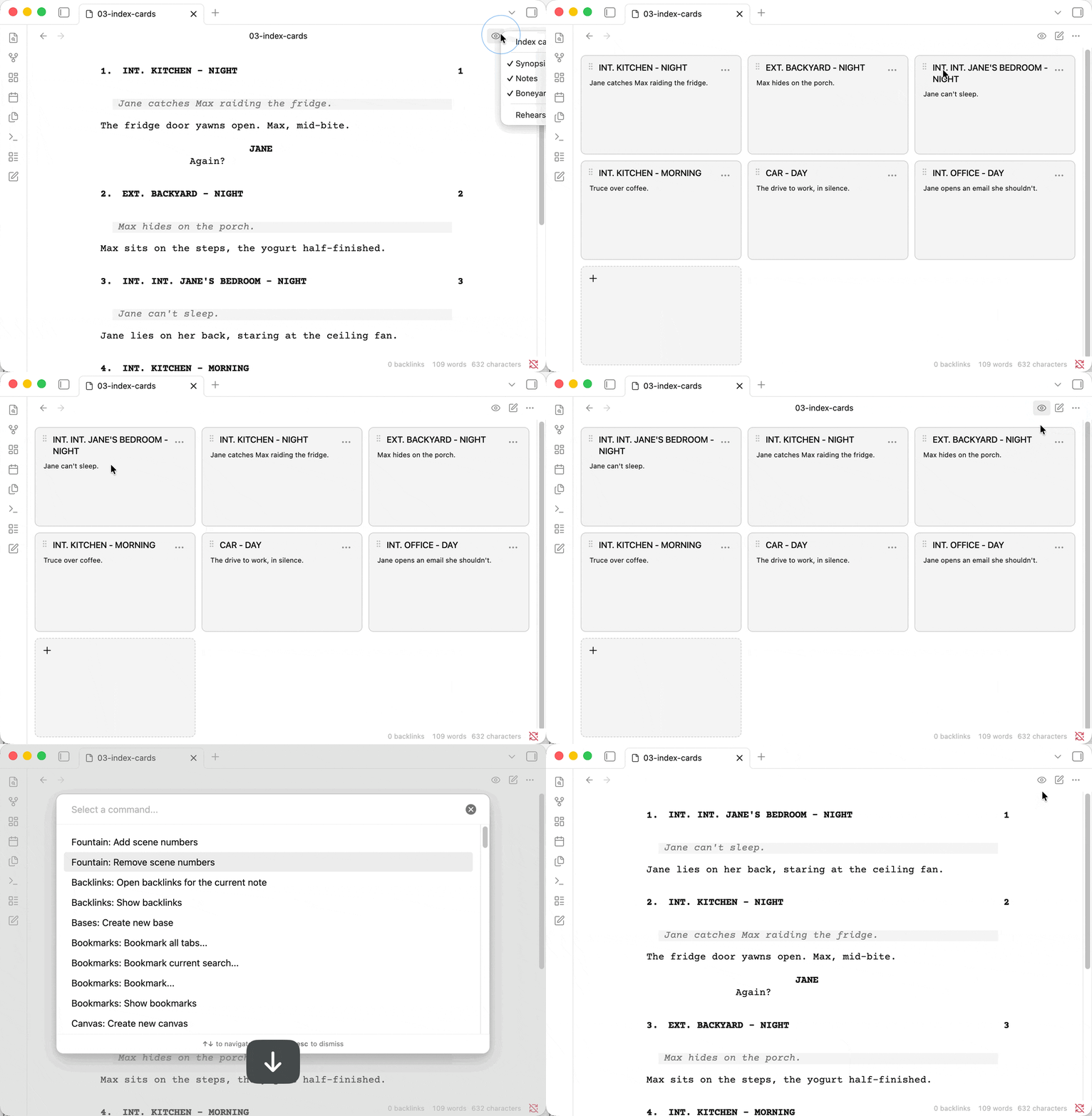
Some of what it does:
-
live formatting in the editor as you type
-
index cards with drag-and-drop scene reordering (across files, even)
-
outline-style sidebar with synopses and per-scene todos, all click-to-jump
-
PDF export with configurable paper size and scene heading style
-
rehearsal mode that blacks out a character’s dialogue, so you can actually rehearse from the script
-
margin marks (
[[@marker]]) that render in the page margin -
vault links inside fountain files (
[[>target]]), since obsidian’s[[ ]]already collides with fountain note syntax -
snippets for stashing reusable or experimental content inside the document
Screenshots, GIFs, and the rest of the feature list: GitHub - bgrundmann/obsidian-fountain: Write screenplays in Fountain format inside Obsidian · GitHub
In obsidian, search “Fountain” in community plugins to install.
If you use it, let me know — and if there’s something it should do that it doesn’t, even better. Hopefully it’s useful to more people than just me 