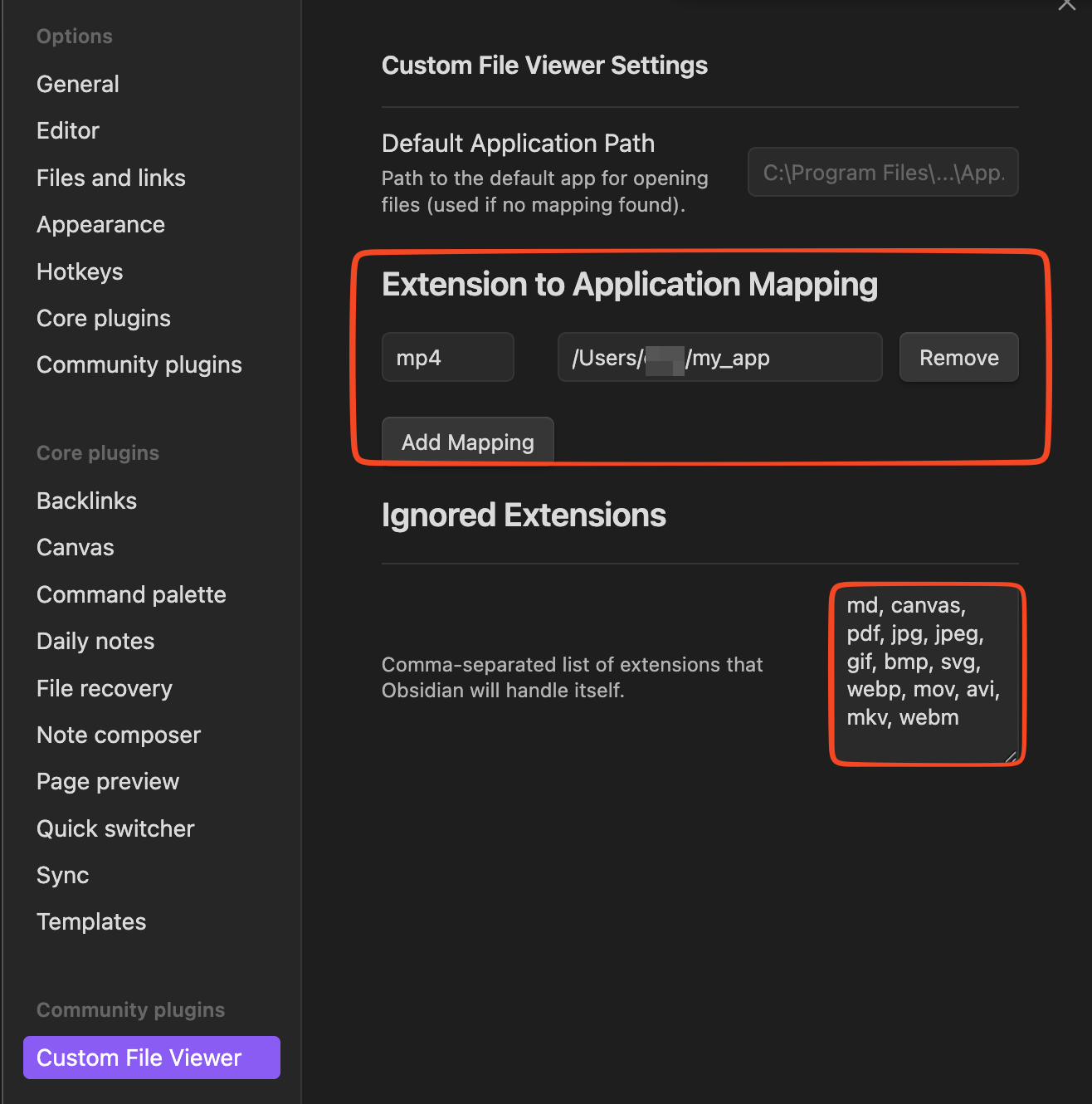
What I’m trying to
correct UI behavior when single click on macOS Obsidian opens file associated external application. That means, that every time I accidentally click a file, may be trying to move the file to different folder, it opens. This is fine for md files and pdf files, which open in Obsidian, but many files in Vault start external applications which may load for significant fraction of minute and take attention away from Obsidian. This behavior is different from macOS UI, where first click selects the file and double click opens associated application. This is what my fingers are used to. Current behavior is driving me nuts.
I tried
I have tried to find configuration option to have double click to open - at least as related to openning external applications. Chat GPT suggested originally, that such option exists. After some back on forth when I was unable to find named options, it suggested, that the option has been removed. No idea what to believe. But I cannot find how to change this, can someone help? I have version 1.10.6.
What are my options? Is there plugin which would fix this?