The excalidraw files will be compressed into base64 strings, which include a lot of letters. When I want to search some short words, the short words are usually included in the base64 strings.
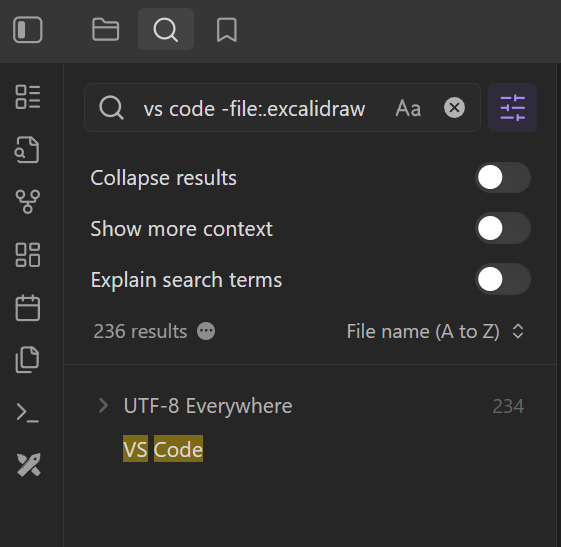
Do I remember right that Excalidraw files have their own filename extension? If so, as a workaround you can add -file:.excalidraw (or whatever it is) to your searches to exclude them. You could bookmark a search containing only that to potentially save some typing (or just always leave it in the search box).
That’s not elegent at all 
I’m not an Excalidraw user, so you’ll have to check on your end, but if all the .excalidraw files are in one folder you could try excluding that folder, or a regex for all .excalidraw files.
Settings > Files and links → Excluded files

1 Like
Thank you, yeah, it’s partially useful but not perfect. 
Hi,
I tried both .excalidraw and *.excalidraw filters, and it just doesn’t work for me: drawings’ garbage still appears in the search results even after restarting Obsidian app. Is it a bug, or am I “holding it wrong”?
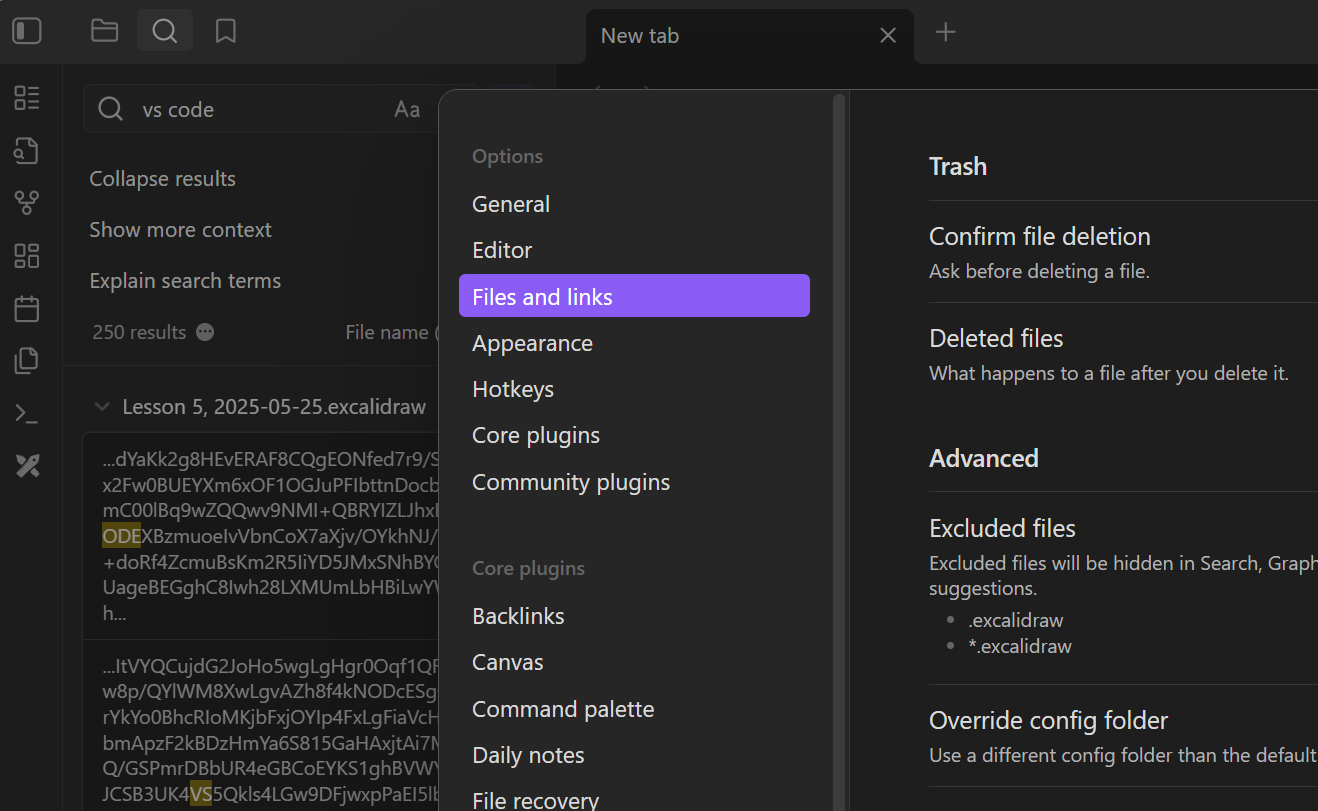
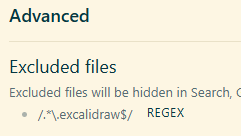
Excluded Files doesn’t support asterisk wildcards. I believe this regex should work:
/.*\.excalidraw$/

Can you describe “didn’t work” in more detail?
No option here seemed to work for me because I often search for very short terms that are present in the base64 compression.
What does work for me though is making a search term bookmark, this is easy to press instead of remembering and typing some weird regex.
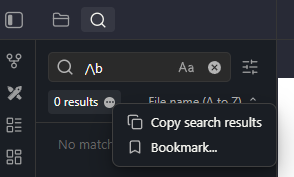
This regex just makes sure there is a space in front of the word.
Has worked for me so far.
Another way to get only whole words that aren’t part of another word is to quote them.