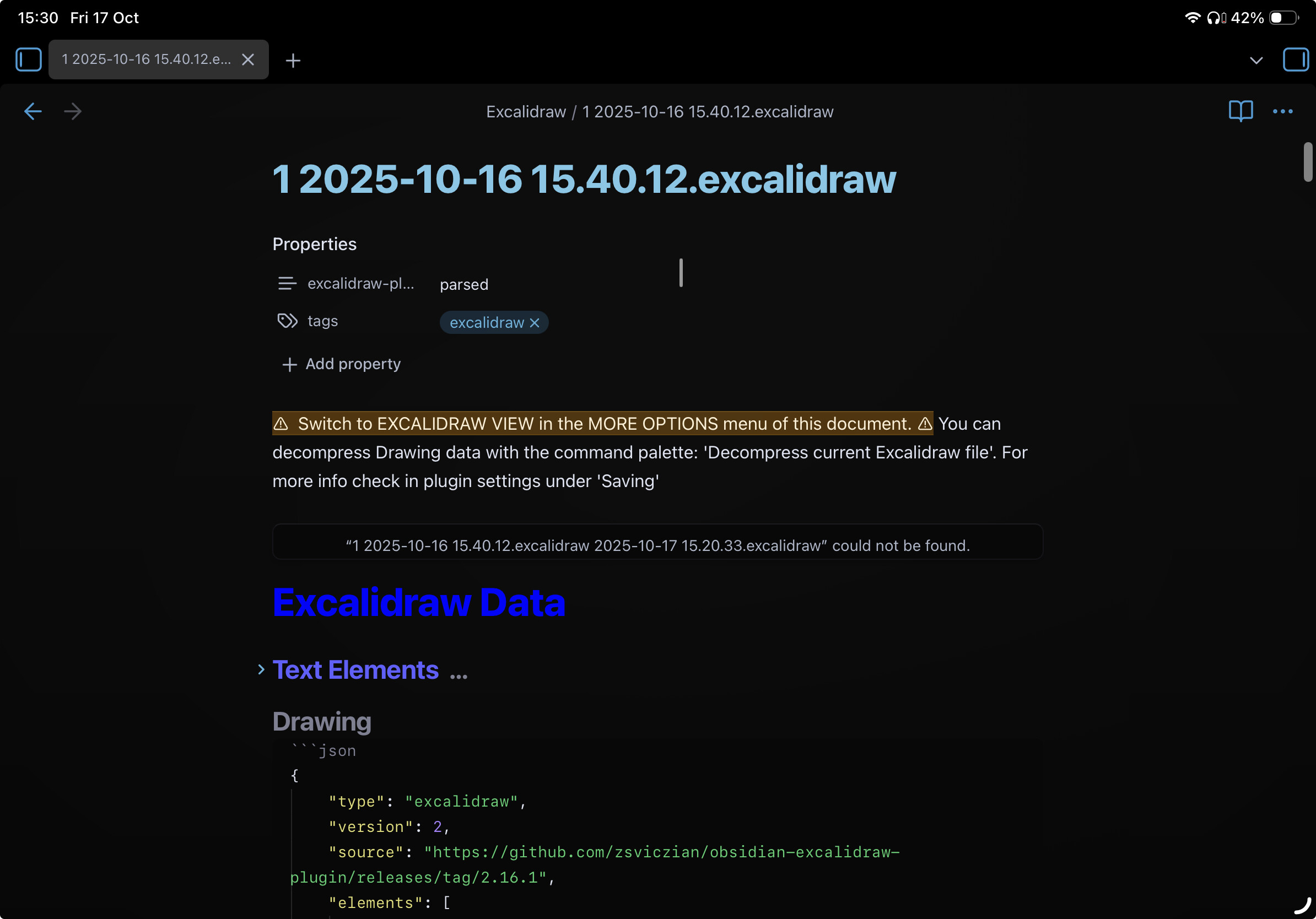
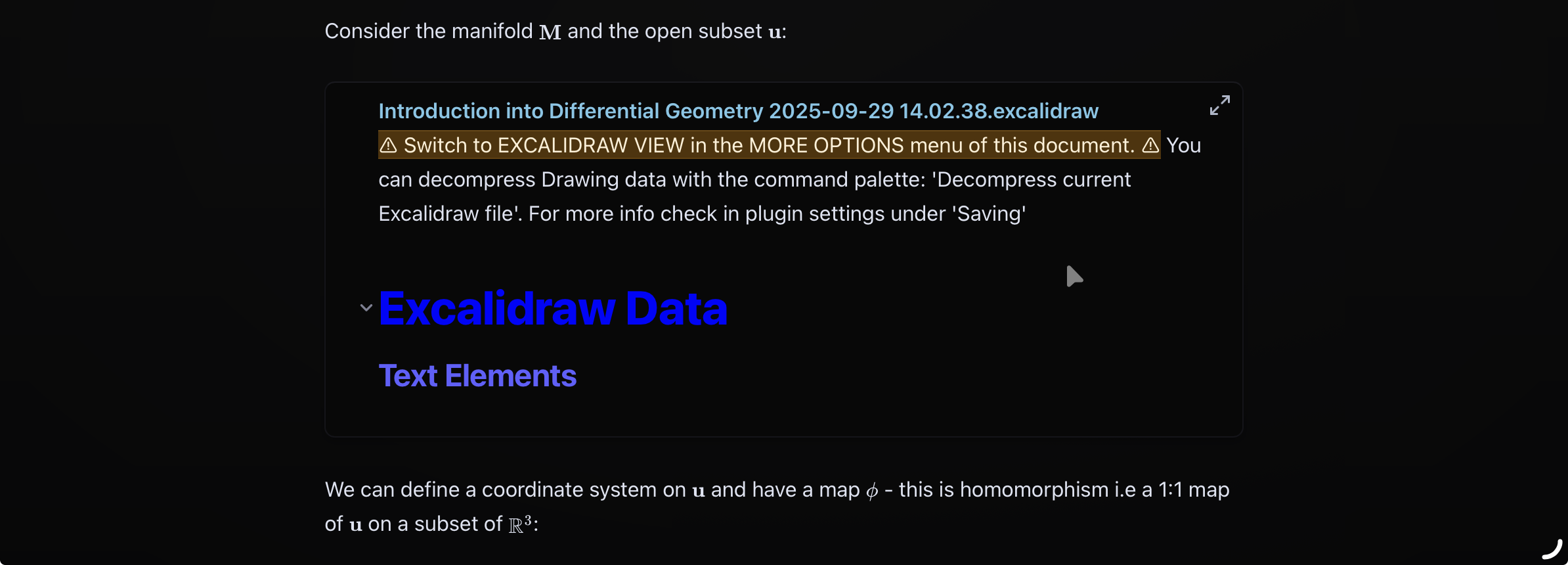
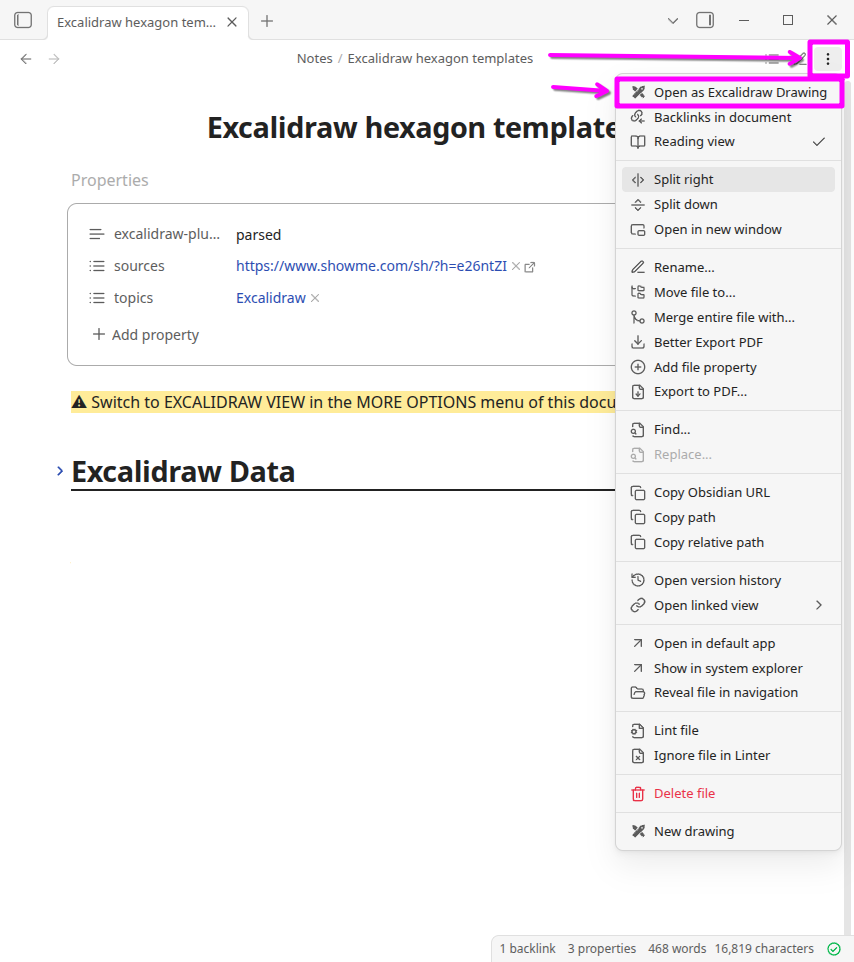
For some reason, all my excalidraw drawings are now opening as markdown files with the message - SWITCH TO EXCALIDRAW VIEW in the MORE OPTIONS menu of this document.
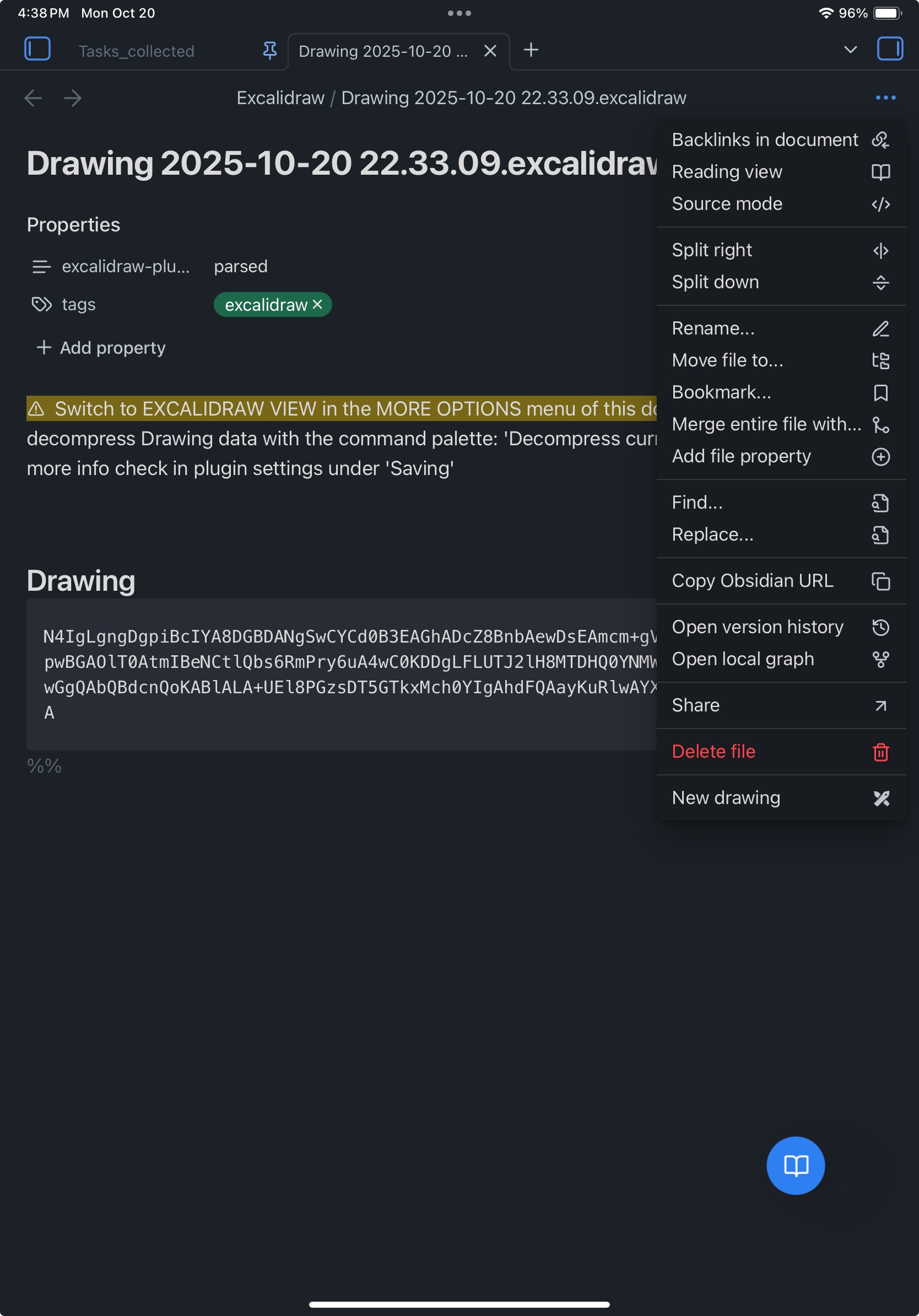
For reference, I am on iPad and “Excalidraw view” does not come up in more options of the file. I have tried reloading plugins, turning it on and off which does briefly fix by allowing me to open some of the drawings as a drawing but not all of them.
Oddly enough, the option to view as a markdown comes up but not the option to view as an excalidraw drawings. I have turned on decompressing markdown files in the settings as well as that also showed up when trying to open a drawing.
I have this problem too, using excalidraw became such a pain when I need to reload my app every single time, and even then, sometimes it needs a few restart too. Any time this happened (which is like the hundred time), I searched for the solution and still there’s none.