Use case or problem
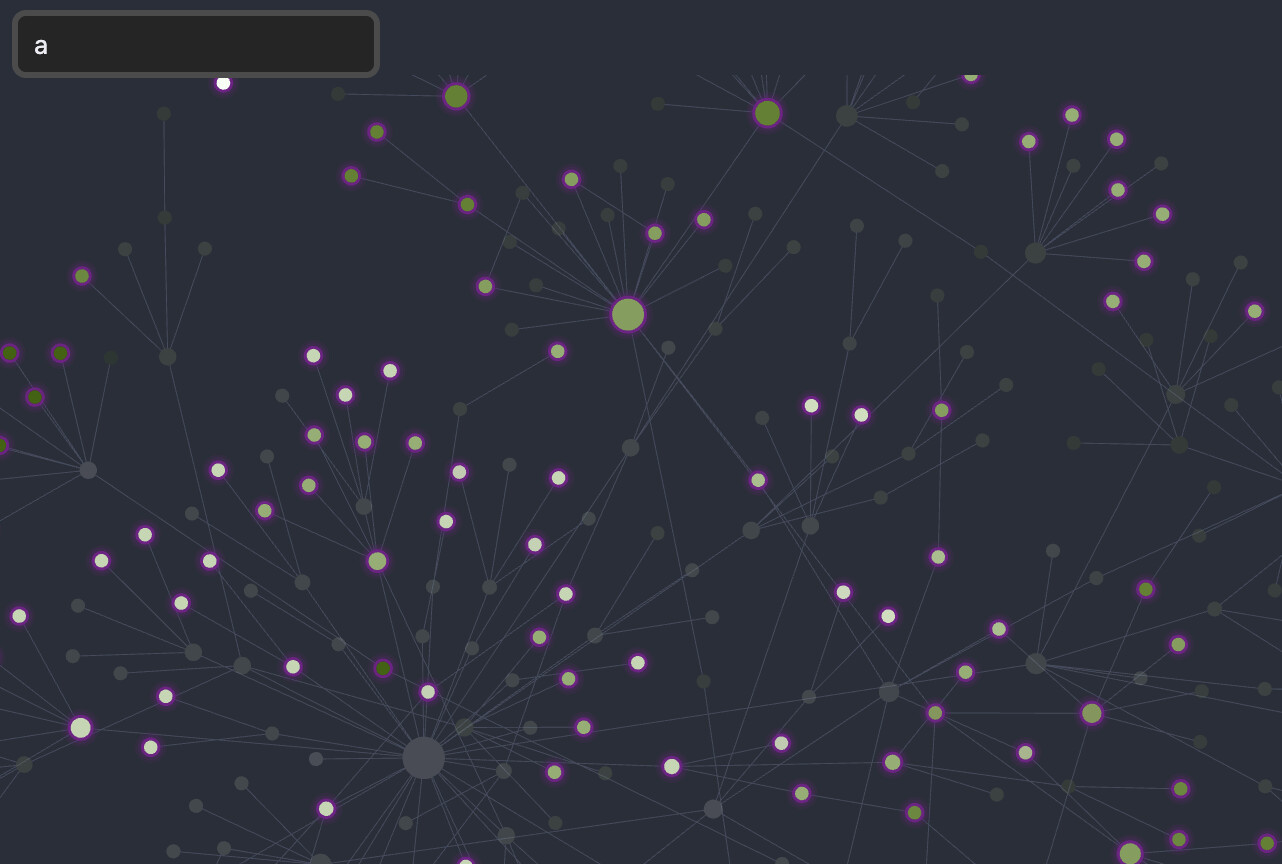
Searching the graph view currently acts as a filter, hiding all non-matching nodes. This removes the structural context of the vault, making it impossible to see how a specific file relates to the broader network or to navigate the graph without losing the “big picture”. The only reason I am using the graph in the first place is to see all of the linked notes. The current filtered search makes the graph view almost meaningless because I get the same result with just regular file search.
Proposed solution
Add a “Focus” or “Highlight” mode to the graph search. Instead of hiding non-matches, this mode should:
Pan/Zoom the camera to center the searched node(s).
Highlight the node (and maybe its direct connections) with a distinct color.
Dim rather than hide the rest of the graph to maintain structural context.
If this were to be implemented, the graph view would become a lot more useful.
Current workaround (optional)
Using the Groups settings to manually color-code specific files or just using the regular filter search (which isn’t ideal).