Use case or problem
I want to sign in to different websites where I only have an account through Apple sign in. I want to be able to sign in to those websites in the web viewer.
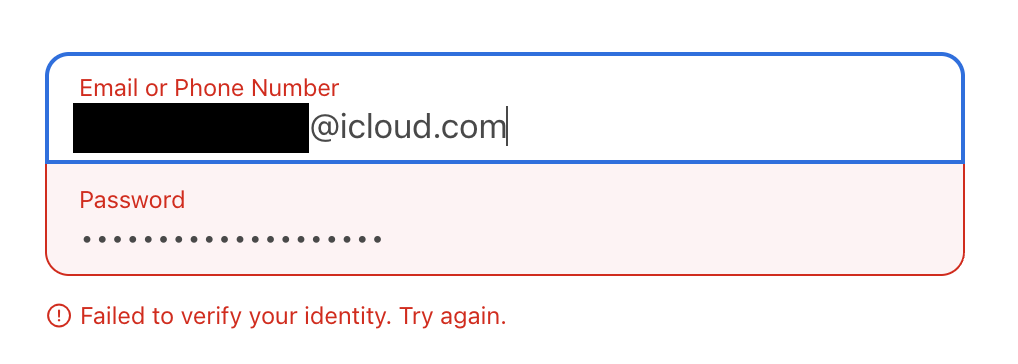
Right now, when I try to sign in with Apple, then I’ll type my username and password, and it’ll even send me the verification request with the code, but it will instantly fail:
Proposed solution
Fix whatever is causing sign in with Apple to fail.
Current workaround (optional)
No current workaround that I’m aware of
Related feature requests (optional)
I searched and searched and couldn’t find any issues related to this.