Steps to reproduce
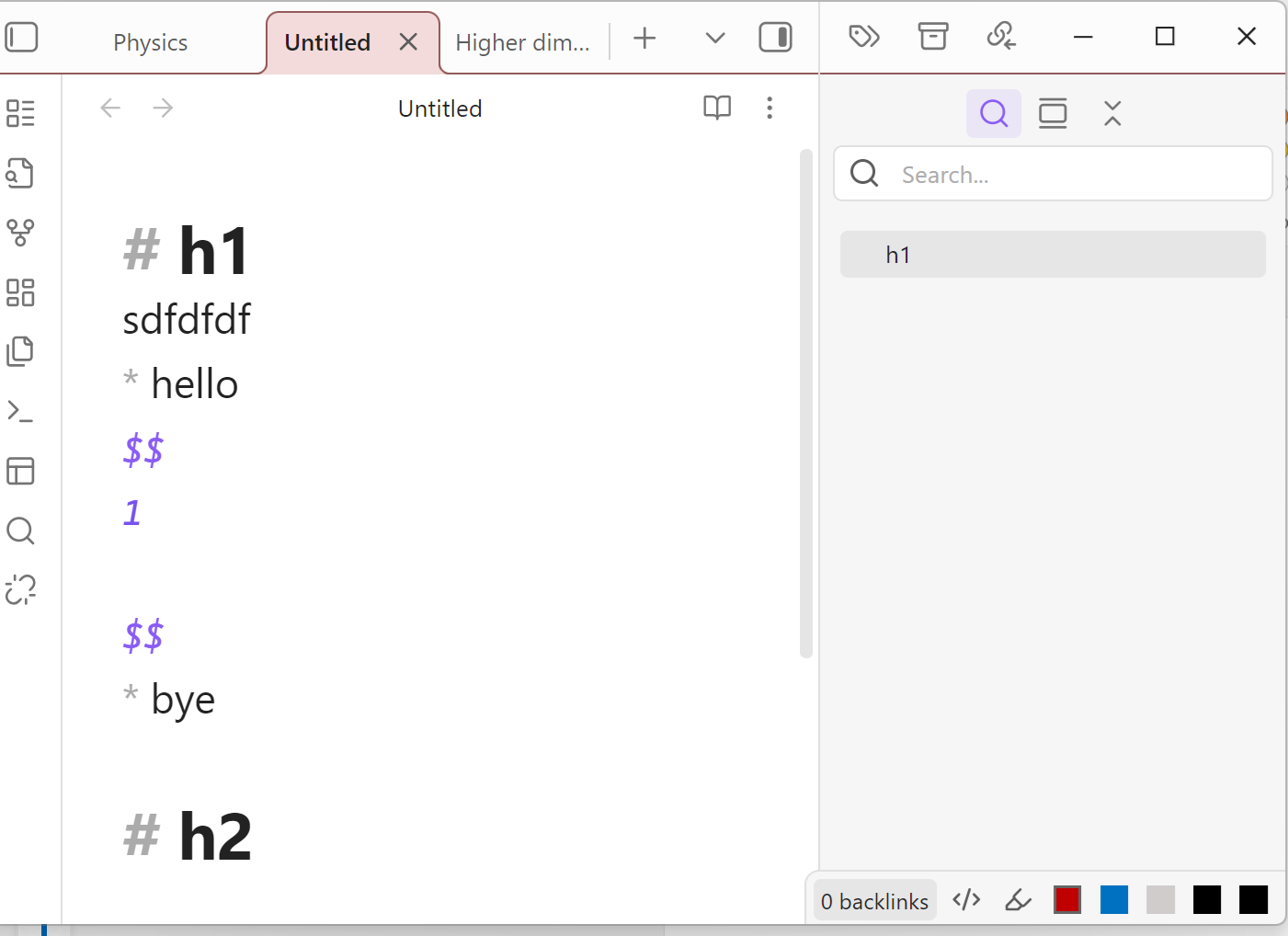
Create a new note with this content:
# h1
sdfdfdf
* hello
$$
1

$$
* bye

# h2
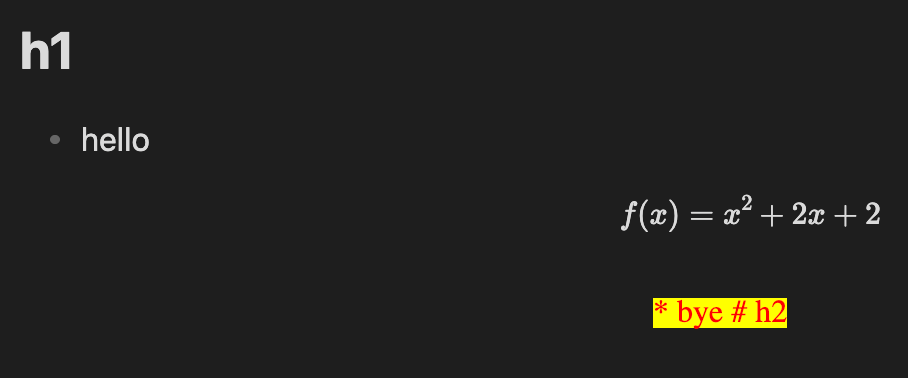
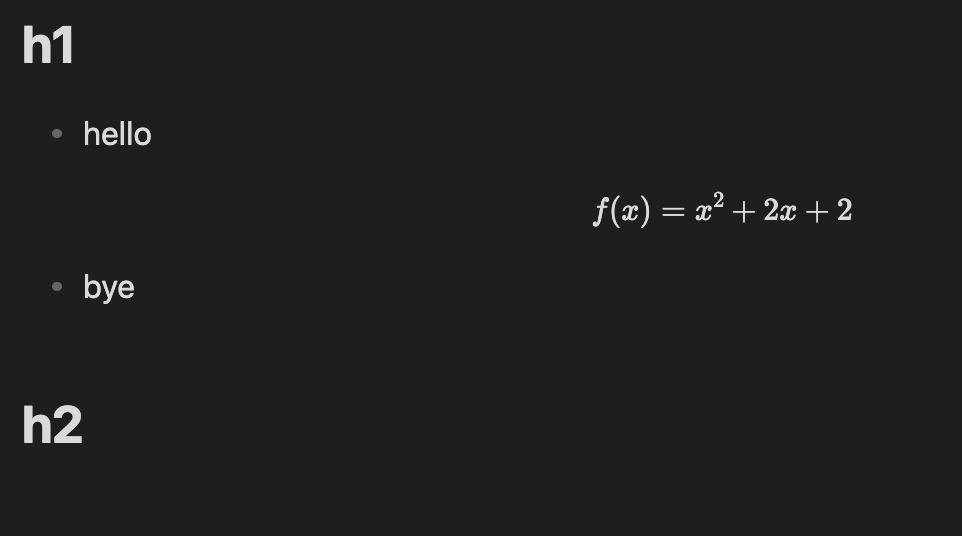
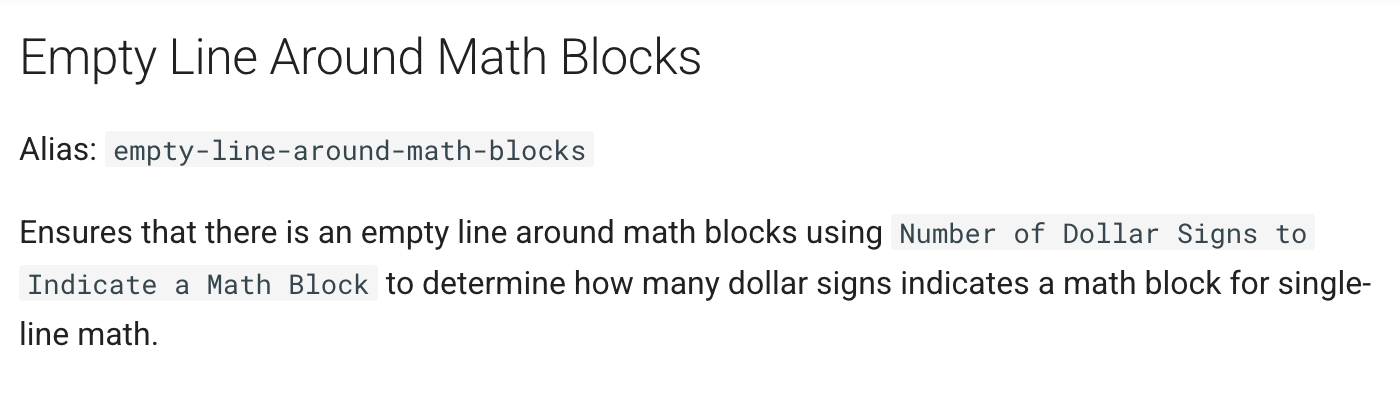
Look at the outline, h2 heading does not appear. Then remove the empty line beyond the 1, then h2 heading now appears
Did you follow the troubleshooting guide? [Y/N]
Tried in restricted mode
Expected result
Heading h2 in outline
Actual result
Heading h2 not in outline
Environment
SYSTEM INFO:
Obsidian version: v1.10.6
Installer version: v1.8.4
Operating system: Windows 11 Home 10.0.26200
Login status: not logged in
Language: en
Insider build toggle: off
Live preview: on
Base theme: light
Community theme: none
Snippets enabled: 1
Restricted mode: off
Plugins installed: 36
Plugins enabled: 21
1: Recent Files v1.7.4
2: Underline v1.3.0
3: Paste image rename v1.6.1
4: Omnisearch v1.27.1
5: Admonition v10.3.2
6: Short links v1.1.5
7: Colored Text v1.2.0
8: Heading Shifter v1.8.0
9: MathJax WikiLinks v0.0.2
10: Copy Block Link v1.0.4
11: Navigate Cursor History v1.1.0
12: Dataview v0.5.68
13: Home tab v1.2.2
14: SwiftLaTeX Render v0.5.0
15: TikZJax v0.5.2
16: Iconize v2.14.7
17: Link Maintainer v0.2.1
18: Broken Links v1.2.2
19: Better Math in Callouts & Blockquotes v0.3.7
20: KaTeX to MathJax v1.0.4
21: Search on Internet v0.5.0
RECOMMENDATIONS:
Custom theme and snippets: for cosmetic issues, please first try updating your theme and disabling your snippets. If still not fixed, please try to make the issue happen in the Sandbox Vault or disable community theme and snippets.
Community plugins: for bugs, please first try updating all your plugins to latest. If still not fixed, please try to make the issue happen in the Sandbox Vault or disable community plugins.