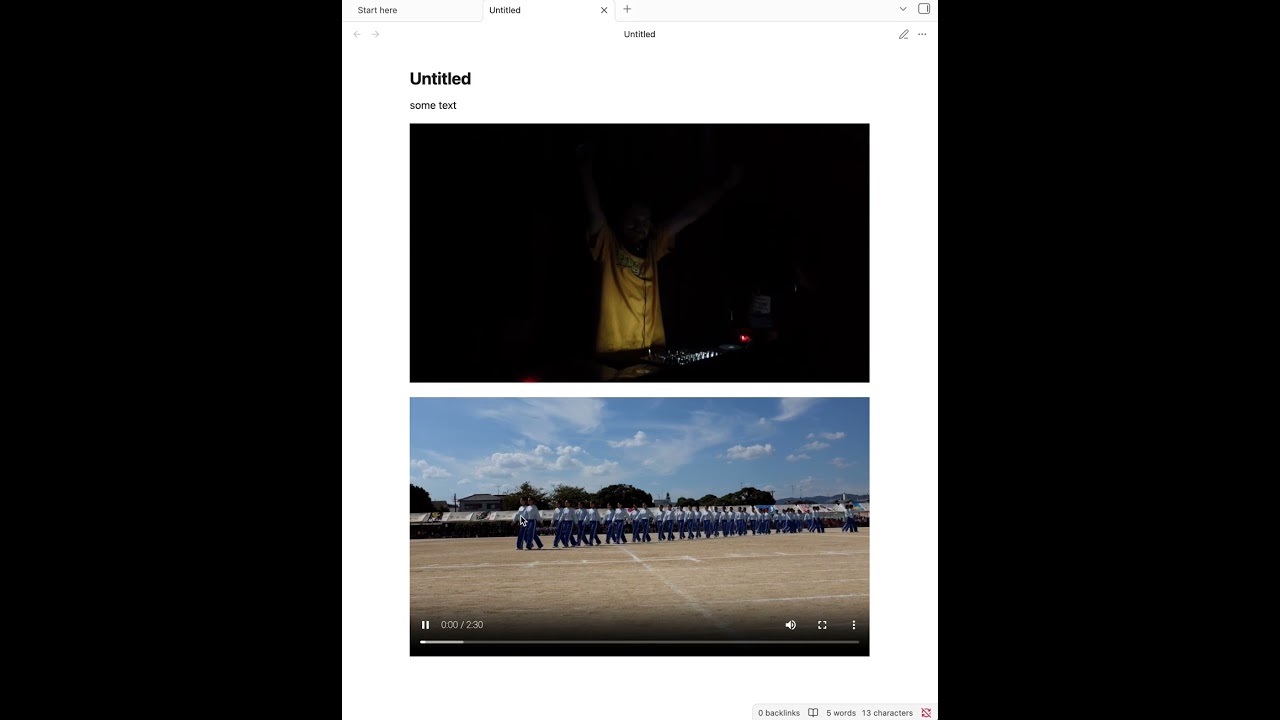
Be able to play/pause the video in Live preview and Reading view.
Actual result
Can’t play the video in Live preview at all; clicking anywhere exposes the link.
In Reading view, play/pause seems to work when clicking on the left portion of the image, but not on the play/pause icon.
Environment
SYSTEM INFO:
	Obsidian version: 1.13.4
	Installer version: 1.13.4
	Operating system: Darwin Kernel Version 24.6.0: Tue Jul 21 20:51:05 PDT 2026; root:xnu-11417.140.69.711.44~1/RELEASE_ARM64_T6000 24.6.0
	Login status: logged in
	Language: en
	Catalyst license: supporter
	Insider build toggle: on
	Live preview: on
	Base theme: adapt to system
	Community theme: none
	Snippets enabled: 0
	Restricted mode: on

RECOMMENDATIONS:
	none
media that have no video controls, like animated .gif
audio-only media even with controls displayed, like .mp3
Environment
SYSTEM INFO:
	Obsidian version: 1.13.4
	Installer version: 1.13.4
	Operating system: Windows 11 Pro for Workstations 10.0.26200
	Login status: logged in
	Language: en
	Catalyst license: insider
	Insider build toggle: on
	Live preview: on
	Base theme: adapt to system
	Community theme: none
	Snippets enabled: 0
	Restricted mode: on

RECOMMENDATIONS:
	none
I can reproduce this on Obsidian 1.13.4 for macOS with embedded MP4 files as well, in both Reading View and Live Preview. The files decode and play normally when triggered through keyboard/accessibility controls, but mouse hit-testing targets the embed wrapper instead of the <video> element. As a temporary diagnostic workaround, applying .markdown-preview-view .video-embed > video { position: relative; } makes the video element receive pointer hits again. This appears to be an embed stacking/hit-testing regression rather than a media-file issue.
I’m currently on 1.13.7, and the issue is not fixed. (Tested on a brand new vault.)
While you can indeed play an embedded video when clicking the small play button, all the other controls (volume, fullscreen, menu) are not clickable. Furthermore, pre 1.13, clicking anywhere into the video would start playback.
The fix as mentioned by Kay (.video-embed > video { position: relative; }) does the trick.