Disclaimer
Is this project open source? Yes
Is this project completely free? Yes
Is this project vibe-coded beyond the author’s ability to comprehend how it works? No
Community Directory: Link
Hi you all, a few days ago I published Easy Git, a small plugin for syncing one or two folders from your vault to GitHub instead of the whole thing.
Why this exists
Obsidian’s built-in Sync covers the whole vault. obsidian-git covers the whole vault too, with full git semantics. I wanted something narrower: pick a folder, point it at a repo and sync just that. Syncing course notes I share with a study group, a snippets folder on a private repo and wiki for some other projects with my vault, that’s the niche Easy Git fills.
What it does
-
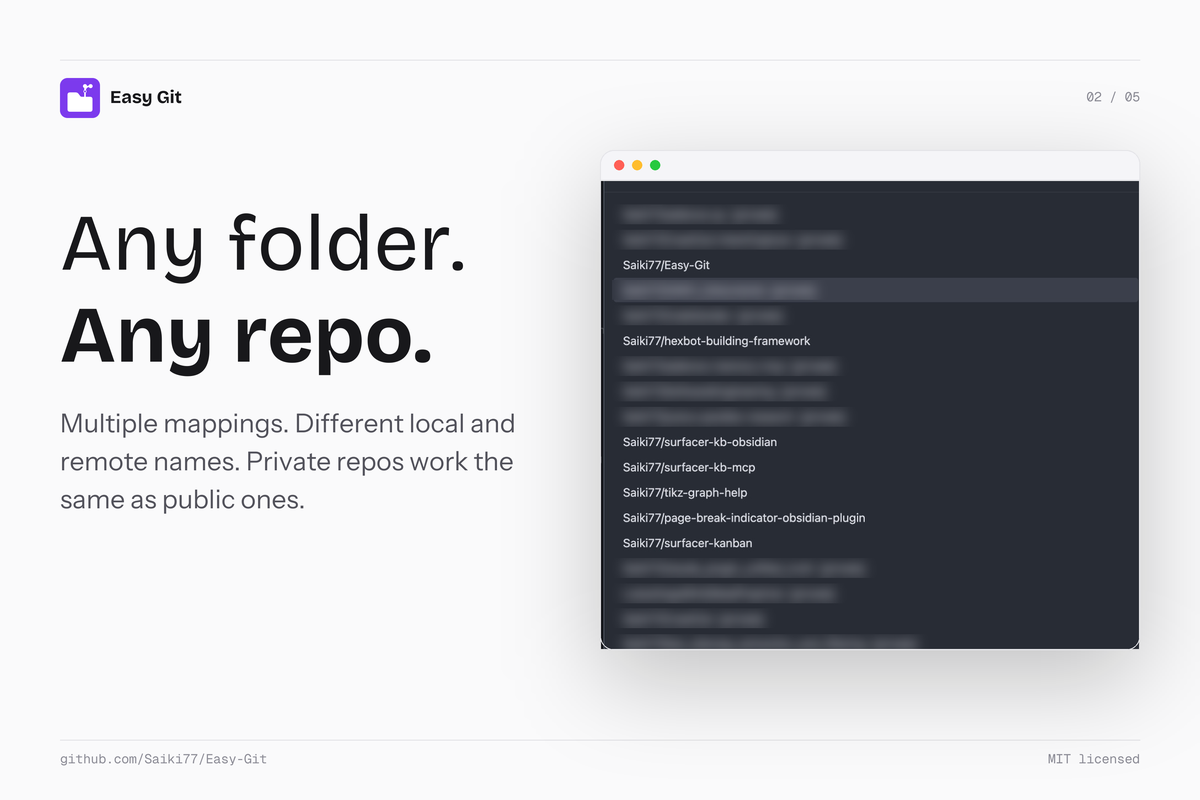
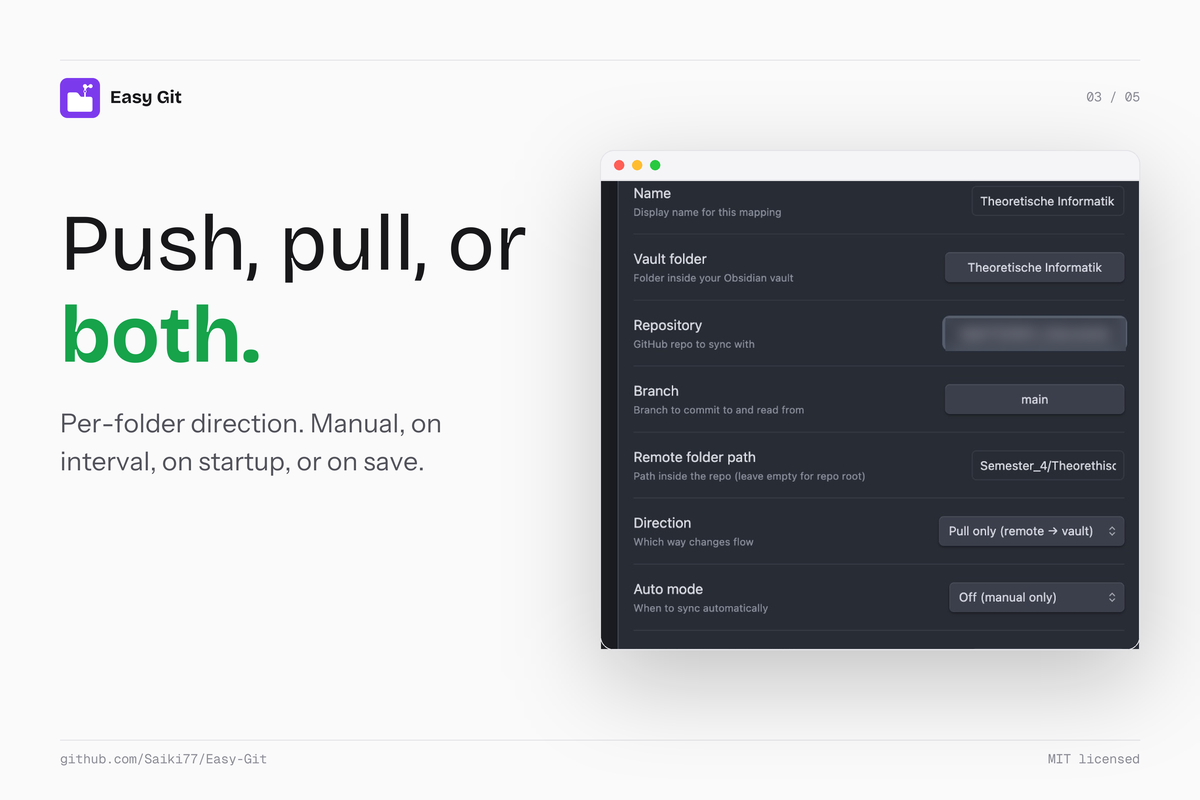
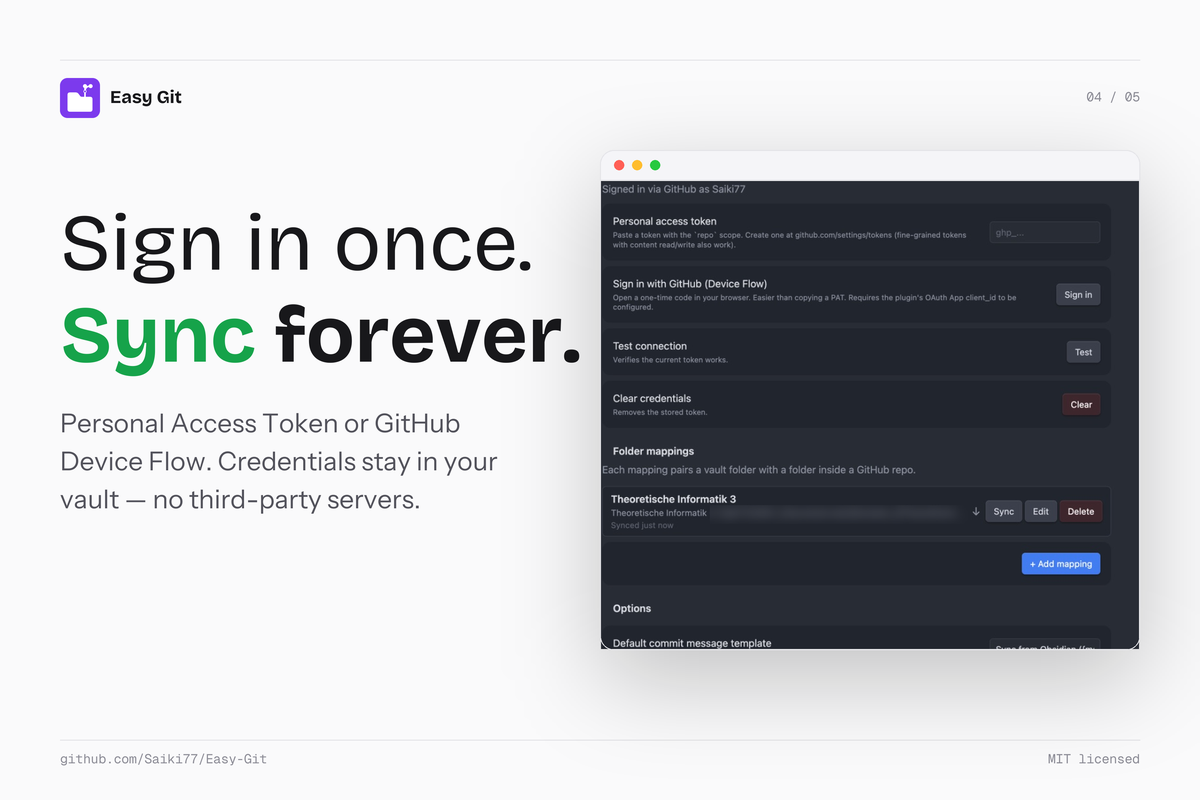
Per-folder mappings. Each mapping pairs a vault folder with a folder inside a GitHub repo. Different local and remote names are fine. Multiple mappings to different repos work in parallel.
-
Private repos. Auth via Personal Access Token or Sign in with GitHub (Device Flow OAuth). Tokens stay in your vault, no third-party servers.
-
Direction control. Per-mapping push only, pull only, or bidirectional.
-
Conflict-safe. When the same file changed on both sides, a modal prompts you with keep local / keep remote / keep both and there are no silent overwrites.
-
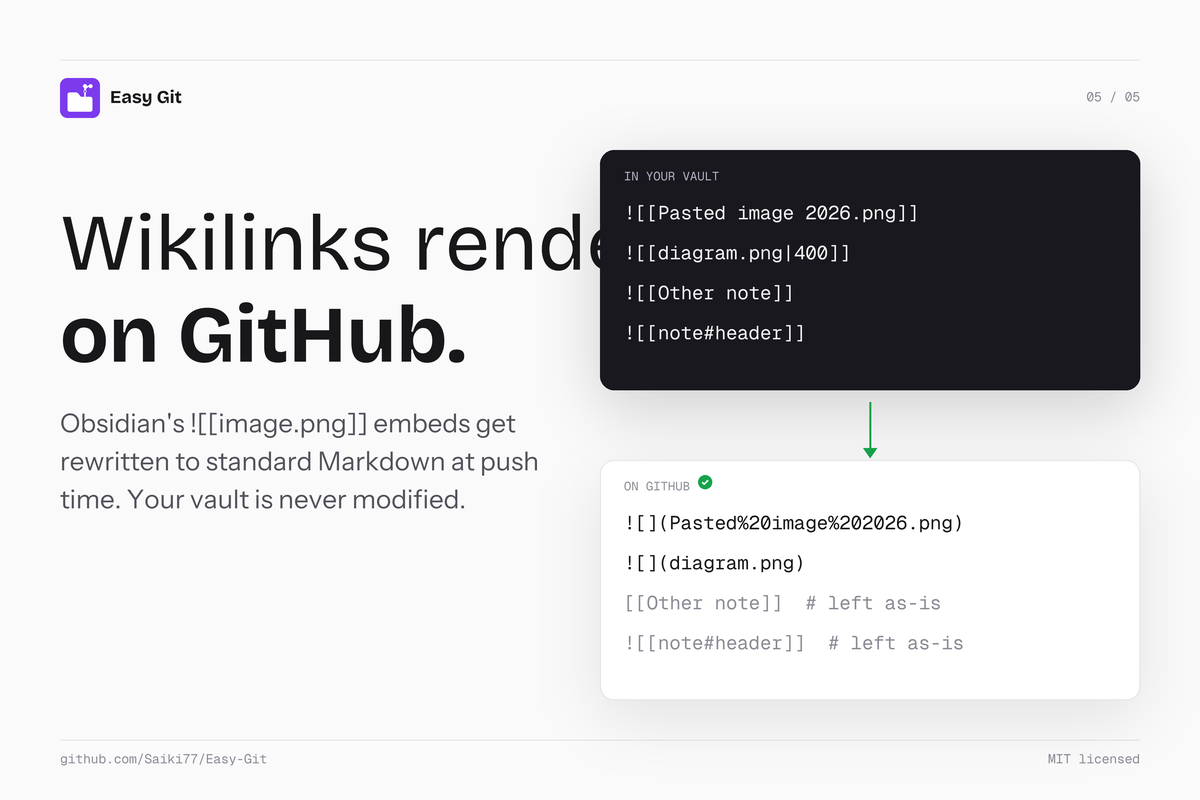
Wikilink-aware. ![[image.png]] embeds get rewritten to standard Markdown at push time so notes render correctly on GitHub. Out-of-folder attachments are co-located into the mapping’s remote folder.
-
One atomic commit per sync via GitHub’s Git Data API. Always fetches the latest remote ref before building the commit, so non-fast-forward pushes are retried.
Screenshots
Source and release notes: GitHub - Saiki77/Easy-Git: Sync Obsidian vault folders with GitHub repositories. Private repos, multiple folder mappings, bidirectional sync, conflict resolution. · GitHub
How it compares to obsidian-git
Different scope. obsidian-git embeds a full git client and version-controls the whole vault, branches, history, the whole machinery. Easy Git uses GitHub’s API directly, only knows about folders and pushes/pulls, and trades git’s flexibility for predictability and a smaller surface. If you want full local git, use obsidian-git. If you want “sync this folder to this repo, or the other way around” try Easy Git.
Feedback, issues, and feature requests are very welcome on GitHub. Happy to answer any questions here as well.
2 Likes
Very cool! Have you tried it with any kind of ci/cd on the git side?
Something like taking those synced folders and converting them to a static site?
Is it possible to have it sync to a few folders within a larger repo?
No I haven’t tried it yet, but that’s a good idea and it should not have any problems syncing folders regardless of repo size.
I am not sure if you are referring to multiple folders in different locations of a repo syncing to the same folder in your vault ? That is something I forgot about.
Currently it only does one to one with the GitHub one also including all nested folders.
Regarding the multi folder question, I think you’ve got it. For instance, I have a few different folders in my vault that map to different folders on my personal website. The personal website is built out in a different folder entirely. Right now I just end up drag and dropping md files into the various folders in that static site (I use eleventy if that helps things any). I’d prefer to be able to have a way to have each folder from my vault map to the relevant folder within my site, so I can just make automatic updates that way. I think it’d maybe be possible to just rearrange the mapping in my vault and repo to fit, but honestly it’d be nicer to be able to keep everything where it is on both sides.
yea I will add that, it won’t be hard to just have the option to have a one to many relation by adding the option to add multiple mappings to one folder. I was thinking more granularly where I do more of a mirroring of folders so I didn’t think about it.
Regarding the CI/CD stuff, the plugin just commits normally you can have a specific commit message or action sequence that triggers and does the conversion.
I am not sure how far I want to extent the reach into GitHub functions besides conversions so the semantics work and show up correctly, since I want to keep the application ad broad as possible.
2 Likes
I have updated it, you can take a look at the readme to see how it works:)
Hi Again @Saiki77 , I don’t know if your issues for this project was turned off for github where I posted last time. But hopefully this is the correct place 
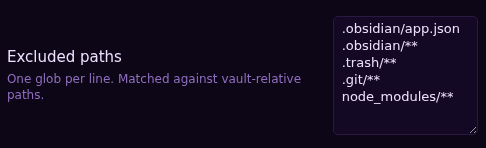
So wanted to follow up since you did offer some solutions last time, however I’m finding that even though I’ve setup exclusions via the blob menu (not sure if I’m using that right)
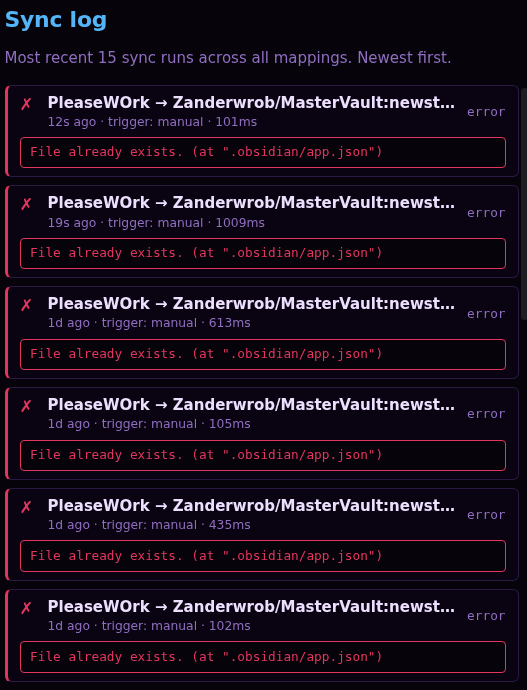
but I’m still hitting issues with syncing,

any suggestions?
1 Like
Hey @zanderwrob, thanks for the report and the sync log, that pinned it down right away. I am sorry that I did not look into the forum sooner. You were using Excluded paths correctly, the bug was on my end. It’s fixed in 1.6.1.
What was going on: the Excluded paths list was only being applied to files going up (push), not coming down (pull). Your .obsidian/app.json was already in the repo, so every sync tried to pull it back into your vault. Because it lives in Obsidian’s config folder (which isn’t treated as a normal vault file), that either errored with “File already exists” on older builds, or on newer ones quietly overwrote the file each sync. Either way it was wrong, and adding it to Excluded paths couldn’t help because the pull side never looked at that list.
In 1.6.1, excluded paths are skipped on both sides, so anything matching your exclude list is left alone whether it’s local or remote. Your existing .obsidian/** line now does exactly what you expected.