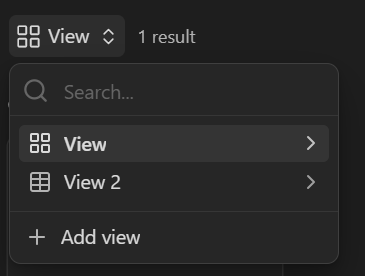
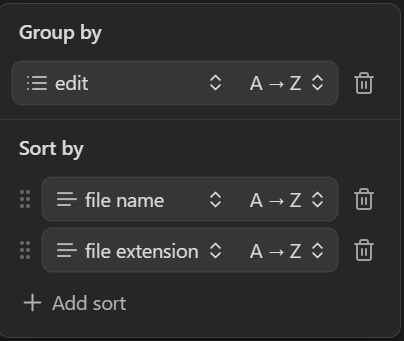
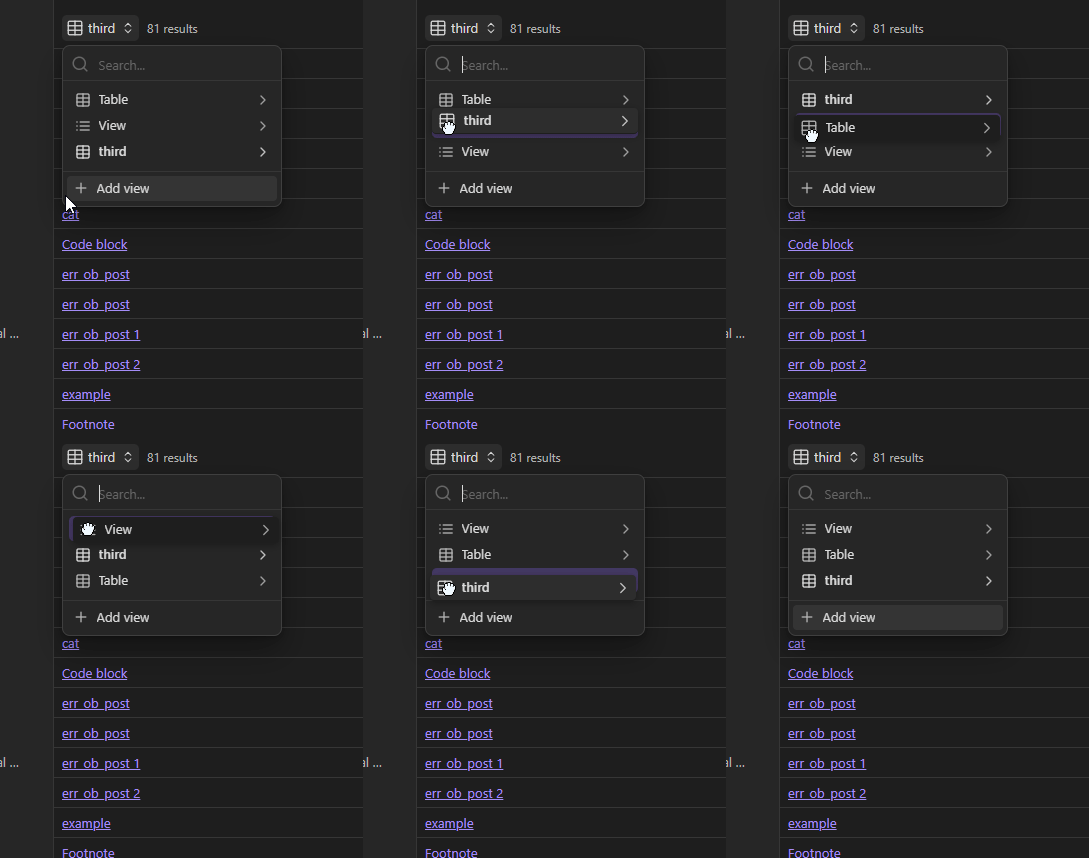
Just Like the “Sort by” Sorts are Sortable by Drag and drop, so should the views be. This should or has to probably change the order it is in within the Source-Code.
Current workaround (optional)
Either Copy and Paste in the Source Code the views to the desired Prioprity, where the upper one is shown first and so on going down, or just edit each View manually in the User Interface so it fits your new priority list.
No, at least not that i am aware of, The views are fixed to place unless you use the workaround. Also if this were possible it would make the new feature of setting a default View, that came out in 1.10.1 obselete, cause you would then just drag and drop the preffered view to the top and voila, the new default.
No its not, i am literally staring at it and it does not allow to select a view via click and move it down so the order changes, i am confused why you are so certain it does;
Okay i Right Click and hold but it wont select or allow or show me anything indicating i dragged or selected it somehow or i could/can drop it. (So i right clicked and holded it (Which is standard practice to drag and drop))
But anyhwere else it doesnt is it cause i have windows 11, Obsiously i tried beforre making this request and after trying again it just wont work like “Filter” does.
Alright, but still this is now labeled as “help”. I’d like to know how you would order all your custom views, Is it a command a shortcut, what am i missing?
Because you keep saying it drag and drop works, could you send some link to a video demonstarting that or a screenshot series where you did just by click-holding and dragging it? I literally have 1.10.1 (Signed as a Catalyst) Could this be causing some problems?
OMG thats so emerassing it was the icon i had to click, i am so sorry for wasting your time, uhm, well then a fr to make the UI more Unanimous and make so that the whole card and not just the frigging icon is drag and droppable. Anyways Thanks alot for your patience and help! (Couldve told that no?)