Steps to reproduce
- Open the Obsidian Sandbox vault.
- Create a new note.
- Paste the following Markdown image embed:
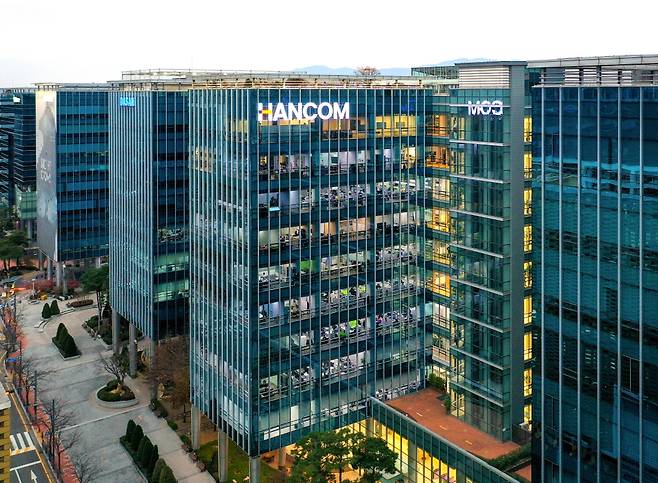
- Open the note in Obsidian.
- Run the command
Download current attachment/editor:download-attachments.
Expected result
Obsidian should download the image and save it with a file extension that matches the actual image type, for example .jpg or .jpeg, because the remote response is Content-Type: image/jpeg and the downloaded file is a JPEG image.
A reasonable rewritten embed would be something like:
![[20260702110417834ehhc.jpg|한컴타워/사진제공=한컴]]
or, if preserving standard Markdown image syntax is intended:

The original Markdown image alt text should also remain semantically equivalent to image alt text after the conversion.
Actual result
The Markdown image embed is rewritten as:
![[R658x0.q70|한컴타워/사진제공=한컴]]
A file named R658x0.q70 is created in the vault.
However, the downloaded file is actually a JPEG image.
file R658x0.q70 reports:
JPEG image data, baseline, precision 8, 658x483, components 3
The remote HTTP response also reports JPEG:
HTTP/2 200
content-type: image/jpeg
content-length: 81588
The downloaded file size is 81588 bytes, matching the remote response.
Environment
- Operating system: macOS
- Obsidian version: 1.12.7
- Installer version: 1.12.7
- Vault used for reproduction: Obsidian Sandbox
- Community plugins: reproduced in Sandbox vault
- Command used:
editor:download-attachments(Download current attachment; Korean UI:현재 파일의 첨부파일 다운로드하기)
Additional information
The URL path contains R658x0.q70, which appears to be a CDN thumbnail transformation route or quality parameter, not the actual image file extension. The actual image URL is provided through the fname= query parameter, and the HTTP response is Content-Type: image/jpeg.
Saving the file as .q70 is confusing and may cause interoperability problems with tools that rely on file extensions.
There is also an accessibility/semantics concern. The original Markdown image alt text:

is converted into the wikilink pipe suffix:
![[R658x0.q70|한컴타워/사진제공=한컴]]
It is unclear whether this pipe suffix is treated equivalently to image alt text for accessibility purposes, screen readers, exports, and Markdown portability.
I reproduced this through Obsidian CLI while controlling a single running Obsidian desktop instance, targeting only the Sandbox vault.
CLI version output:
1.12.7 (installer 1.12.7)
Command ID:
editor:download-attachments
File details:
name: R658x0.q70
size: 81588 bytes
format: JPEG image data, baseline, precision 8, 658x483, components 3
sha256: 82b62dacc9466c155f832b87315a287a02f72946bb58215fac7ca058dcea34ee
Remote response check:
content_type=image/jpeg
size_download=81588
url_effective=https://img2.daumcdn.net/thumb/R658x0.q70/?fname=https://t1.daumcdn.net/news/202607/02/moneytoday/20260702110417834ehhc.jpg