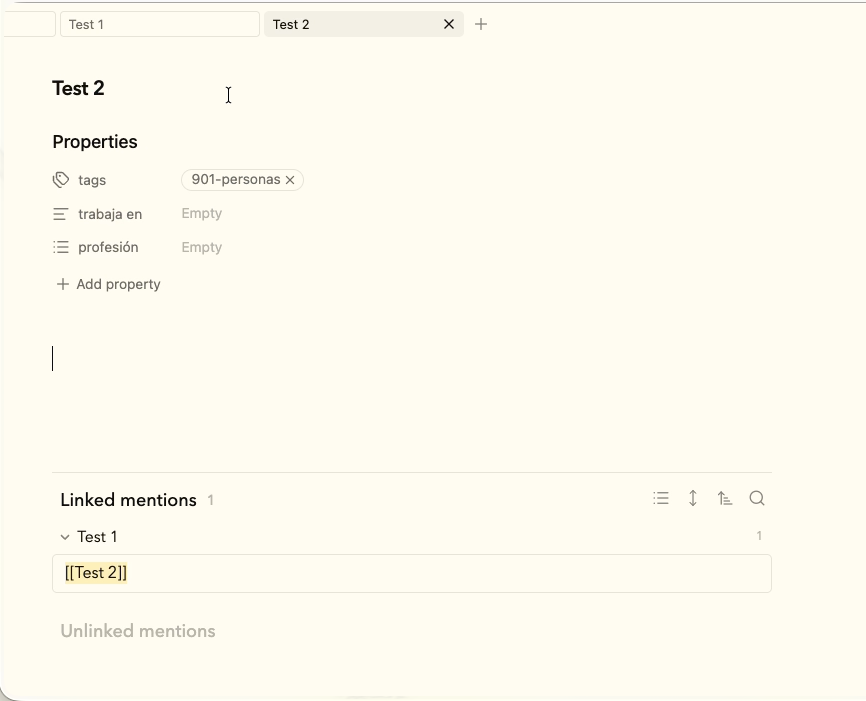
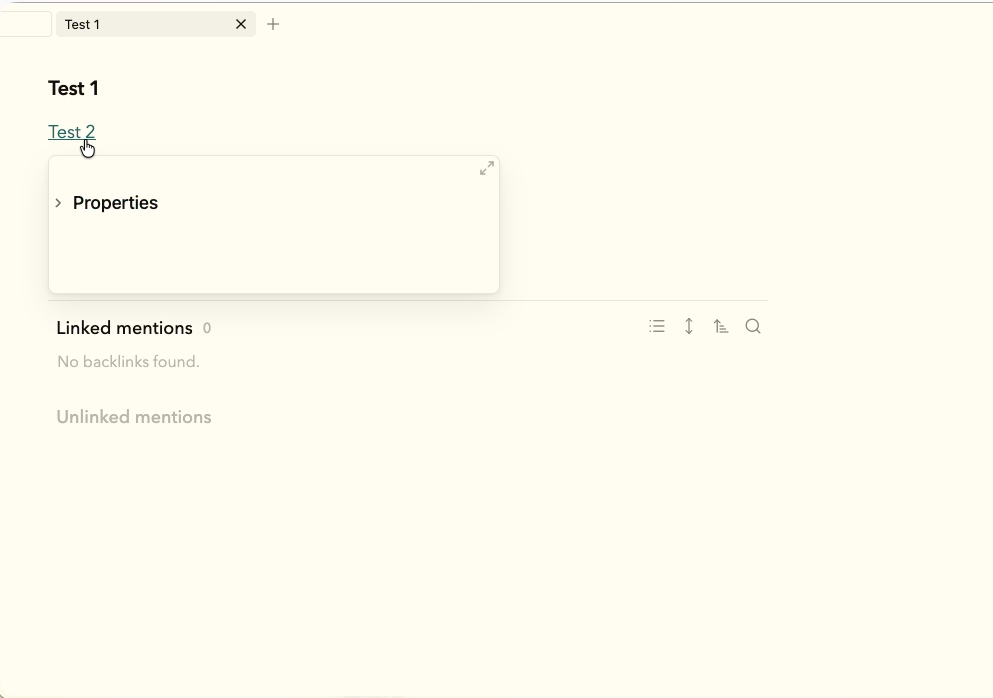
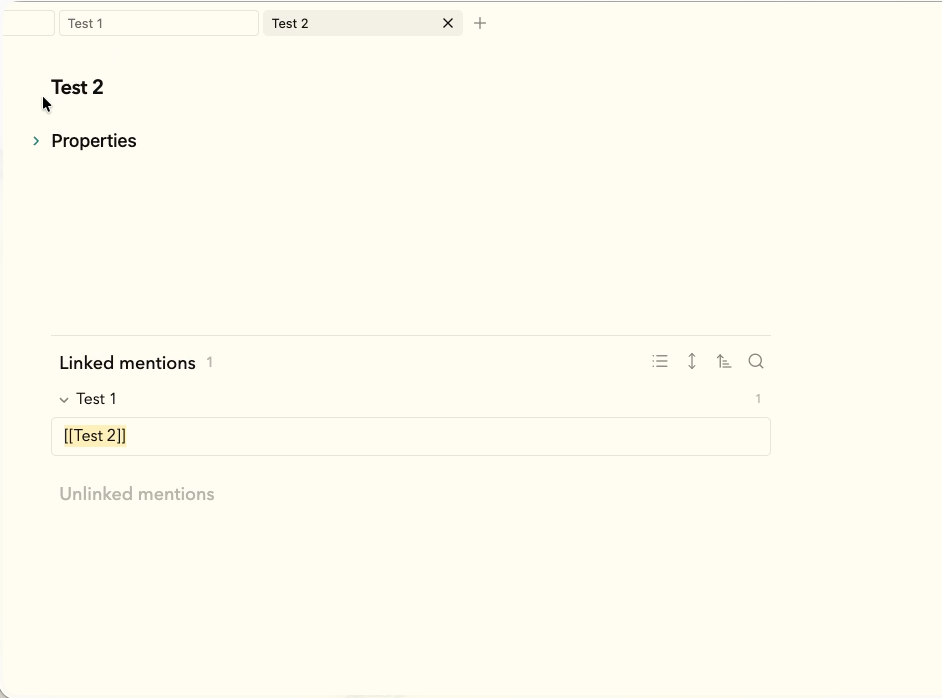
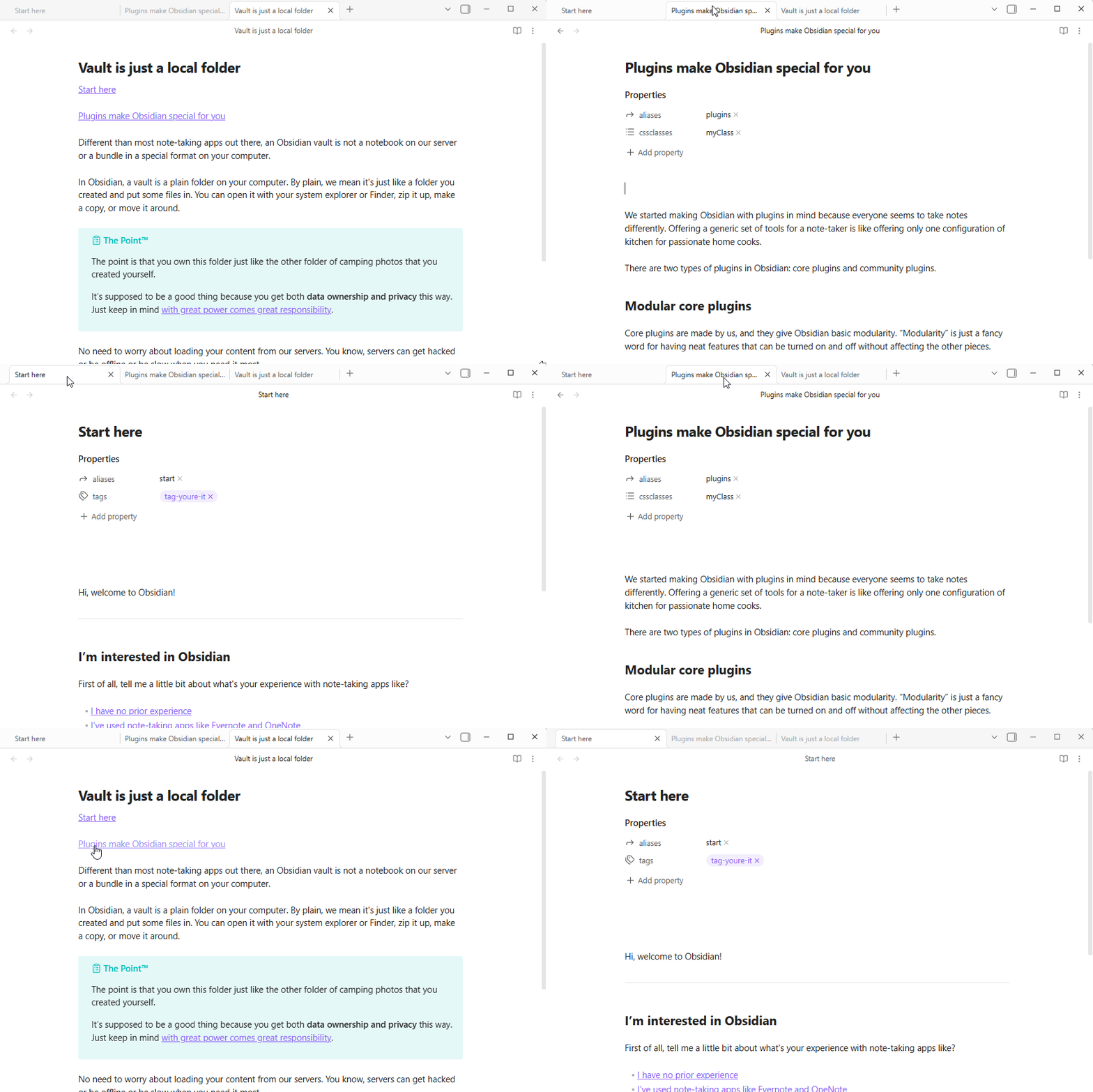
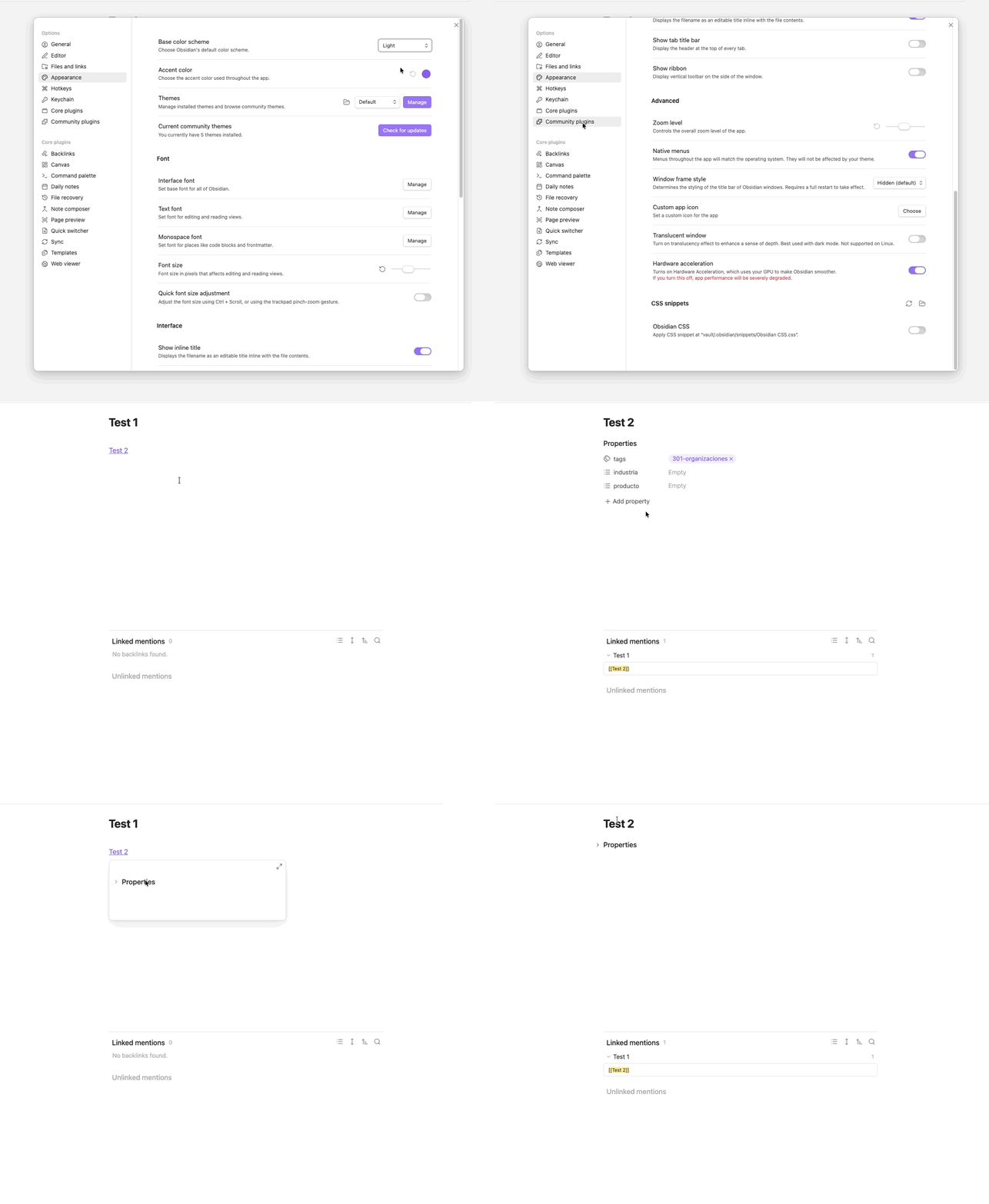
Every time I use the page preview, the Properties section of that file previewed gets folded, and then when I open that file, the properties are folded. It drives me crazy, I don’t ever want to see that section folded.
Proposed solution
Not sure if there is a technical limitation on this, but I would love to see the properties in the page preview. If there is a limitation, or if people don’t want to see the properties section in the page preview, at least hide that section ONLY in the preview, and then when I open the file, the properties section will be unfolded.
Thanks for the help @ariehen! In the sandbox I couldn’t reproduce the issue (everything works fine), but I tried applying default theme, turn off snippets and plugins, restarted de app, updated installer (and updated everything to last version), and the issue is still present:
I too have found my Properties unexpectedly collapsed, and I think it directly followed collapsing them in page preview, but I never got to the bottom of it. Expanding them again seemed to persist for me, so I assumed it was my configuration.
But in case it helps with troubleshooting, I’ll mention that the first time I noticed it was in the 1.9.7 release that included:
Fixed properties fold state not always saving correctly when file is in edit mode.
So I half figured Obsidian was now correctly saving something I didn’t realize I had set. But maybe it introduced this bug? Or maybe coincidental.
This has been driving me crazy for so long, some pages having missing properties, some not.
Checking source mode, on some pages, properties are visible, some are there but folded. Unfolding and leaving source mode does not reveal them.
The only thing that finaly fixed them was @Seba 's suggestion, and then a force reload, over and over again, with an affected page focused, each reload.
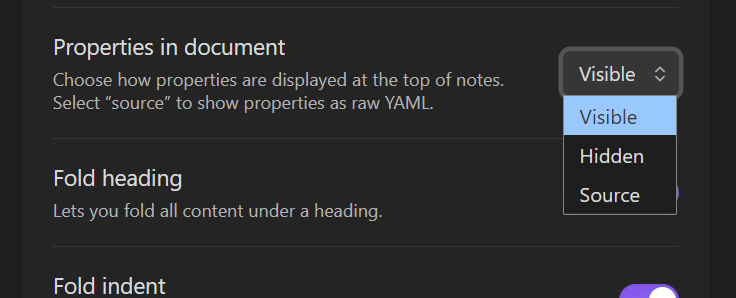
My question: why do we have to do this? What if I want ‘fold heading’ but not ‘fold indent’?
If they are not going to fix it, at least put a note in the editor settings “Warning: if you select both of these settings, properties will disappear on some of your pages!”