Disclaimer
Is this project open source? Yes, MIT license.
Is this project completely free? Yes. The plugin is free to install and DocFerry Cloud currently includes a free quota.
Is this project vibe-coded beyond the author’s ability to comprehend how it works? No. Docferry is developed and maintained by professional engineers.
Community Directory: DocFerry
Hi all! I built DocFerry for a straightforward sharing workflow I kept wanting in Obsidian:
Sometimes I do not want to publish a whole vault, folder, digital garden, or public site. I just want to send exactly one note to someone, keep the formatting readable, and be able to update or revoke that same link later.
DocFerry is a community plugin for that narrower workflow:
one selected note -> one secure share URL

What it does
Right-click a Markdown note and choose Share thru Docferry.
The publish dialog lets you:
- confirm or edit the title
- optionally add a password
- choose no expiration or a 30-day expiration
After publishing, the share URL is copied for you.
Here is a live example reader page:
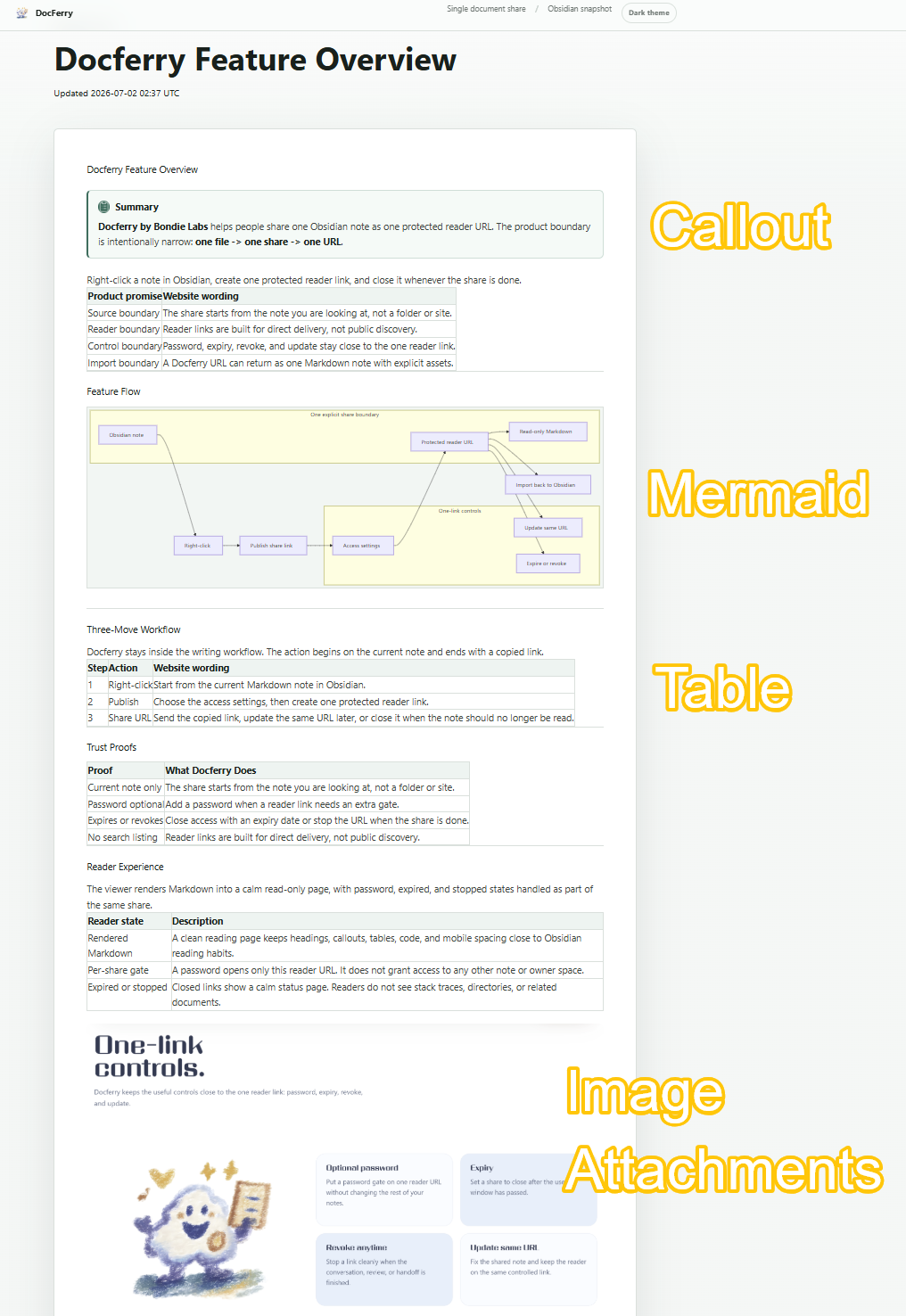
The reader view is meant to keep everyday note structure close to the source note. It supports common writing patterns such as callouts, Mermaid diagrams, tables, and image attachments. Referenced images and attachments can be shared together with the note in the same publish action, so you do not need to upload each attachment separately.
Updating the same link
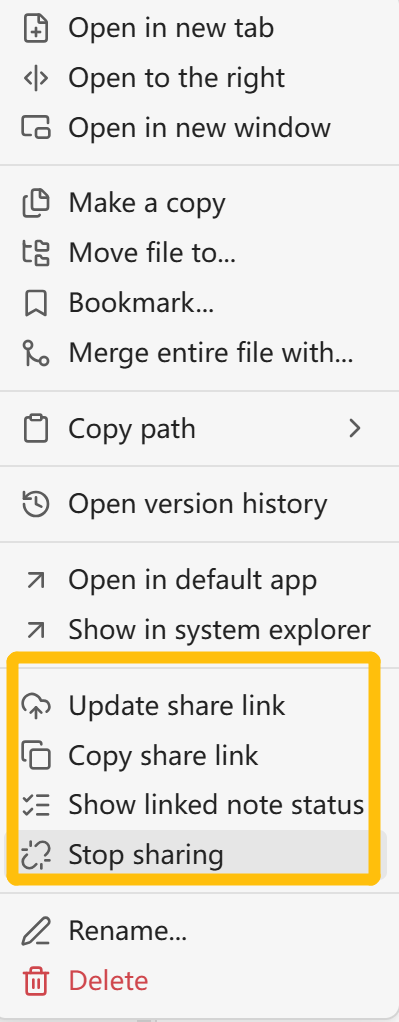
If a note has already been published, the right-click menu changes. You can:
- update the published content behind the same URL
- copy the existing share link
- check linked-note status
- stop sharing
Stopping sharing revokes the link, so the URL no longer serves the note.
Importing a shared note
DocFerry also has an import view. If someone sends you a DocFerry URL, you can paste it into the plugin view and import the shared note into your current vault as a local Markdown file. If the share is password-protected, the password prompt appears when needed.
What it intentionally does not do
DocFerry is not a full Obsidian Publish replacement. It does not publish an entire vault, folder, public directory, or digital garden.
It also does not automatically publish linked notes. If a shared note links to another note, that target note needs to be published separately before readers can open it through DocFerry.
I would especially appreciate feedback on:
- Are there note elements that do not render well enough in the reader page?
- Would you expect import to save assets in a different way?
- whether the import workflow is clear enough for receiving shared notes from someone else?


 But yeah If someone opens the service domain directly, it should explain what the service is.
 it!
it!


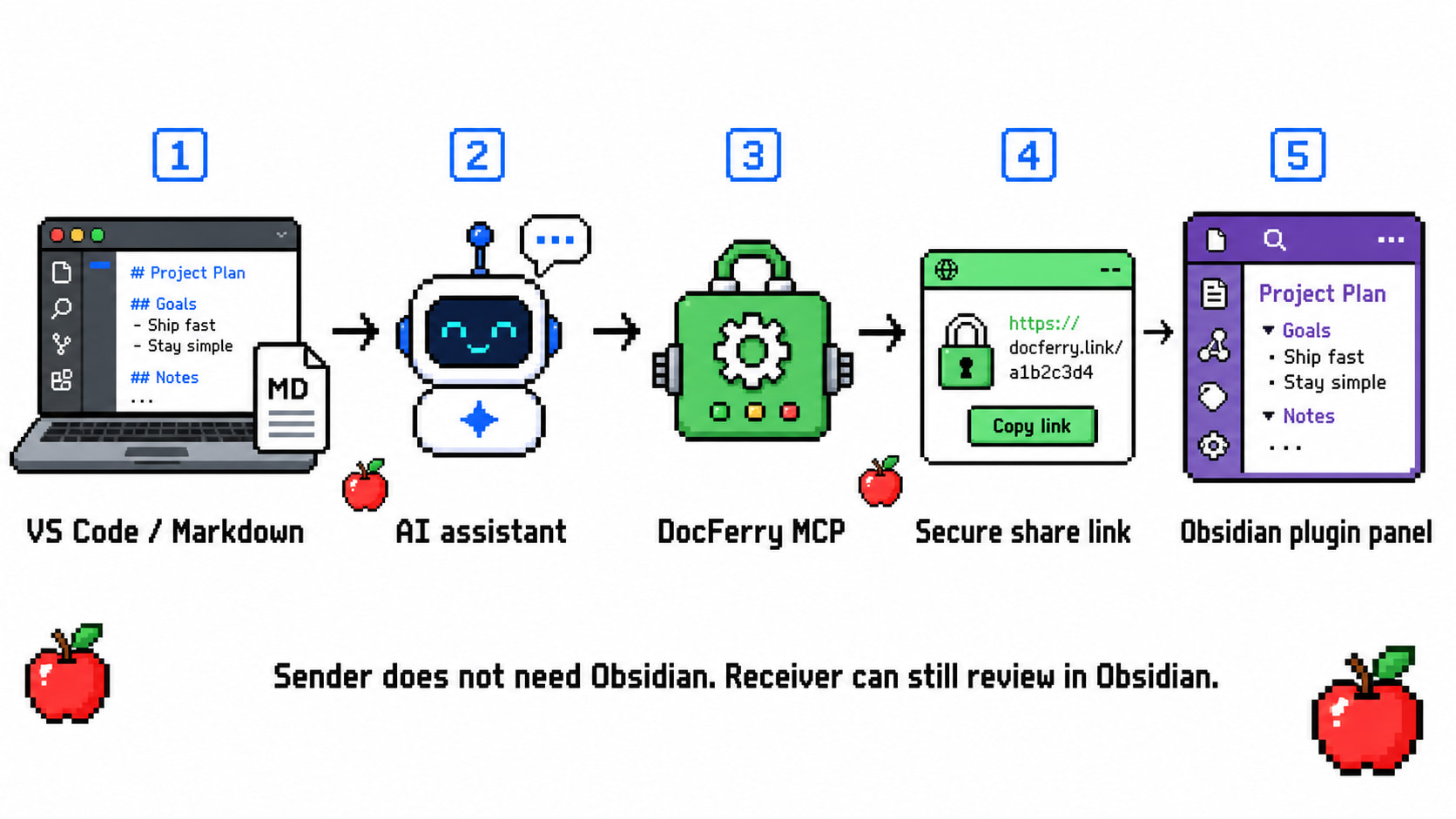
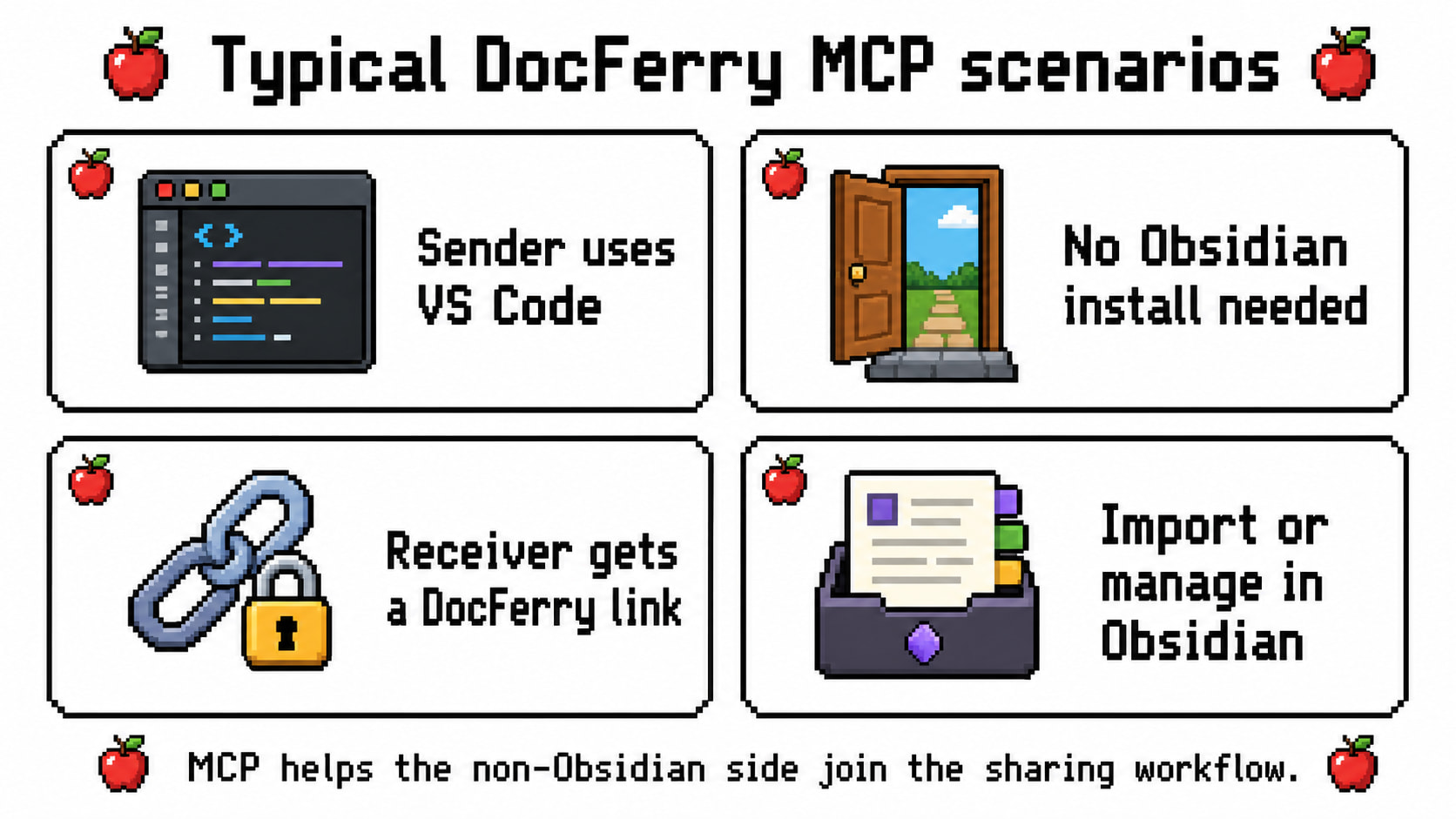
 Shares created or managed through MCP can still be reviewed from the DocFerry plugin panel in Obsidian.
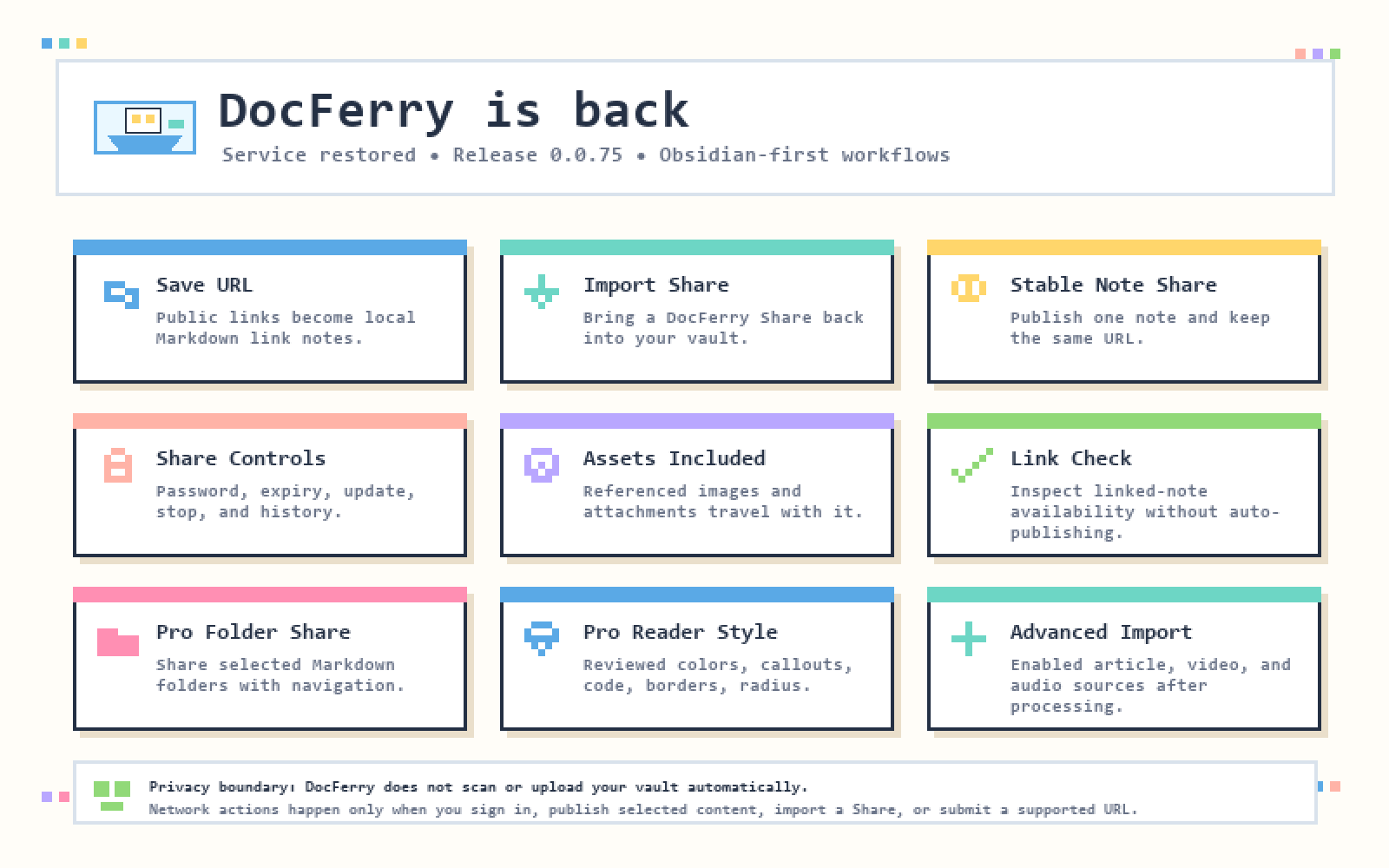
 Service restoration and feature update draft