Is this project open source? Yes
Is this project completely free? Yes
Is this project vibe-coded beyond the author’s ability to comprehend how it works? No
Community Directory: link
Hi Obsidian Community!
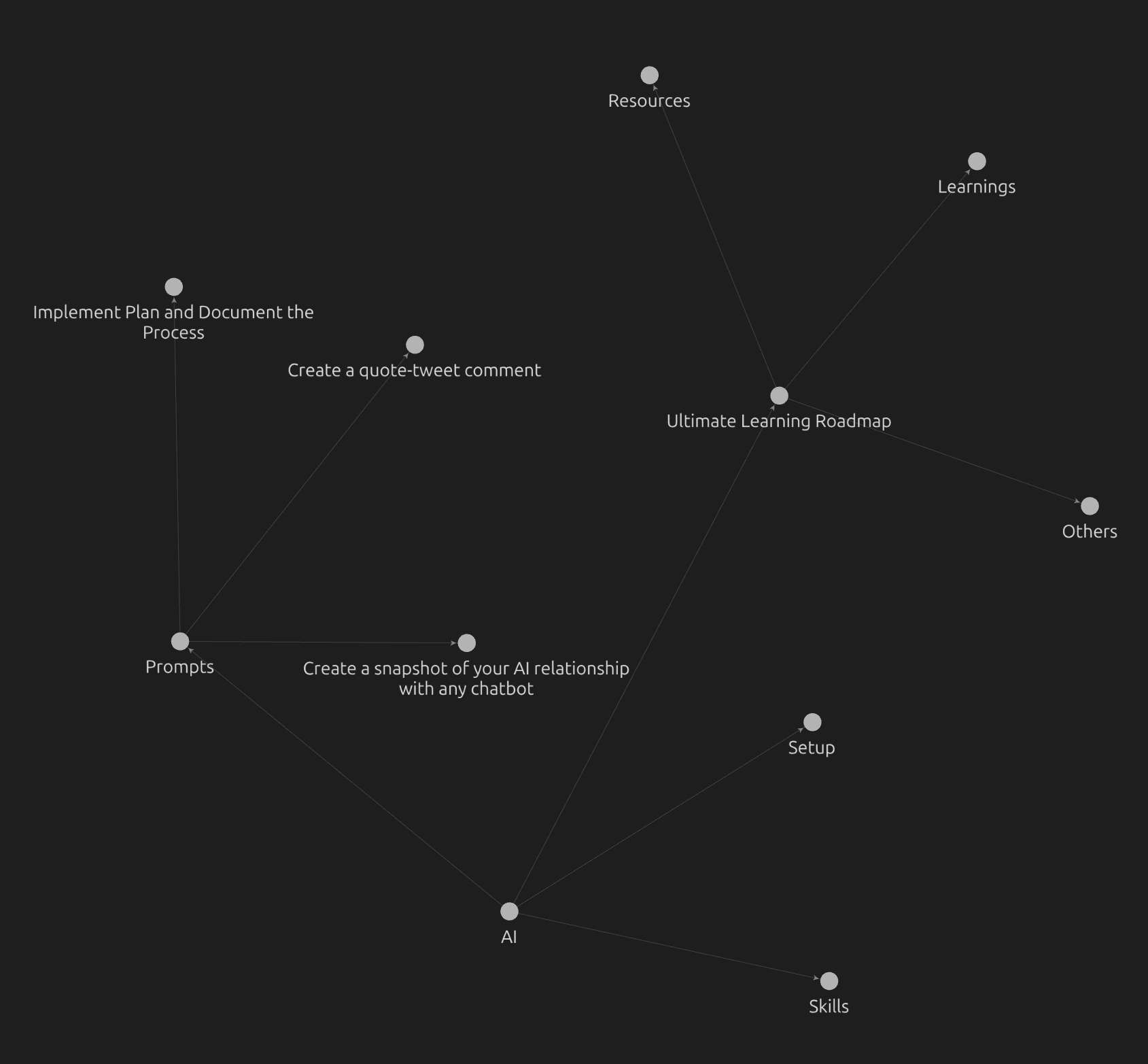
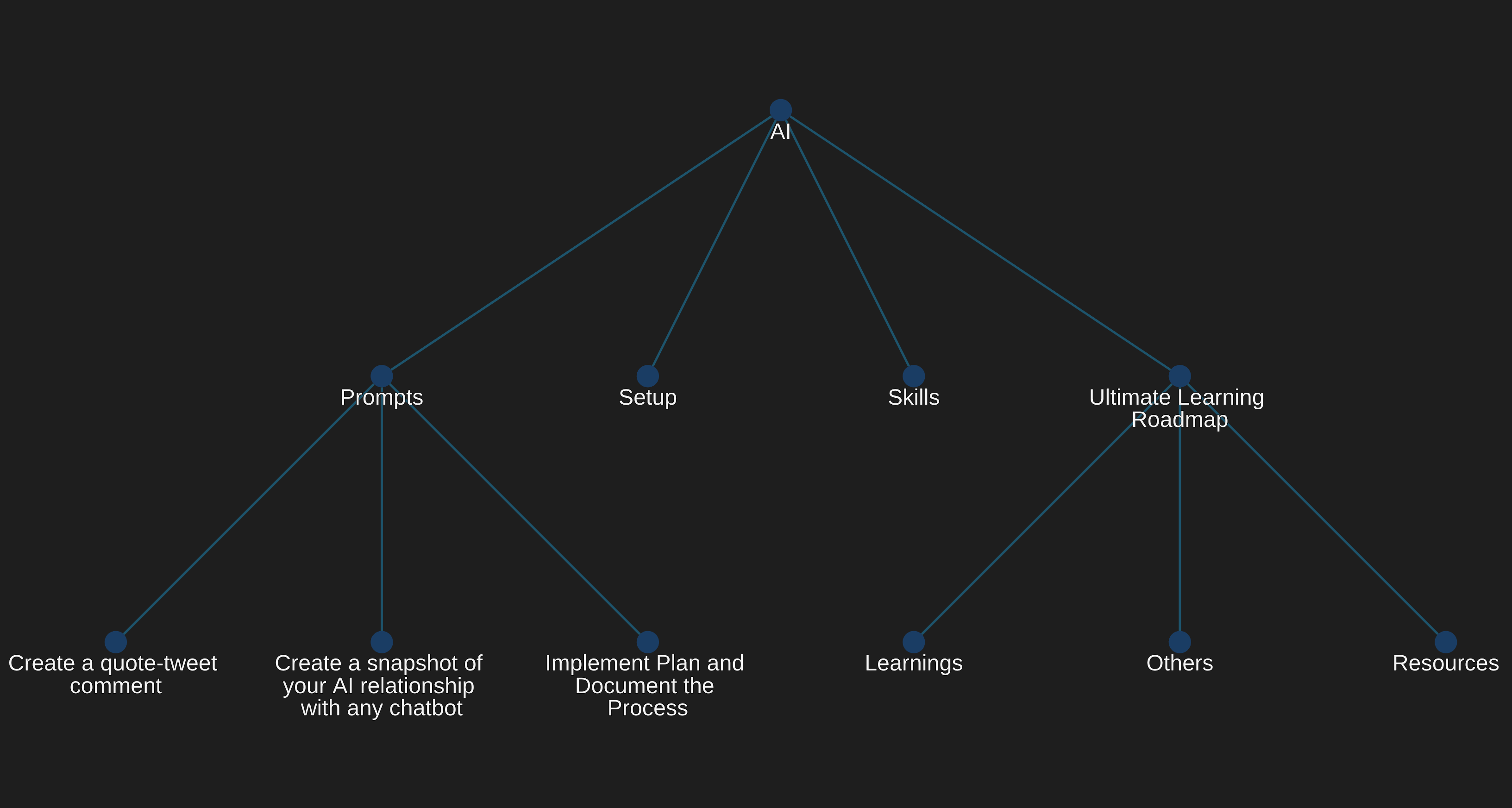
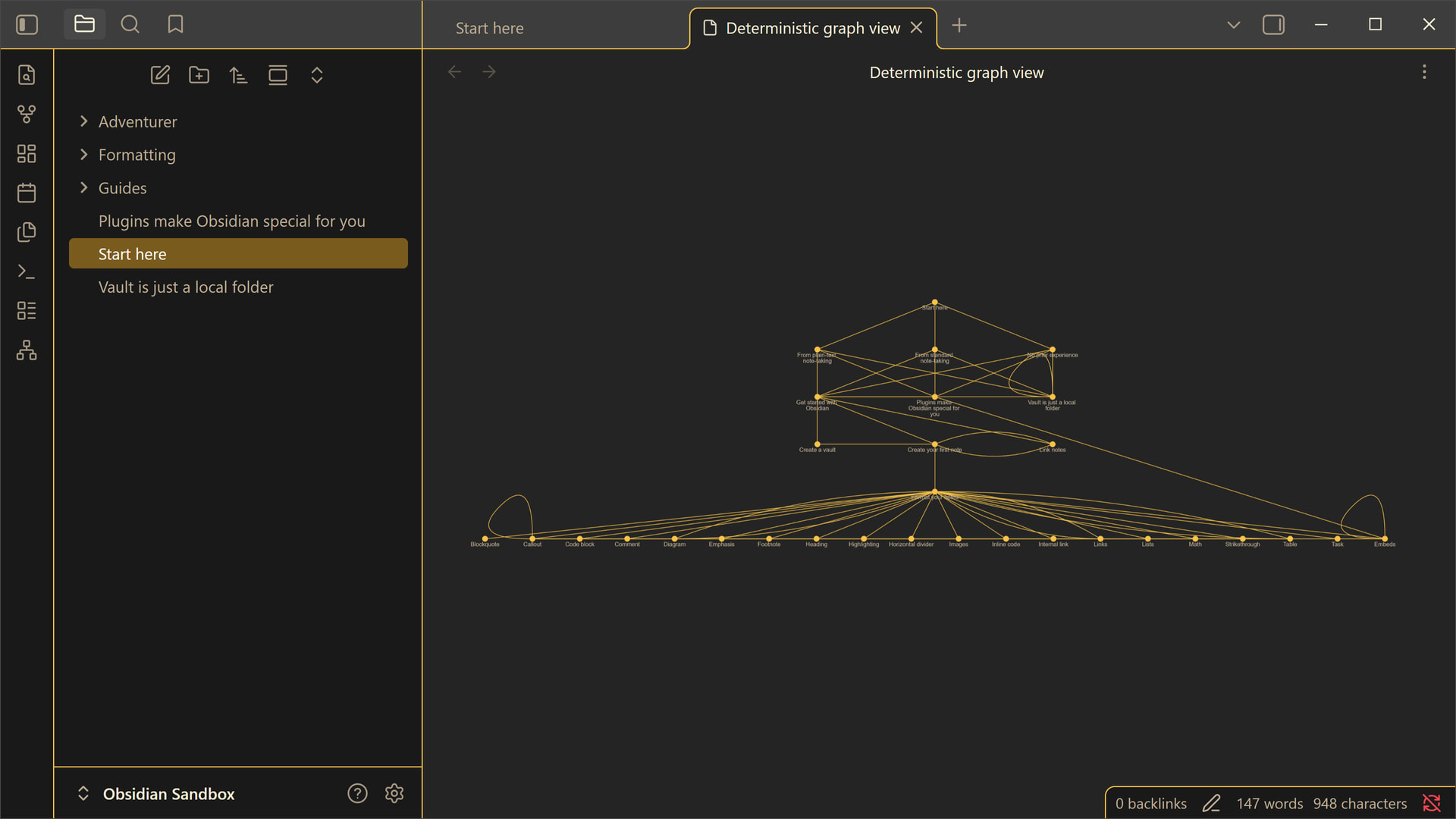
I’ve built the Deterministic Graph View plugin.
The goal is to provide the same experience as the official graph view, but in a Deterministic manner. Where the same files produce the same layout on every render.
I invite each and every one of you to dive in and experiment with it. Your feedback is invaluable, so don’t hesitate to share any issues you encounter or features you’d love to see added.
For now, the plugin is basically the graph and settings to tweak colors. But I’m planning to build on top of it to make it even more complete than the basic graph view (feature-wise).
Very cool concept! I just installed it to try it out, and I think it’s very clever. I honestly don’t use the graph view all that much, but I definitely see how this sort of view makes the graph view a lot more useful. I think it’s a genius concept; definitely keep it up.
I wanted to provide some feedback:
Command Palette Support
It would be invaluable to be able to open the graph view with a command. Personally, I go to settings > appearance and turn off “show ribbon.” Because of that, I couldn’t find the view intuitively and had to read the manual to figure it out. I assume many other users also keep the ribbon closed and rely fully on the command palette, which makes the current setup a bit hard to access.
Theme Compatibility
You might want to try the plugin with a brand new vault and a few of the top themes. I’m not entirely sure if this is a widespread issue or just a problem with one of my own custom themes (I haven’t done full test on this yet), but for some reason, the dots were very tiny and colors weren’t great, because there is such a variety of themes out there, maybe this plugin would benefit from adapting to the accent color of Obsidian. That way, it adapts to the theme more easily; it’s just an idea.
awesome!! glad it was helpful! great the command palette works great, great stuff. I’m sure this is a challenge but in my vault with 3,000 files it seems like it doesn’t load, or if it loads it does so at a very zoomed out view where I can’t see anthing, perhaps a button “zoom to fit” would be helpful anyway, but I don’t see any errors in the console so not sure what might be causing this, to be fair I do try it in the sandbox vault or a new vault and it does work well there, also it looks really cool with other themes
First, I’ll improve some features to allow handling a large number of files. For example, I just pushed a search. This will help some users navigate large vaults.
This looks useful. For large vaults, I think a zoom-to-fit command would be a good first step.
Search is also a good direction. If a search result could optionally center the graph on the matching file, that might make navigation much easier when the initial graph is very dense or zoomed out.